
AI Job Walk Documentation for Electrical Contractors: From Site Walk to Signed Quote
AI job walk documentation lets an electrician walk a site with their phone, dictate observations, and snap photos while AceWatt turns that capture into a structured report with material suggestions. The same documented scope feeds AI estimating, which drafts a quote from your own pricebook, so the walk, the quote, and the eventual invoice all come from one record instead of three retyped versions.
What a 90-Second Job Walk Looks Like on an Electrical Service Call

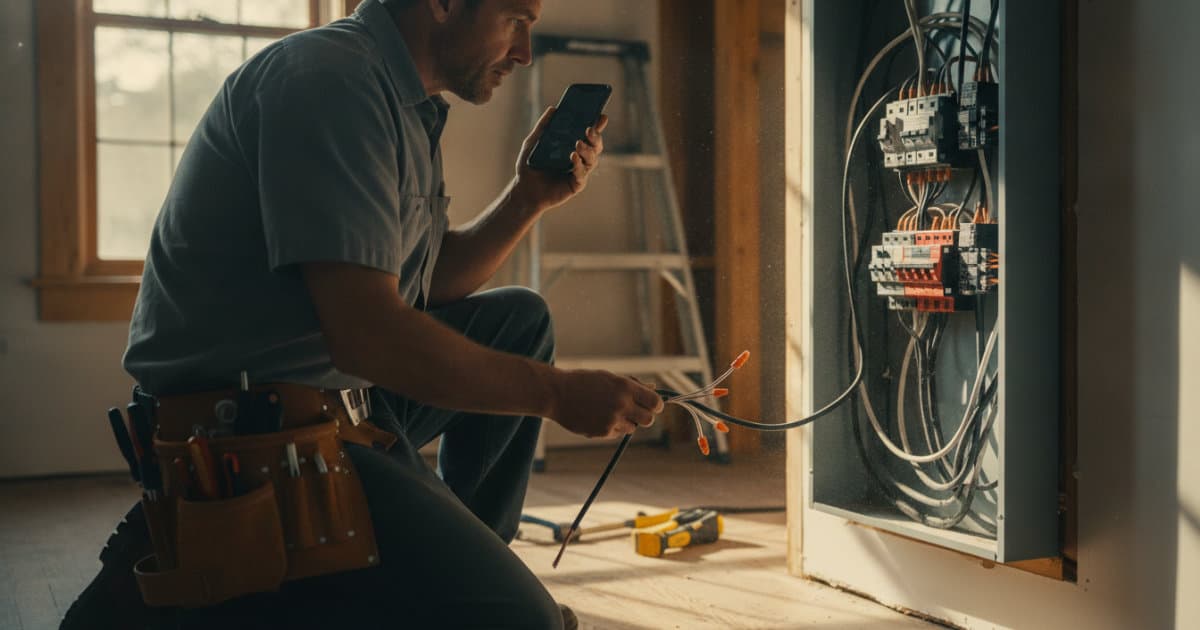
A customer calls about a finished basement with half the receptacles dead. You arrive, confirm the symptom, and open the job in AceWatt on your phone. As you walk the space, you dictate what you see: "Sixteen 15-amp receptacles, twelve on the north wall run. Panel is a 200-amp Square D QO, 28 spaces, 6 open. Breaker 14 for the basement circuit, no AFCI. Found a backstabbed receptacle at the wet bar, and the bathroom receptacle has no GFCI protection."
You snap three photos: the panel directory, the suspect receptacle, and the wet bar area. The walk itself takes about 90 seconds. From that dictated audio and those photos, AceWatt's AI Job Walk generates a report with material suggestions, sized to what you described: GFCI receptacles, an AFCI breaker for the basement circuit, device plates, and wire allowances.
That is the entire documentation step. No clipboard, no illegible notes deciphered at 9 p.m., no separate photo roll you have to match to a job by memory.
The Field Notes Electrical Contractors Lose Between the Truck and the Desk

Most electricians already document job walks. The problem is where the documentation lives: a pocket notebook, a texts-to-self thread, a voice memo buried in the phone, and photos in a camera roll alongside family pictures from the weekend.
The losses are predictable and measurable:
- Measurements that never make the quote. You counted 14 can lights on the walk and typed 12 into the estimate two days later. The shortage surfaces as a change order argument, or worse, as a margin you eat.
- Photos with no job attached. Six panel photos across three jobs, all taken the same week, and no record of which panel belongs to which customer.
- Code observations that vanish. You noticed missing GFCI protection in a bathroom but the note never reached the quote. If the customer later has an issue at that receptacle, you have no record that you flagged it.
- The retyping tax. A solo electrician who walks two sites a day and re-keys each capture into a spreadsheet loses a real half-hour per job before any quote goes out. That is an hour of unpaid desk time daily.
NEC 210.8 requires GFCI protection in bathrooms, and the 2023 NEC expanded coverage to more locations, including all kitchen receptacles. A code-relevant observation like that belongs in a report attached to the customer record, not in a pocket notebook. The voice job walk documentation app approach exists specifically to close that gap between the site and the office.
How AI Turns a Walked Site Into a Quote-Ready Scope
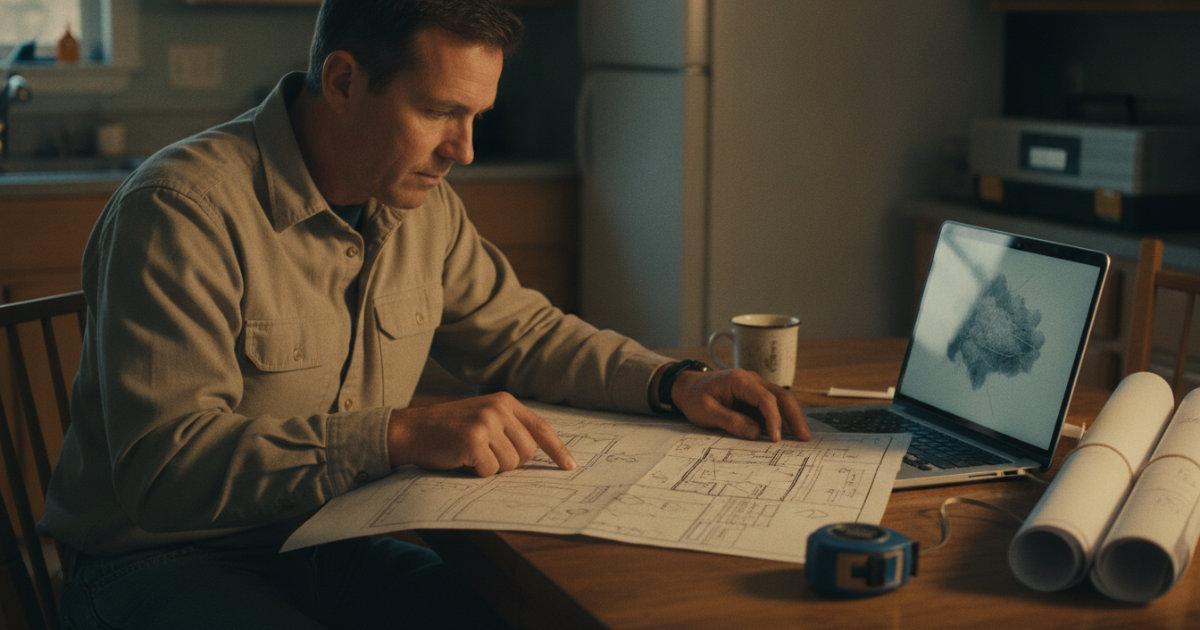
In AceWatt, the AI Job Walk output is not a transcript. It is structured capture: dictated notes and photos converted into an itemized site report with material suggestions. From there, AceWatt's AI estimating drafts a quote for your review, drawing on your company's pricebook and assembly templates rather than generic national pricing.
The workflow has three steps:
- Walk and capture. Open the job, dictate, photograph. AceWatt generates the report with suggested materials.
- Review the draft quote. The AI estimator pulls the documented scope into quote line items using your assemblies and rates. You check quantities, adjust labor, and approve. You can also start the estimate from photos alone, a typed description, or an uploaded PDF plan set for bigger projects.
- Send from the CRM. The quote goes out tied to the customer record, so the pipeline tracks it from quote to job to invoice to paid.
The review step matters. AI drafts the scope, but the licensed electrician signs off on pricing, labor hours, and code interpretation before anything reaches the customer. You can watch AceWatt's AI voice job walk in action to see how much of the drafting is already done by the time you sit down to review.
What Goes Into the AI-Generated Report: Outlets, Panels, Wire Runs, and Fixtures
On a real electrical service call, the documented items are electrical, not generic construction notes. Here is what a walked-site report typically captures:
- Device counts. Receptacles by amperage and circuit, switches by type (single-pole, 3-way, 4-way), dimmers, and fan controls.
- Panel details. Main breaker size, bus rating, brand and series, total spaces, used spaces, and open spaces. Open spaces determine whether you can add circuits or need a subpanel, which is often the difference between a $400 repair and a $2,800 panel upgrade conversation.
- Wire runs. Approximate lengths and conductor counts for new circuits, plus cable type where it matters, such as UF for direct burial on an exterior run.
- Fixtures and loads. Recessed can counts, fixture types, exhaust fans, and any known continuous loads that affect circuit design.
- Code-relevant observations. Missing GFCI protection under NEC 210.8, missing AFCI where the 2023 NEC requires it for areas like basements, panels with no working clearance under NEC 110.26, or tandem breakers used where the panel is not listed for them. The NEC is published by the NFPA, and OSHA's construction electrical standards cover the worker-protection side on job sites.
Each of those items, once in the report, becomes quotable scope. A missing-GFCI observation becomes a line item for replacing six receptacles, priced from your own book, without you re-counting anything at the desk.
From Job Walk to Accepted Quote Without Re-Keying a Single Line
The financial payoff of documentation is speed to quote, and speed to quote wins jobs. In AceWatt, once you approve the drafted quote, the rest of the chain runs without re-entry:
- When the customer accepts the quote, AceWatt creates a draft invoice with the quote's line items copied over. Nothing is re-typed.
- AceWatt can create a deposit invoice at acceptance and email it with a pay link, so a materials deposit is collected before you order gear.
- The customer can open the quote and invoice from an emailed link in the customer portal, and pay online by card.
- If the invoice goes unpaid, AceWatt emails automatic reminders at 1, 7, 14, and 30 days past due, and the invoice aging report shows exactly what is outstanding from 0 to 30 days through 120-plus.
For larger projects, milestone billing lets you invoice by percentage of completion against the same documented scope, so progress billing draws from the original walked estimate rather than a separately maintained spreadsheet.
How AceWatt's AI Job Walk Fits With CRM, Dispatch, and Invoicing
AI Job Walk is included in the Growth plan at $99/month for up to 5 users, which also includes AI Copilot and Voice, the schedule optimizer, an AI document scanner, commission tracking, the customer portal, and QuickBooks-ready exports. Starter ($49/month, 1 user) covers the core CRM, AI quote builder, basic dispatch, and calendar; Scale ($199/month) adds unlimited users, route optimization between stops, and a dedicated support contact.
Growth plans include 10,000 promo AI credits per month through November 19, 2026. If you run heavy on AI credits, top-up packs cost $5 for 25 requests, $15 for 100, or $40 for 300, never expire, and roll over month to month.
Because the walk output lives inside the CRM, it connects to everything downstream:
- Dispatch and scheduling. The documented job flows to the drag-and-drop dispatch board with skill-based scheduling suggestions, and techs clock in from their phones with location recorded against the job site.
- Job tracking. The pipeline tracks the job from quote to invoice to paid, with AI Copilot able to give you a financial summary or your schedule by voice when you are driving.
- Accounting. QuickBooks-ready exports, including an invoice-list spreadsheet and a payroll-hours CSV in QuickBooks layout, close the loop with your bookkeeper. Full QuickBooks sync is in development.
Contractors handling emergency calls can extend this further; the dispatch and CRM playbook for turning emergency service calls into repeat maintenance work shows how a single documented service call becomes a customer record with history. And if you are evaluating tools more broadly, the 2026 guide to AI field service software for electricians covers how the pieces fit together.
For a solo electrician, the math is simple: two walked sites a day, a 90-second capture each, and the end-of-day pile of paper notes plus the half-hour of retyping disappears. AceWatt offers a 14-day trial, and if you subscribe, annual billing saves roughly two months compared to monthly.
FAQ
Does AI job walk documentation work without cell signal on site?
Partially. AceWatt queues a defined set of field actions while offline, including clock in and out, new leads, field notes, expenses, and project notes, then sends them when the connection returns. Customer and job lists need a connection, so open the job before you lose signal in a basement or mechanical room. The offline behavior is covered in detail in AceWatt's offline capture checklist for electricians.
Can the AI build the quote from photos alone, or do I have to dictate?
AceWatt's AI estimating can draft a quote from a job walk, photos, a typed description, or an uploaded PDF plan set. Dictation and photos together produce the richest report, since spoken observations capture context like "backstabbed receptacle at the wet bar" that a photo alone does not show.
Which plan includes AI Job Walk?
AI Job Walk is part of the Growth plan at $99/month for up to 5 users. Growth includes 10,000 promo AI credits per month through November 19, 2026, and top-up credits never expire.
Does the customer have to sign anything during the walk?
No. The walk is internal documentation. Customers later receive the quote by email and can e-sign quotes and contracts from an emailed link. Change orders are approved inside your company, not customer-signed in the app.
Does AceWatt sync with QuickBooks?
Today AceWatt provides QuickBooks-ready exports: an invoice-list spreadsheet and a payroll-hours CSV formatted for QuickBooks. Full QuickBooks sync is in development but is not live, so plan on importing those exports until it ships.
Walk your next service call with AceWatt's AI Job Walk on a 14-day trial and see how fast a 90-second capture turns into a sent quote.