
Invoice list your bookkeeper can use
Approved invoices land on a spreadsheet with number, customer, status, total, balance, and due date, so the office stops re-keying invoice data into QuickBooks by hand.
Integration
AceWatt hands your bookkeeper clean QuickBooks-ready exports instead of a stack of paper tickets. Approved invoices land on an invoice-list spreadsheet and crew hours land on a QuickBooks-format payroll CSV. There is no native real-time sync today; a full QuickBooks sync is in development.
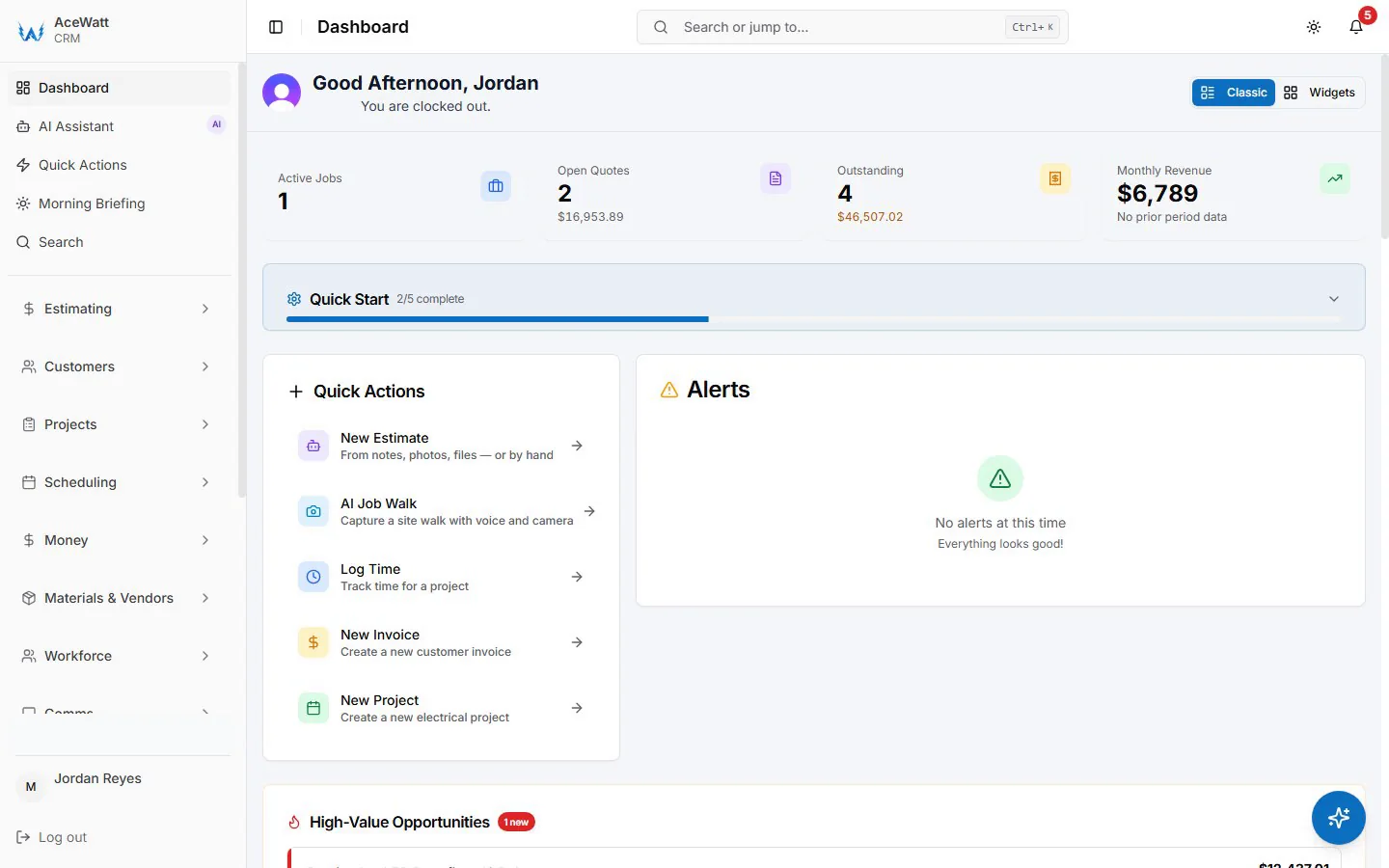
Screens from a demo company with sample data.
Approved invoices export to an invoice-list spreadsheet with invoice number, customer, status, total, balance, and due date. Crew hours export as a QuickBooks-format payroll CSV for your bookkeeper. Every line item and tax calculation stays on the invoice in AceWatt. This is an export workflow, not a live two-way connection; full QuickBooks sync is in development.
Approved invoices land on a spreadsheet with number, customer, status, total, balance, and due date, so the office stops re-keying invoice data into QuickBooks by hand.
Crew hours export as a QuickBooks-format payroll CSV, keeping timesheet reconciliation out of spreadsheets built from scratch each week.
Materials, labor line items, and tax calculations remain attached to the invoice in AceWatt, so what the customer approved is what the bookkeeper sees.
If you run multiple QuickBooks company files, your bookkeeper assigns each exported invoice to the correct entity during import.
Keep exploring
Pages on the work that connects to this one.
FAQ
Not in real time today. AceWatt provides QuickBooks-ready exports: an invoice-list spreadsheet and a QuickBooks-format payroll hours CSV. A full QuickBooks sync is in development and will be announced on this page when live.
QuickBooks-Ready Exports are included on the Growth ($99/month) and Scale ($199/month) plans. See /pricing for current plan details.
Approved invoices export with invoice number, customer, status, total, balance, and due date. Crew hours export as a QuickBooks-format payroll CSV. Line items and tax calculations stay on the invoice in AceWatt.
Yes. Your bookkeeper assigns each exported invoice to the correct QuickBooks company file during import, which works for shops running multiple entities.
Full sync is in active development. Ask during a demo or check this page for the current status before relying on it for your workflow.
Start with AceWatt Starter at $49/month, then grow into AI workflows and team visibility when the shop needs them.