Assign crew with context
See which electrician or crew is assigned to a job while customer details and scope notes remain attached to the record.
Electrical scheduling software
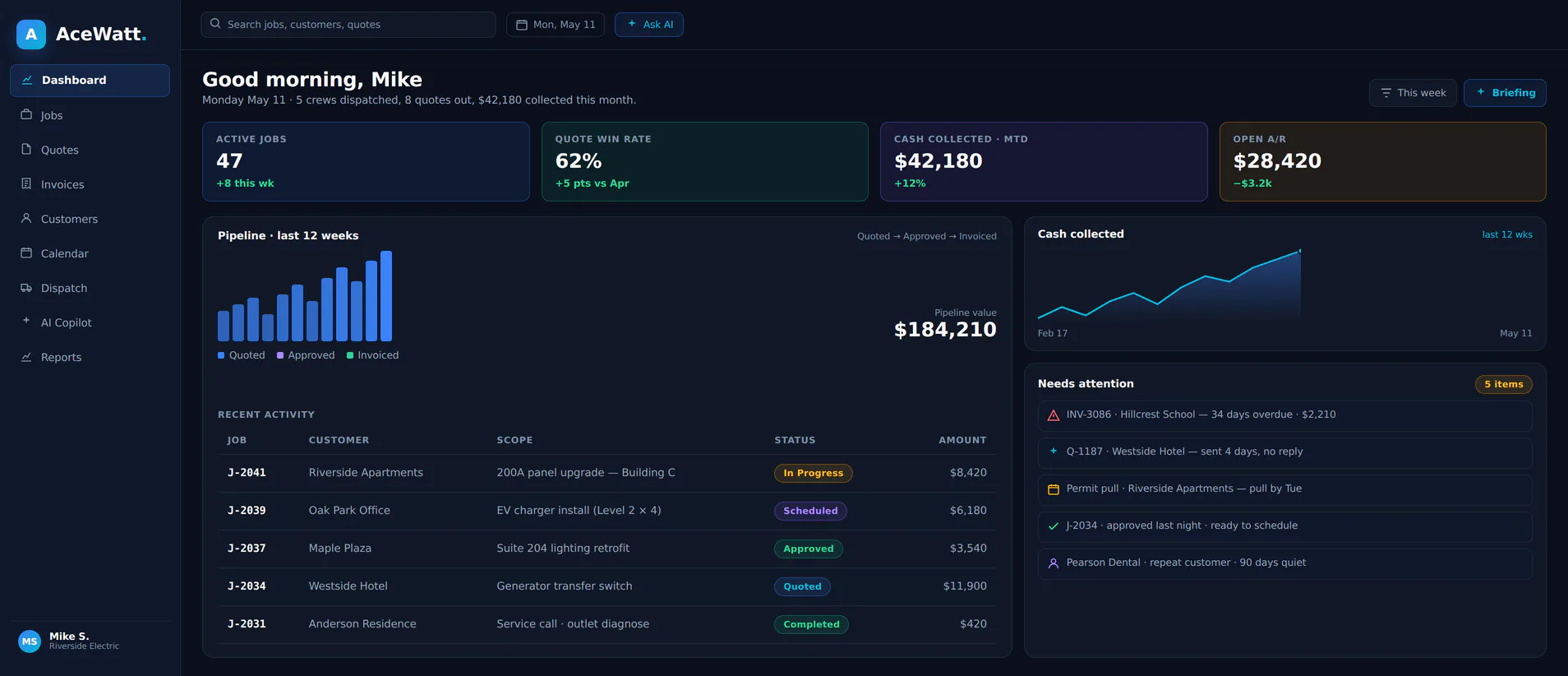
AceWatt gives electrical contractors a scheduling workflow that keeps crew assignment, job status, customer details, and field context visible without promising auto-dispatch or route optimization.
What this helps fix
See which electrician or crew is assigned to a job while customer details and scope notes remain attached to the record.
Keep scheduled, in-progress, follow-up, and invoice-ready work visible inside the CRM instead of a side spreadsheet.
Photos, voice notes, job-walk observations, and next steps stay with the scheduled job for office handoff.
Workflow
Three visible steps for keeping crew assignment, job status, and field context connected without claiming auto-dispatch or route optimization.
Choose the electrician or crew for the scheduled work while keeping customer details and scope context attached to the job record.
Move the job through scheduled, in-progress, follow-up, and invoice-ready statuses so the office and field share one view.
Keep photos, voice notes, job-walk context, and next actions with the scheduled job for estimate, invoice, or follow-up handoff.
Internal links
These crawlable links keep every Phase 1 SEO page within two clicks of the homepage.
FAQ
Electrical scheduling software helps electrical contractors assign crews, track job status, and keep customer and field context attached to scheduled work.
No. AceWatt focuses on schedule visibility and job context. Dispatch decisions stay with the contractor and office team.
AceWatt does not claim route optimization. The scheduling workflow is built around crew assignment visibility, status, and field-to-office handoff.
Completed work can carry scope notes, job status, and follow-up context into invoice workflow so the office does not restart from memory.
Start with AceWatt Starter at $49/month, then grow into AI workflows and team visibility when the shop needs them.
View AceWatt pricing