
Voice-to-text job walk notes
Speak your observations while you walk. AceWatt uses your phone's built-in speech recognition to capture the notes, so nothing depends on typing one-handed at a panel.
Voice job walk workflow
Talk through the site walk on your phone's browser. AceWatt captures voice-to-text notes, attaches photos, and uses AI to turn walkthrough notes into quote-ready scope — before details fade between the site and the office.
Job walk app for electricians →AI answering service for electricians →Best electrician apps 2026 →
A voice job walk documentation app captures what you see and say during the walkthrough by voice instead of a notebook or a typing-heavy form. AceWatt turns spoken observations into text on the job walk screen, keeps photos attached to the notes, and hands the whole package to AI to structure into scope your estimator can price.
How it works
Three steps, all on your phone's browser. Each step below is mirrored in HowTo structured data for answer engines.
Open AceWatt in your phone's browser and speak your job walk notes. Voice-to-text uses the device's built-in speech recognition, so your hands stay free while you walk the site.
Snap panels, equipment nameplates, access points, and problem areas from the same job walk screen so every observation has visual context tied to the note.
AceWatt turns your spoken walkthrough notes and photos into organized, quote-ready scope your estimator or owner reviews before pricing — no re-typing at the office.
Features
Speak your observations while you walk. AceWatt uses your phone's built-in speech recognition to capture the notes, so nothing depends on typing one-handed at a panel.
Attach panel photos, nameplates, and site conditions directly to the job walk record so scope conversations start from evidence, not memory.
AI summarizes the spoken walkthrough into structured, quote-ready scope that an estimator or owner reviews and prices — cutting the office re-keying step.
AceWatt is a mobile web app: open it in Safari, Chrome, or another modern browser on your phone. No app-store listing, nothing to sideload, same access on any device.
Every job walk lands on the customer record with quote status, follow-up owner, and next action — the walk becomes a pipeline step, not a loose note.
Quote-ready notes flow into the estimate workflow and the schedule, so the site walk turns into a priced, scheduled job instead of a voicemail to the office.
Inside AceWatt
Real AceWatt screens: the AI Job Walk start screen, a quote in the quote builder, and the capture buttons on a phone.
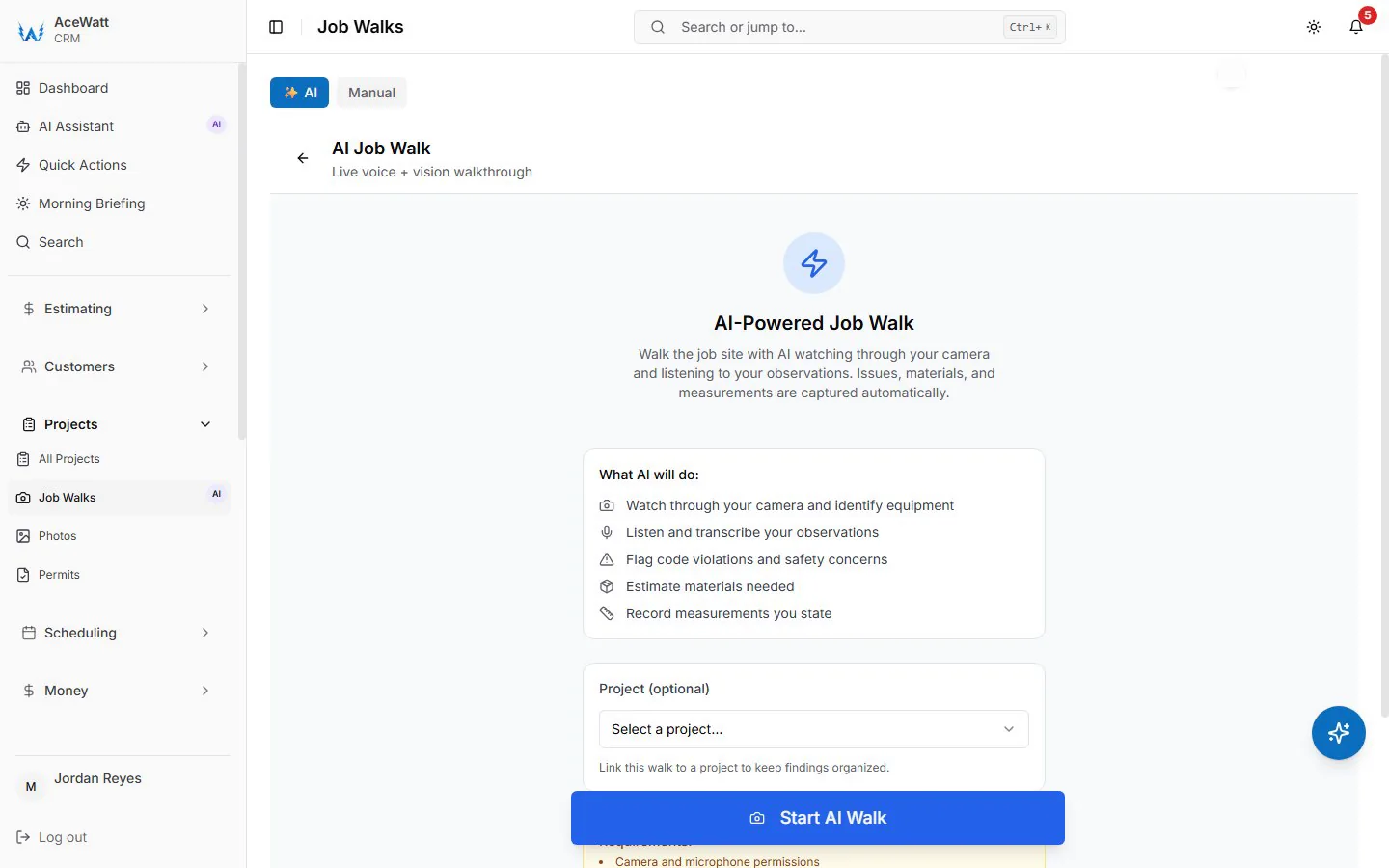
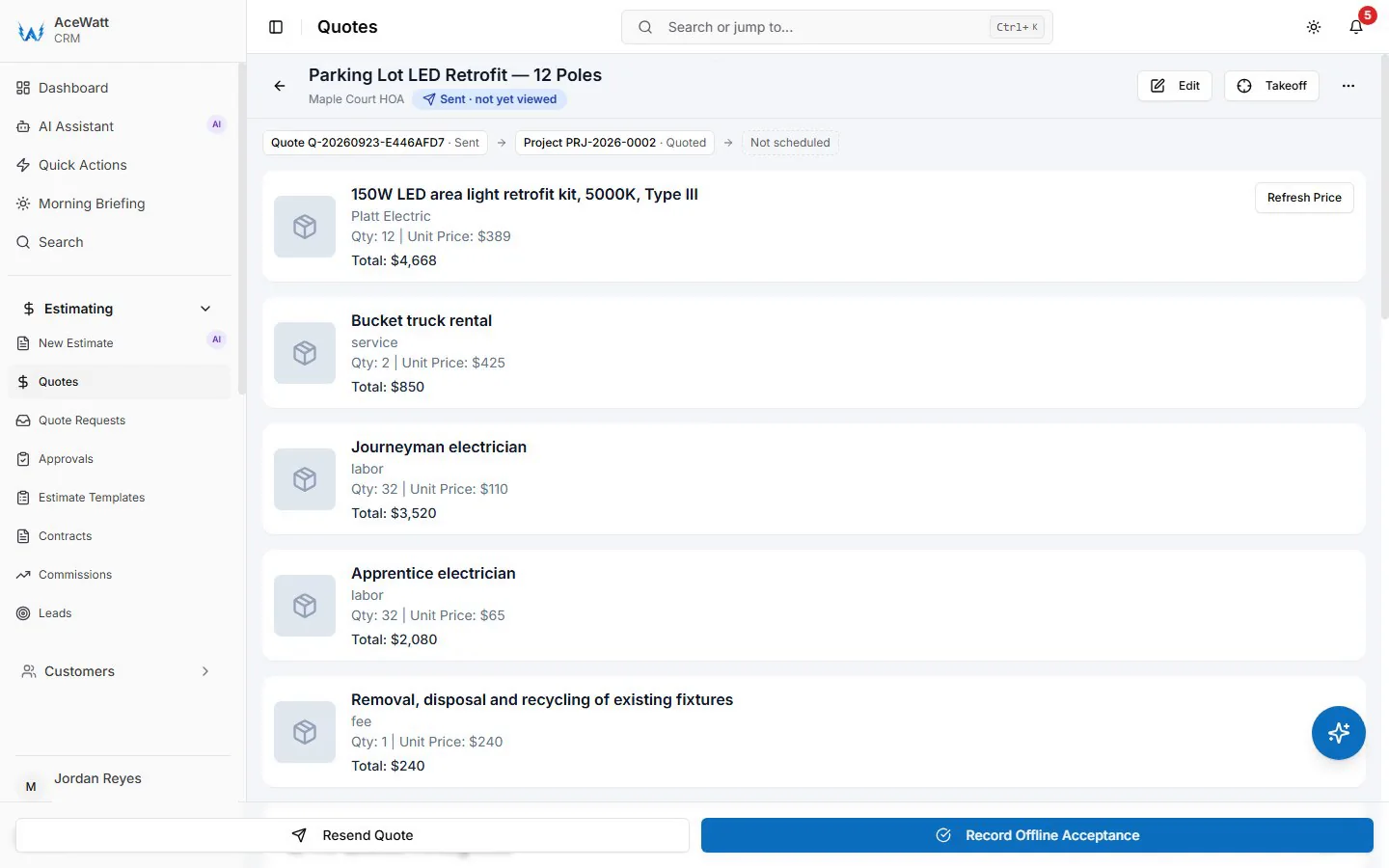
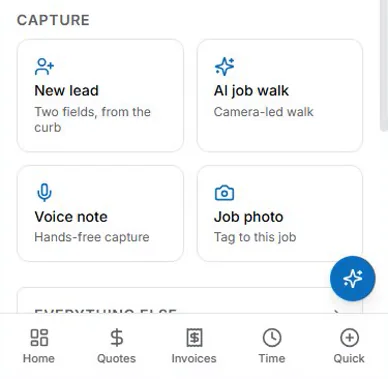
Screens from a demo company with sample data.
FAQ
A voice job walk documentation app lets electrical contractors capture walkthrough findings by speaking instead of typing. AceWatt converts spoken notes to text using the phone's speech recognition, attaches photos, and uses AI to turn the walkthrough into quote-ready scope.
AceWatt runs as a mobile web app in your phone's browser — there is no app-store listing. You use the same AceWatt account from any modern browser, on your phone in the field and on a computer in the office.
Voice-to-text uses the speech recognition built into your phone's browser and operating system. You talk through the walkthrough; AceWatt records the transcript as job walk notes you can edit before anything reaches the customer.
Yes. AceWatt's AI turns the spoken walkthrough notes and attached photos into structured, quote-ready scope. You or your estimator review and adjust it before the estimate goes to the customer — the AI drafts, you decide.
AceWatt plans start at $49/month for small electrical shops, and AI job walks are included on the Growth plan and up. Choose Growth or Scale at checkout to test voice job walks on a real site during the 14-day free trial. See the pricing page for current plan details.
Watch the 5-minute walkthrough to see a job walk turn into a quote, or start a free trial and try it on your next site.