
Job Photo Documentation for Electricians: The 2026 Field Guide
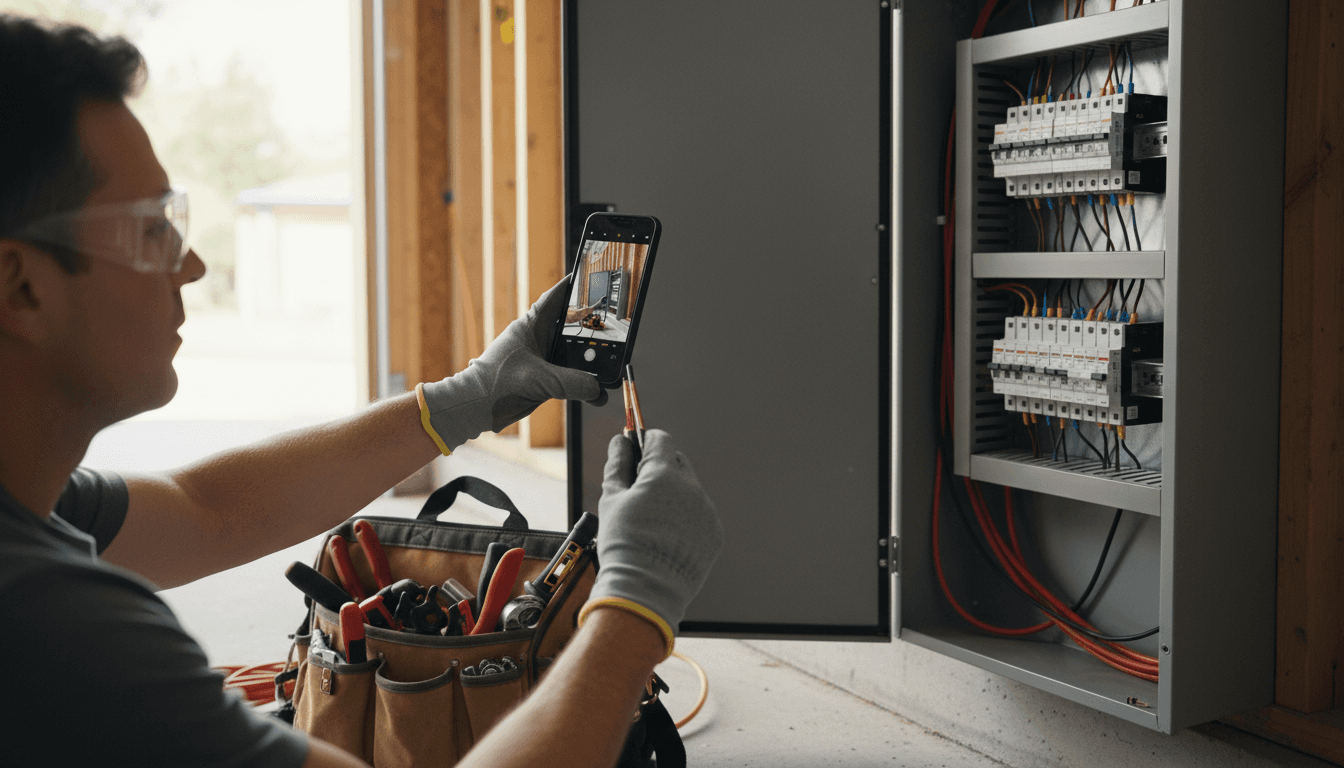
Job site photo documentation is the habit of photographing electrical work as you do it, so every job carries a visual record of what you found, what you did, and what it looked like when you left. For electricians it is not a marketing nicety. It is the cheapest dispute protection a shop can buy. When a homeowner says a device was already scratched, when a general manager questions a change order, or when an inspector asks what was in the wall before drywall closed, the photos answer in a way no invoice line ever will.
The generic-contractor photo apps on the market treat documentation as a filing problem. Electricians have a narrower and sharper need: specific moments on specific kinds of jobs that prove condition, scope, and completion. This guide covers those moments, compares the photo documentation apps contractors actually evaluate, and explains why the strongest version of this workflow lives inside your CRM rather than in a second app.
What Job Site Photo Documentation Is
Job site photo documentation means every photo taken on a job is captured into a system that stamps it with time, organizes it under the right job, and keeps it somewhere you can find it a year later. The value shows up in three places:
- Dispute protection. Before-and-after photos of a panel replacement answer "you scratched my panel" in one swipe.
- Pre-existing damage proof. Photos of the wall, trim, and nearby surfaces before work starts end the argument about who made the mark.
- In-wall records. A photo of open walls with wiring in place, taken before drywall goes up, is the only record of that rough-in that will ever exist.
That last one is the electrical-specific proof point most photo guides miss. Once the wall closes, the record is gone unless someone photographed it. A rough-in photo with date and location attached has settled more than one fire-cause argument and more than one change-order disagreement.
The Moments Electricians Must Photograph
Not every job needs a hundred photos. These are the moments that matter:
- Before any service panel work. The panel as found, door open, with the condition of the enclosure and surrounding wall visible.
- Open walls with wiring in place. Every rough-in run before insulation and drywall. Conduit routes, box positions, grounding connections.
- Meter and main disconnect locations. These establish where service equipment sat and in what condition, before and after.
- Attic and crawl runs. Cable routing through spaces nobody visits until something goes wrong.
- Damaged devices found on site. The burnt receptacle, the scorched breaker, the melted plug end. This is the evidence behind the recommendation and the upsell.
- Completed installs. Finished device and plate installs, the closed panel with labels, the mounted EV charger. This is your before-and-after pair and your closeout record.
A start-of-job set, an in-wall set, and an end-of-job set covers almost every dispute an electrical shop faces. The trick with job site photo documentation is making the capture so fast that techs actually do it, which is where the apps come in.
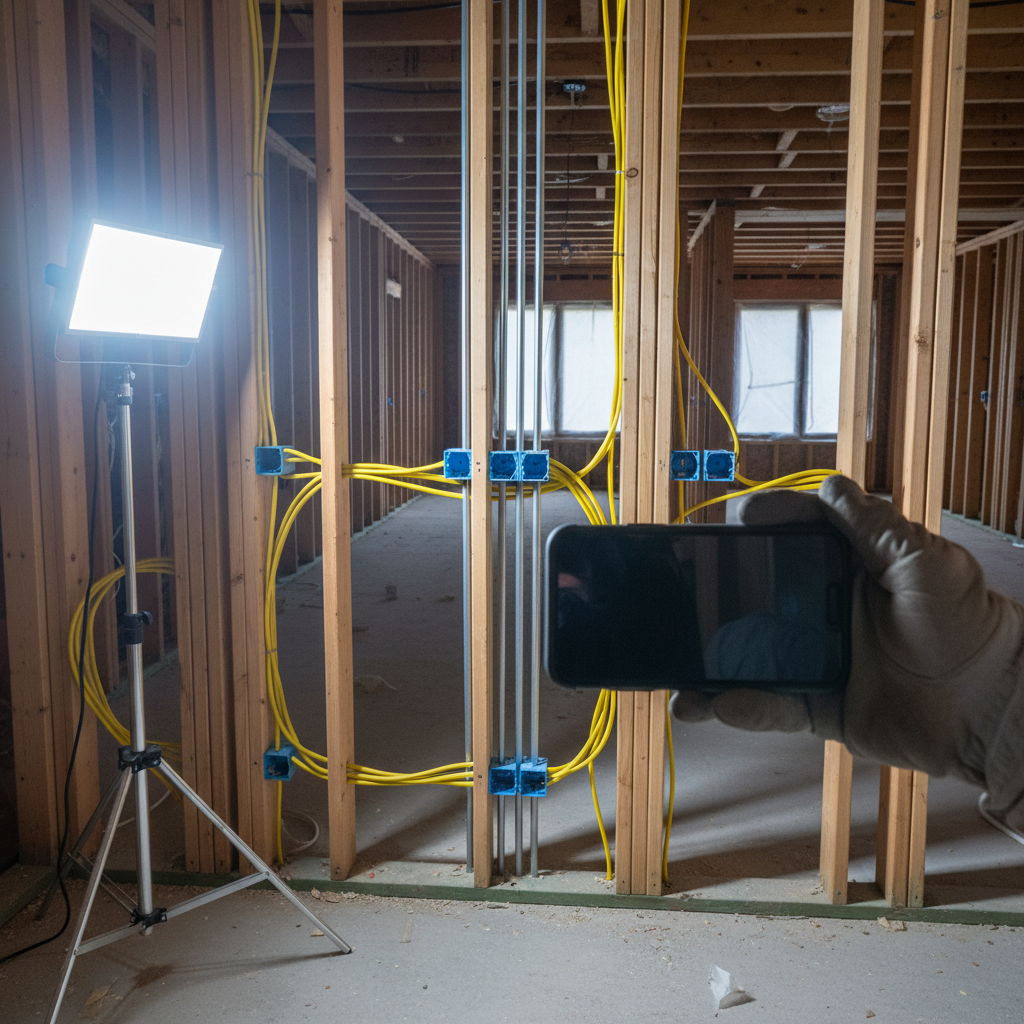
Photo Documentation Apps Compared (2026)
The apps below are the ones contractors evaluate most often. Facts are from each vendor's own published pages; verify current pricing and features directly with each vendor before deciding.
| App | Capture Approach | Stamps and Organization | Best Fit | Electrical-Specific |
|---|---|---|---|---|
| CompanyCam | Photo-first contractor app; offline capture on iOS and Android | GPS and timestamp at capture; photos auto-organize by project; markup and annotation built in | Contractors who want the mature photo layer alongside their existing software | No; any trade |
| WorkPhotos | Job photo app with daily and weekly photo logs | Automatic timestamps; photos organized by job and date; client-ready photo reports | Small teams wanting simple organized archives and shareable reports | No; any trade |
| GoAudits | Checklist-driven inspections with photos | Photos attached to checklist items; timestamped reports generated from the inspection | Shops running safety, QA, or compliance walkthroughs | No; inspection-first rather than electrical-first |
| Timemark | Jobsite photo app focused on proof of work | Verified GPS timestamps; multiple export formats; AI-assisted search and activity summaries | Teams that need defensible, tamper-resistant evidence for disputes and claims | No; any trade |
| CRM-built-in (e.g., AceWatt) | Photos captured against the job record inside the CRM | Photos live with the customer, quote, and invoice in one record | Shops that want documentation and workflow in one system | Yes; built for electrical contractors |
None of the four standalone apps is electrical-specific. They are good at what they do, which is capture and filing. The electrical-specific part, knowing that a rough-in photo before drywall is the shot that matters, comes from you and from software that understands the electrical workflow.
A fair question for any of them: does the photo end up next to the quote and the invoice, or in a separate library someone has to go find? That question is the reason the next section exists.
Why Job Photo Documentation Belongs in Your CRM, Not a Second App
A photo in a standalone app proves what happened. A photo in your CRM proves what happened and connects it to the money. When the before photo of a corroded panel sits on the same record as the quote that recommended replacement, the upgrade conversation writes itself. When in-wall photos sit next to the change order that added two circuits, the change order stops being an argument.
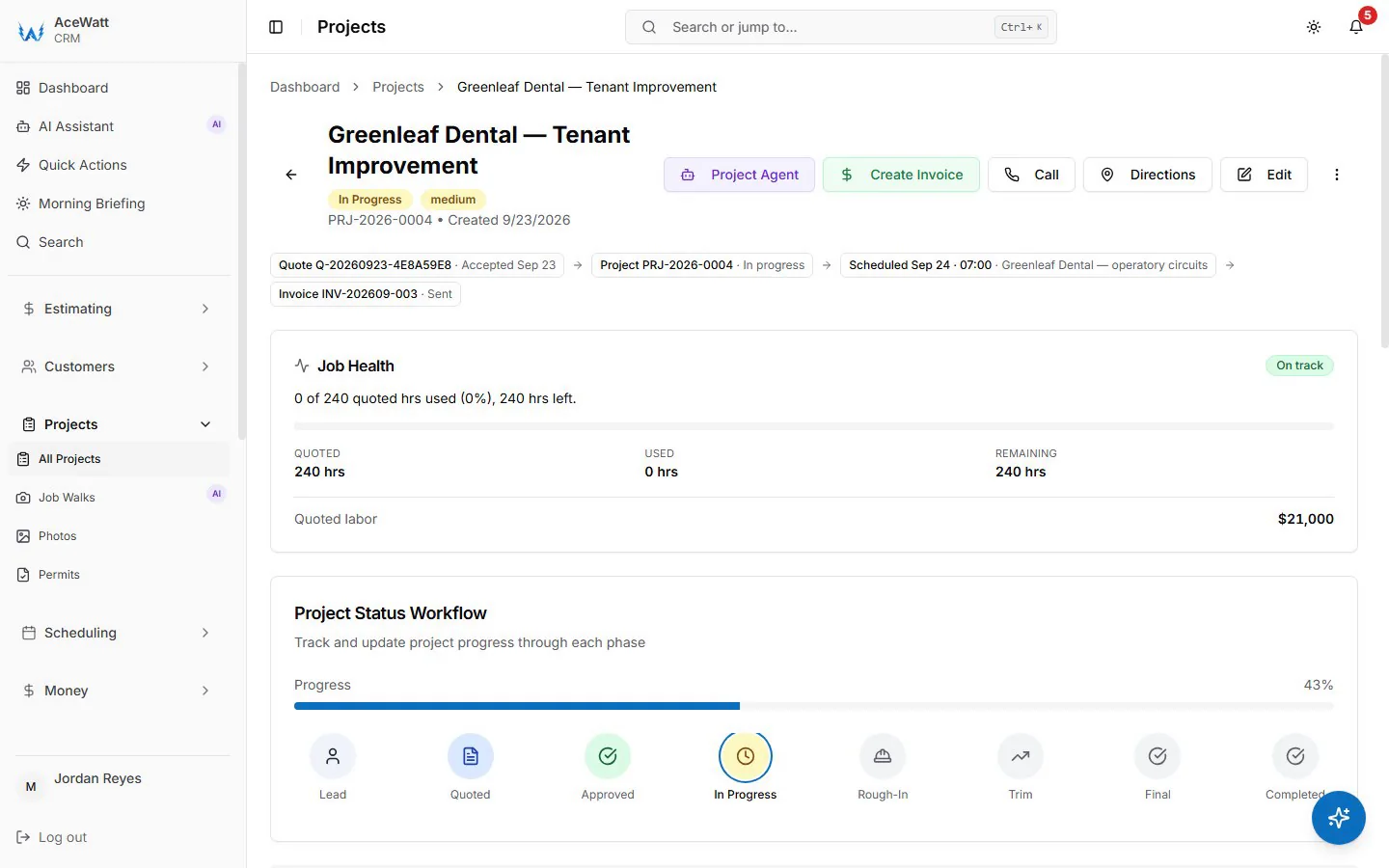
One audit trail beats two subscriptions. Sharing with a general contractor or homeowner from the same system that holds the job means you are not exporting, attaching, and hoping the version is current. And when a callback happens eleven months later, the tech who opens the job sees exactly what the last tech saw, in order, with dates.
The second-app pattern also fails on adoption. Crews already carry the CRM for quotes and scheduling. Asking them to also open a separate photo app every job is one more step that quietly stops happening by the third week. The change order workflow makes the same point for documentation in general: the record that lives closest to the workflow is the record that survives.
How AceWatt Handles Field Capture
The verified claims, straight from the AceWatt pricing page: the AI job walk captures voice and photos, and an AI document scanner is included from the Growth plan. The published 90-second job walk walkthrough describes capturing every outlet, panel, and room on a walk-through.
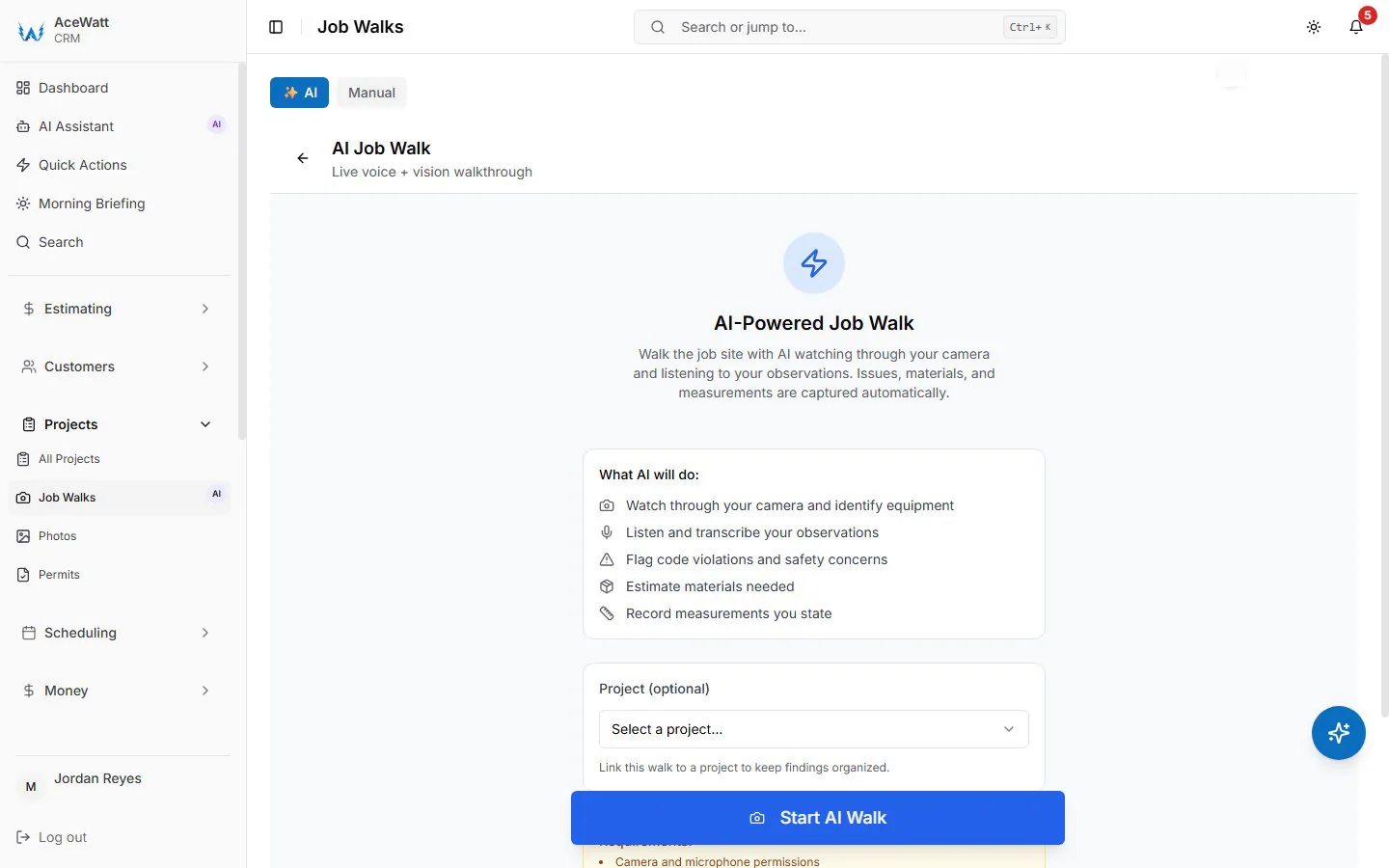
What is not publicly documented: ghost overlays for angle-matched before-and-afters, GPS stamping details, and branded report templates. Treat those as demo questions rather than feature assumptions, and verify during a demo before you rely on them.
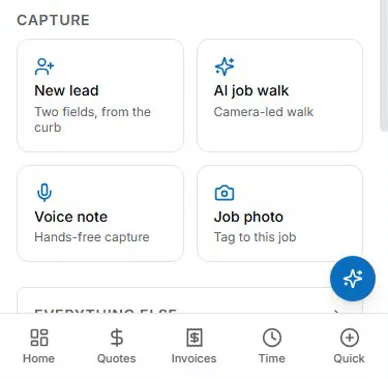
The workflow point stands on its own: capture that starts inside the job record, with voice notes instead of typing, is the version of photo documentation a crew will actually keep. That is also the theme of the mobile safety inspection guide: field tools win on speed of capture or they do not win at all.
Building a Photo Habit Your Crew Will Actually Keep
Software is the easy half of job photo documentation. The habit is the hard half. Three rules help:
- Three moments, every job. Start, in-wall or open-equipment, finish. No exceptions, no hundred-photo marathons. Small and consistent beats thorough and abandoned.
- Voice beats typing. A ten-second voice note on the photo ("corrosion on neutral bar, recommending replacement") carries more usable information than any caption a tech will type standing up in an attic.
- Make it the closeout step. Photos are part of done, not an optional extra. The job is not complete until the record exists.
Shops that follow this for a season end up with something valuable beyond protection: a library of real before-and-afters and job-walk evidence that feeds reviews, quotes, and customer conversations.
Frequently Asked Questions
Are job site photos with timestamps legal evidence?
Photos with automatic timestamps, and where the tool also records location, are widely used to support disputes, insurance claims, and compliance records. Whether they carry weight in a specific dispute depends on jurisdiction and context, and this is general information rather than legal advice. Timestamped, organized, contemporaneous records are stronger than a phone camera roll in every case.
What is the best photo documentation app for electricians?
It depends on the bottleneck. For pure photo organization, CompanyCam is the mature option contractors most often evaluate, with WorkPhotos, GoAudits, and Timemark serving simpler archives, inspection workflows, and evidence-heavy needs respectively. For electricians who want documentation to live next to quotes and invoices, a CRM with built-in capture like AceWatt fits the workflow better than a second app.
How do you document in-wall electrical work before drywall?
Photograph every rough-in run before insulation and drywall close the wall: cable and conduit routes, box positions, connections made, and the wall cavity context. Capture against the job record with a date. That photo set is the only record of the in-wall work that will exist once the wall is closed.
Do photo documentation apps work offline?
The leading tools all advertise offline capture that syncs when connectivity returns, and this matters for basements, attics, and rural sites where electricians often work. Verify the offline behavior for your specific devices during a trial, because sync behavior varies by app.
Related Reading
- Voice job walk documentation for electricians: the voice-first companion to photo capture on the same job walk
- Watch the AI voice job walk in action: see capture happen in a real walkthrough
- Best work order apps for electricians: where the documented job record goes next
Next Step
Walk a job once and document everything. Book a demo to see the AI job walk capture photos and voice notes straight into the job record.