

Electrical CRM Software: What Electricians Actually Need in 2026
Electrical CRM software is a customer relationship and job management system built for electrical contractors, covering quotes, jobs, scheduling, dispatch, invoicing and payment tracking in one place. A generic CRM adapted to trades misses what electricians actually do: assembly-based estimating, skill-constrained dispatch, milestone billing, and a pipeline that runs from quote to job to invoice to paid. AceWatt is an AI-powered CRM built specifically for electrical contractors across the US.
What Electrical CRM Software Does (and Why a Generic CRM Falls Short)
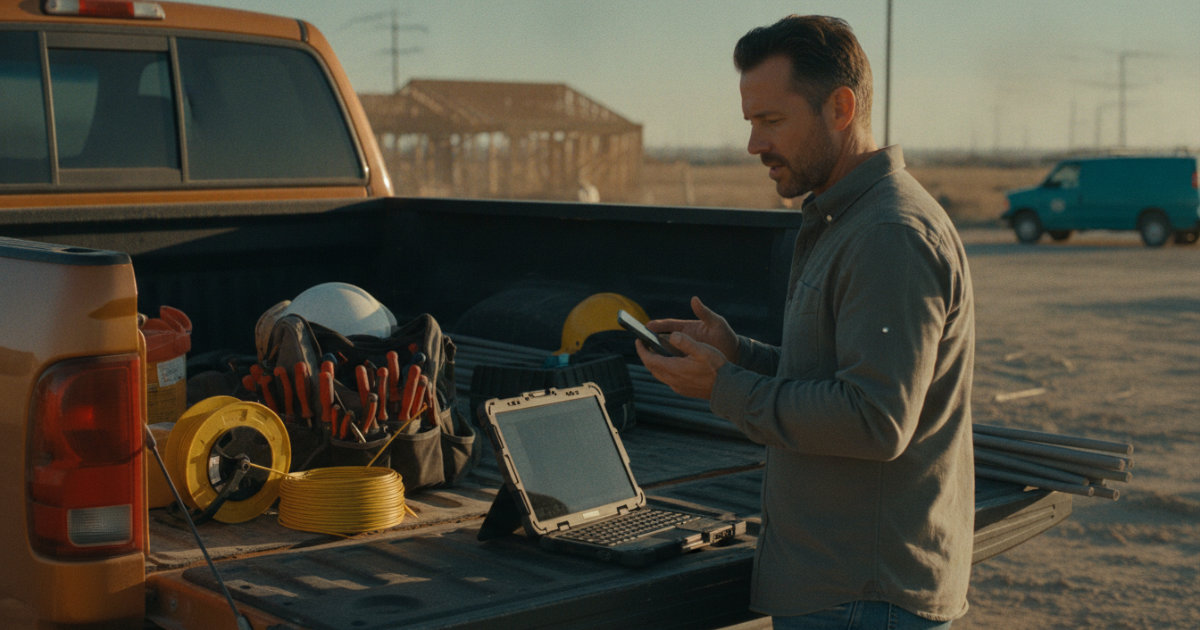
A generic CRM tracks contacts, deals and a sales stage. That model works for selling subscriptions. It breaks when your "deal" is a 200-amp service upgrade, a commercial tenant fit-out billed by milestone, or a service call where a tech has to clock in from a phone at the job site.
Electrical work has specifics a contact manager for inside salespeople never anticipated:
- Units of work that follow the trade. Electricians estimate by assemblies: a receptacle circuit, a 4-inch square box with a single-pole switch, panel feeders run in EMT. Your system needs to store assemblies with labor hours and material lists, not free-text deal notes.
- A financial pipeline that extends past the sale. For a contractor, the job does not end at "won." It continues through change orders, deposits, milestone invoices and collection. An accepted quote should become an invoice without re-typing line items.
- Field capture, not office data entry. Job walks, photos, dictated notes, clock ins at site, expenses logged from a truck cab.
- Dispatch constrained by skill and supervision. Most states require licensed electricians to supervise apprentices on the job, and the ratio limits how many apprentices one journeyman can cover. State licensing boards such as the Texas Department of Licensing and Regulation publish these ratios, and the National Electrical Contractors Association documents supervision requirements across jurisdictions. Your dispatch decisions are legal decisions.
Force electrical work into a generic CRM and you end up with a spreadsheet beside it, or three apps that do not talk to each other. That is the gap electrical CRM software exists to close.
Core Features an Electrical CRM Should Include in 2026
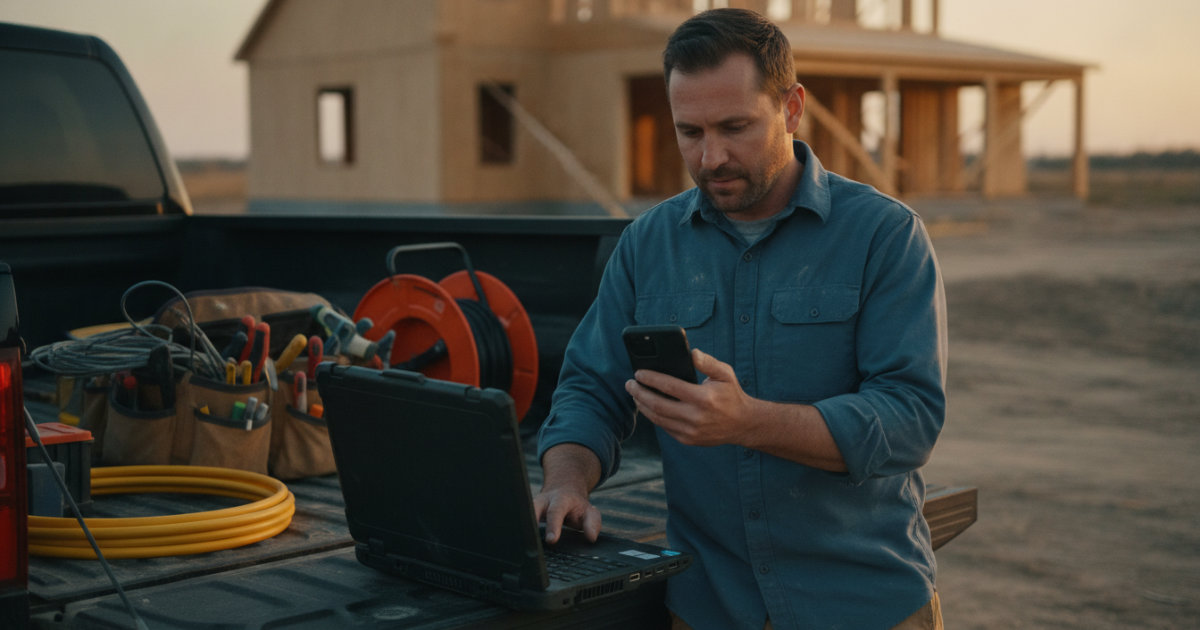
When you evaluate CRM for electricians, test each feature against a real job from your own backlog. Here is the checklist:
- Quote and estimate management with a company pricebook. Fixed assemblies, labor rates by job title, and material markup applied on quotes so margin stays consistent across estimators. Build your pricebook from your last 20 jobs, not from a vendor's defaults; your labor productivity on EMT runs is not the national average.
- Job tracking from quote through paid. Every job should show its financial state: quoted, in progress, invoiced, overdue, paid. If you cannot pull an aging report out to 120+ days, you are running collections blind.
- Scheduling and dispatch built for field crews. A drag-and-drop dispatch board, skill-based assignment suggestions, and mobile time tracking that records where the clock in happened.
- Customer-facing documents by link. Quotes and invoices the customer opens from an email, with online payment on invoices.
- Offline-tolerant field capture. Basements, mechanical rooms and new construction slabs kill cell signal. The field app should queue clock ins, notes and expenses and send them when the connection returns.
- Bookkeeping export. Unless your CRM does live accounting sync, it must at least hand your bookkeeper clean, correctly formatted data.
For commercial shops, add GC tracking and spec/addenda management; our guide to CRM for commercial electrical bidding covers that workflow in practice, and our post on tracking change orders in an electrical CRM covers the residential side.
AI Estimating and AI Job Walk: Turning a Site Visit into a Quote

Estimating is where most electrical shops lose hours. Someone drives to the site, snaps photos, scribbles notes, drives back, then rebuilds the scope in a spreadsheet from memory two days later. That gap between walk and quote is where details get lost ("was that a 42-circuit MLO or MCB panel?") and where competitors who quote same-day win the job.
AceWatt attacks this in two steps. With AI Job Walk, you walk the site with your phone, dictating notes and snapping photos as you go, and AceWatt generates a report with material suggestions before the truck leaves the driveway. From that job walk, photos, a typed description, or an uploaded PDF plan set, AceWatt's AI estimating drafts a quote for your review using your company's pricebook and assembly templates. You adjust a draft instead of building from a blank page, so quotes stay consistent whether the senior estimator or the office manager drafts them.
One honest boundary: AceWatt's voice AI can search CRM data, give financial summaries and the schedule, and update projects by voice. Quotes themselves are built in the app, not dictated. For the deeper workflow, read how estimating connects to the CRM.
When a customer accepts a quote, AceWatt creates a draft invoice with the quote's line items copied over, and can email a deposit invoice with a pay link on the spot.
Two estimating practices worth adopting regardless of software. First, count loads and check the service size against the current cycle of the National Electrical Code, published by NFPA; jurisdictions adopt different cycles, and a load calculation done against the wrong cycle fails plan review. Second, write your exclusions into every quote (patching, drywall repair, permit fees) before the AI drafts it, because an AI draft inherits whatever assumptions you feed it.
Scheduling, Dispatching and Field Crew Tracking for Electrical Crews
Dispatch for electrical work is skill-constrained. The apprentice cannot sign off on a panel replacement; the foreman should not be swapping smoke detectors. AceWatt's dispatch board is drag-and-drop with skill-based scheduling suggestions, so the software surfaces which tech fits the job instead of leaving it to memory. On the Scale plan, route optimization sequences stops by straight-line distance between them (not road routing), which helps on dense service days.
In the field, techs clock in and out from their phones, and AceWatt records the location and flags whether the tech was at the job site. That single flag settles most time-card disputes before payroll. Without signal, clock ins and outs, new leads, notes and expenses queue on the device and sync when the connection returns.
Practical advice layered on top: schedule inspections as first-class citizens alongside jobs. A failed rough-in inspection can idle a crew for two days, so leave buffer after every inspection slot and record the inspector's notes in the job. For a broader comparison by crew size, see our 2026 electrical scheduling and dispatch software roundup.
Invoicing, Payments and QuickBooks-Ready Exports
AceWatt tracks the financial pipeline from quote to job to invoice to paid. The collection mechanics that matter: customers can pay invoices online by card, and by bank (ACH) when the contractor's Stripe account has it enabled. Unpaid invoices are marked overdue automatically, AceWatt emails reminders at 1, 7, 14 and 30 days past due, and an invoice aging report breaks receivables into buckets out to 120+ days. For larger projects, milestone billing lets you invoice by percentage of completion, and a customer portal lets customers open their quotes and invoices from an emailed link, which cuts the "can you resend that" phone calls.
On accounting: AceWatt provides QuickBooks-ready exports today, meaning an invoice-list spreadsheet and a payroll-hours CSV in QuickBooks layout. Full QuickBooks sync is in development; there is no live two-way connection at this time. If any vendor tells you their sync is automatic, verify before you commit, because reconstruction hours at year-end are expensive. Card processing itself runs through Stripe, which handles card data compliance under the standards maintained by the PCI Security Standards Council, so card numbers never sit on your own systems.
One habit worth more than any feature: bill deposits on large residential work. A 30 to 50 percent deposit on materials-heavy jobs protects you on fixtures and gear ordered before rough-in, and pairing it with milestone billing keeps cash flowing through long commercial timelines.
AceWatt Plans, Pricing, Trial and Money-Back Guarantee
AceWatt pricing is flat and published:
| Plan | Price | Users | Highlights |
|---|---|---|---|
| Starter | $49/month | 1 user | Core CRM (jobs, quotes, invoices, scheduling), AI quote builder, basic dispatch and calendar, email support |
| Growth | $99/month | Up to 5 users | AI Copilot & Voice, schedule optimizer, AI document scanner, AI Job Walk, commission tracking, customer portal, priority support, QuickBooks-ready exports |
| Scale | $199/month | Unlimited users | Everything in Growth plus route optimization and a dedicated support contact |
Subscriptions and top-up AI credit packs are billed through Stripe Checkout, payable by Visa, Mastercard or American Express, or by ACH bank transfer on annual plans; annual billing saves roughly two months versus monthly. AceWatt offers a 14-day trial and a 30-day money-back guarantee on the first subscription payment.
A solo electrician fits comfortably on Starter. Growth is the fit once you have techs in the field, because AI Job Walk and the customer portal pay for themselves in office hours. Scale is for shops where unlimited users and a dedicated support contact matter. Solo operators can also see how AI note-taking fits a one-truck operation in our piece on AI tools that auto-update CRM notes.
FAQ
Does AceWatt sync with QuickBooks automatically?
Not yet. AceWatt offers QuickBooks-ready exports today: an invoice-list spreadsheet and a payroll-hours CSV formatted for QuickBooks import. Full QuickBooks sync is in development, but there is no live, two-way connection at this time.
Can AceWatt create a quote from photos or a PDF plan set?
Yes. AceWatt's AI estimating drafts a quote for your review from a job walk, photos, a typed description, or an uploaded PDF plan set, using your company's pricebook and assembly templates. You review and adjust the draft before sending it.
What happens when a customer accepts a quote?
AceWatt creates a draft invoice with the quote's line items copied over, so nothing is re-typed. It can also email a deposit invoice with a pay link, and customers can open quotes and invoices from an emailed link.
How does AceWatt handle overdue invoices?
Unpaid invoices are automatically marked overdue, and AceWatt emails reminders at 1, 7, 14 and 30 days past due. An invoice aging report shows receivables in buckets out to 120+ days. Reminders are email only; there is no SMS today.
Does AceWatt work without cell signal?
Partially. Clock ins and outs, new leads, field notes and expenses queue on the phone and sync when the connection returns. Customer and job lists need an active connection.
Start a 14-day trial of AceWatt and run your next job walk, quote and invoice through it end to end. Your first payment is covered by the 30-day money-back guarantee.