
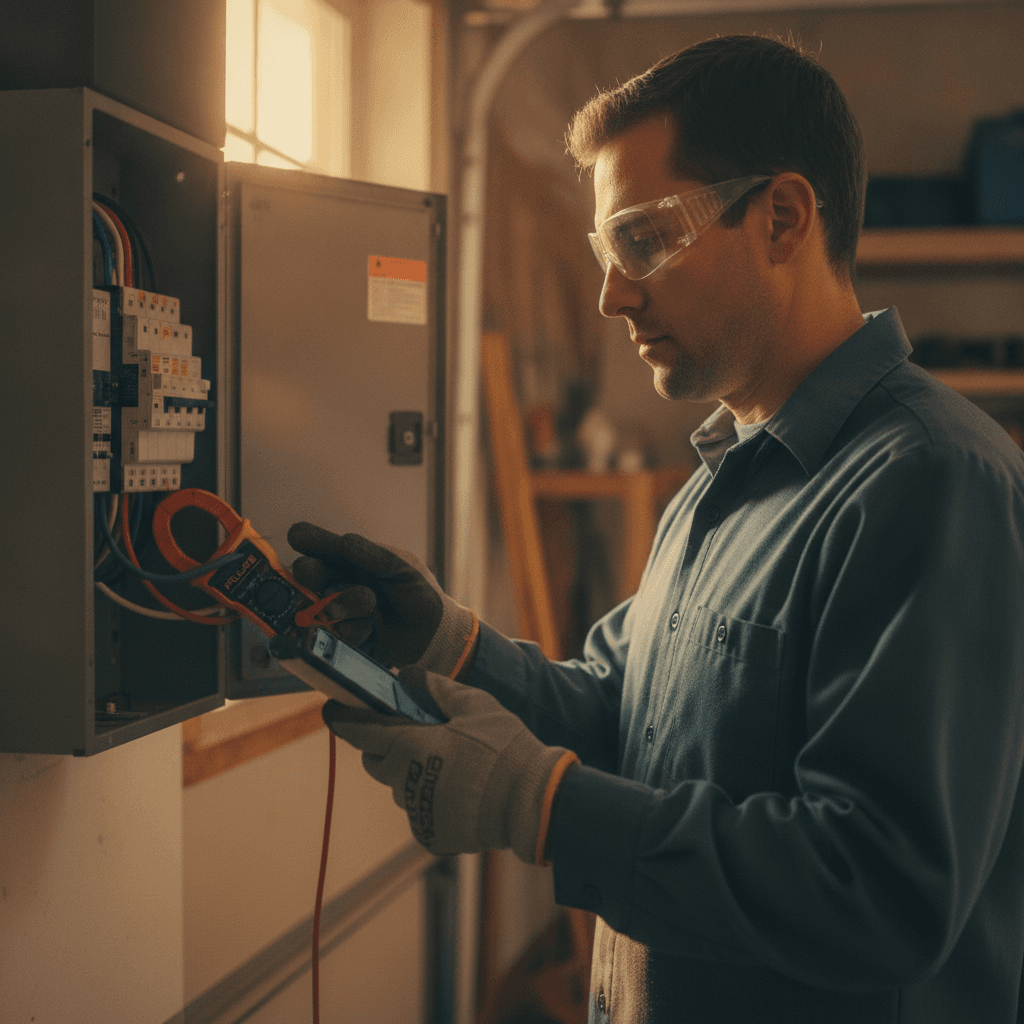
The Best Mobile App for Electrical Safety Inspections in 2026: A Field Guide for Electrical Contractors
Most failed inspections trace back to information flow, not wiring skill. A deficiency gets noted on paper, photos stay in a technician's camera roll, and the correction notice rides in a truck door pocket until the customer calls asking why the re-inspection never got scheduled. The inspection itself takes 45 minutes. The paperwork around it is what eats the margin.
A mobile app for electrical safety inspections solves the information problem when it is built for job site conditions and connected to the rest of the job. This guide covers what separates a working electrical inspection app from a digital clipboard, and how AceWatt runs the full inspection workflow from job walk to final payment.
Quick answer: The best mobile app for electrical safety inspections in 2026 captures code-referenced checklists, photos, and voice notes offline, turns each deficiency into a tracked work order, and carries the re-inspection through to scheduling and invoicing. Standalone checklist apps stop at the PDF export. A job-connected platform like AceWatt takes the findings all the way to payment.
Why Electrical Safety Inspections Still Fail Without a Mobile-First Workflow in 2026
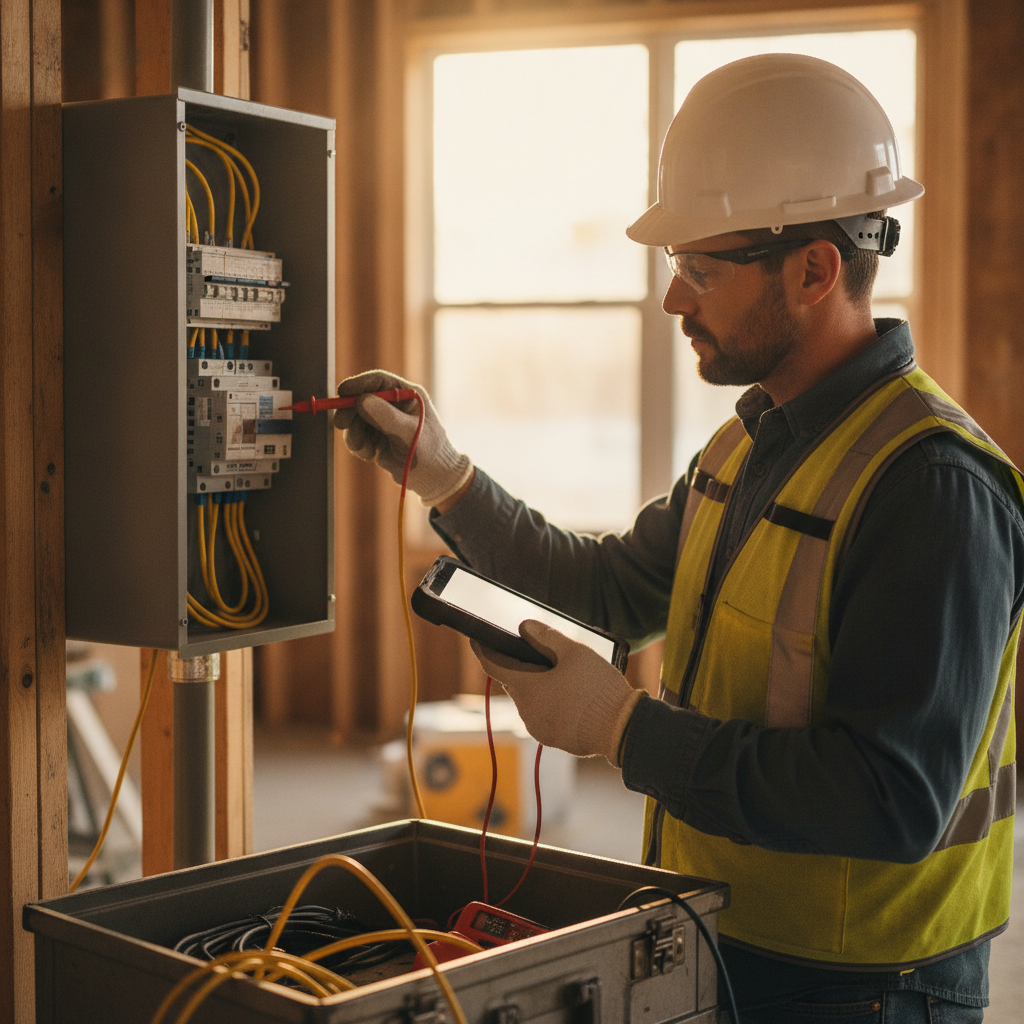
An electrical permit typically moves through three inspections: rough-in, service, and final. Each one can end with a correction list from the AHJ, the authority having jurisdiction. What happens after that list is issued is where contractors lose money.
Handwritten deficiency notes get transcribed at night, if at all. Photos live on a personal phone, which means they leave the company whenever the technician does. Re-inspection fees commonly run $50 to $150 per return trip, and that assumes the correction work was actually finished before the inspector arrived the second time. A journeyman who spends 20 minutes typing up notes after each of four weekly inspections burns roughly 65 hours a year on documentation alone.
Federal workplace rules layer on top of the local permit process: OSHA's electrical standards govern employee-safe work practices long after the AHJ signs off the final, so the inspection record also doubles as safety documentation an employer may need to produce.
Office-based software fails at this for a specific reason: it assumes connectivity. Basements, crawlspaces, attics, and steel-frame commercial buildings routinely kill cellular signal. A cloud-only checklist fails exactly where inspections happen. Any mobile app for electricians used for inspection work has to capture checklists, photos, and voice notes offline, store them locally, and sync automatically when signal returns.
What Makes a Mobile App Actually Work for Electrical Safety Inspections

Evaluate any electrician inspection software product against six criteria:
1. Code-referenced checklist templates. Checklists should map to the citations inspectors actually write: GFCI protection under NEC 210.8 (including the expanded 125 to 250 volt, 50 amp scope in the 2023 NEC), working space depth and 6.5 ft headroom under 110.26, terminal torque per 110.14(D) and manufacturer specifications, bonding of metal water piping under 250.104, and AFCI or GFCI requirements on replaced receptacles under 406.4(D).
2. Photo capture on each line item, with timestamp and GPS location, so the record proves conditions at the time of the inspection.
3. True offline mode. Checklists, photos, and voice notes save on the device and push to the cloud once signal returns.
4. Deficiency tagging that converts to a work order. A note reading "double-tapped neutral, panel B" requires someone to retype it later. A tagged deficiency that becomes a schedulable, billable line item removes that step.
5. Signature capture and branded PDF export for the building department record and the customer file.
6. Hands-free input. Under NFPA 70E, work inside the limited approach boundary of energized equipment requires both hands and full attention. An app that demands typing while you stand at a live panel was designed by someone who has never opened one.
An electrical contractor mobile app that meets these standards holds up on a rough-in in a new subdivision and on a final in a hospital switchgear room. The next question is whether it connects to the rest of the business.
Use this table to pressure-test any mobile app for electrical safety inspections before you put it in a technician's hands:
| Capability | Typical standalone checklist app | Job-connected platform (AceWatt) |
|---|---|---|
| Code-referenced checklists | Often generic templates | Checklists map to the NEC citations inspectors actually write |
| Offline capture | Frequently cloud-only; fails in basements and crawlspaces | Checklists, photos, and voice notes queue on the device and sync when signal returns |
| Deficiency handling | Usually ends at a PDF export | A tagged deficiency becomes a tracked, billable work order |
| Re-inspection scheduling | Manual re-entry into a separate calendar | The correction lands on the drag-and-drop dispatch board |
| Invoicing and payment | Not included | The invoice is built from tracked items with deficiency photos attached |
| QuickBooks hand-off | Not included | Invoice-list and payroll-CSV exports your bookkeeper can use |
AceWatt in the Field: AI Voice, Job Walk Documentation, and Safety Checklists

An inspection inside AceWatt runs like this. Consider a residential service inspection on a 200 amp panel. The electrician opens the safety checklist on the phone and works through it while narrating findings with AI Voice: "200 amp main panel. Two double-tapped neutrals on the left neutral bar. One missing half-inch knockout closure. No bonding jumper on the water service within five feet of point of entry. Service lugs torqued to spec and marked." Hands stay on the tools. The phone stays in a pocket until the photo step.
AI Voice documentation for electricians converts that narration into structured, timestamped notes attached to the correct job. Nobody types anything in the field. Job Walk Documentation does the same for the full site walk, capturing conditions and hazards room by room, and files everything against the customer record in AceWatt's AI-powered CRM. When that customer calls two years later about a panel upgrade, the complete inspection history is already in the file, which shortens the sales conversation and protects the estimate.
Photos attach to each checklist item. The customer signs on screen. AceWatt generates a PDF with findings, photos, and signature, ready for the AHJ file and the customer copy. For a solo electrician with no office staff, this replaces the evening paperwork session entirely: the job walk, the safety checklist, and the inspection record all exist before the truck leaves the driveway.
How Automated Follow-Up and Job Tracking Keep Inspection Issues From Falling Through the Cracks
A failed inspection creates corrective work, and undocumented work disappears. This is where a mobile app for electrical safety inspections proves itself: every tagged deficiency becomes a tracked item in Job Tracking with a status that moves from open to assigned to completed to verified. Nothing closes silently.
On the customer side, the repair estimate for the corrections is drafted through AI Estimating for your review, and the customer can e-sign it from a portal link. Once the correction work is billed, Automated Follow-Up emails reminders if the invoice goes 1, 7, 14 or 30 days past due, without a single manual phone call from the office.
This is where the commercial difference shows up. Most callbacks after inspections are administrative, and administration is where small shops lose billable hours. An open-items dashboard lists every unresolved deficiency across every active job, so a question about a breaker in unit 12 gets answered in two seconds instead of three phone calls and a callback.
Crew Scheduling and Dispatching: Getting the Right Electrician to the Right Inspection
Inspection follow-up work ranges from a ten-minute GFCI receptacle swap to a grounding and bonding correction that needs a licensed journeyman comfortable working near the meter can. A mobile app for electrical safety inspections only pays off if the correction actually gets on a truck. Crew Scheduling and Dispatching in AceWatt lets an owner assign each corrective item on the drag-and-drop dispatch board, with skill-based suggestions for who should take it.
Building departments batch inspections into morning windows, commonly 7 to 10 a.m. A dispatcher can block those windows, attach the correction list and photos to each dispatch, and drag the job to the technician whose skills fit. Solo operators use the same tool in a simpler form: reserve mornings for inspections and re-inspections, then book revenue work for the afternoons. In both cases the technician sees the address, the deficiency list, the customer history, and the photos on their phone before arrival, so nobody re-discovers the job in the driveway.
Invoicing, Payment Tracking, and QuickBooks-Ready Exports After the Inspection Is Done
Inspection work is finished when it is paid for, and correction work is the easiest invoicing in the trade to document when the system already holds the evidence. AceWatt builds the invoice from the tracked line items, with deficiency photos attached. If a customer questions a $285 charge for replacing a failed GFCI receptacle, the invoice shows the photo of the failed trip test and the correction note that required the replacement.
Payment Tracking covers deposits for parts and the balance due after the re-inspection passes, with the status of every dollar visible on the job record. QuickBooks-ready exports hand your bookkeeper the invoice list as a spreadsheet and payroll hours as a QuickBooks-format CSV (full sync is in development), while revenue from correction work stays matched to the job that generated it in AceWatt. At tax time, the inspection revenue, repair labor, and materials are already separated by job in AceWatt.
Best Mobile App for Electrical Safety Inspections in 2026: Final Verdict
Standalone electrician safety checklist apps end at the PDF export. The findings then travel by text message and memory, which reproduces the paper workflow with a nicer document attached. That export line is the difference between a checklist app and a true mobile app for electrical safety inspections: the findings keep moving after the inspector leaves.
The best mobile app for electrical safety inspections in 2026 connects the inspection to everything around it. AceWatt treats the inspection as one stage of a connected job: AI Estimating prices the correction work before it starts, AI Voice and Job Walk Documentation capture field conditions hands-free, Job Tracking keeps every deficiency open until it is verified closed, Automated Follow-Up emails reminders on overdue invoices without phone calls, Crew Scheduling and Dispatching puts the right electrician on the re-inspection, and Invoicing and Payment Tracking collect the money while QuickBooks-ready exports give your bookkeeper the invoice list behind it.
Run your next rough-in or final through the AceWatt field app and compare the paperwork time against your current process. Start with one job, one electrical safety checklist, and one voice note, then watch the findings move through scheduling, follow-up, and invoicing without retyping. Book a demo with AceWatt to see the inspection workflow end to end.
Frequently Asked Questions
What makes a mobile app for electrical safety inspections better than a paper checklist?
Paper works until the inspector leaves the driveway. A mobile app for electrical safety inspections attaches photos and timestamps to each checklist line, works offline in basements and steel-frame buildings where signal drops, and turns each deficiency into a tracked work order instead of a note that has to be transcribed at night. The record also lives with the company rather than on a technician's personal phone.
Do electrical inspection apps work without cell signal?
The ones worth using do. Basements, crawlspaces, attics, and steel-frame commercial buildings routinely kill connectivity, so a cloud-only checklist fails exactly where inspections happen. A true offline mode saves checklists, photos, and voice notes on the device and pushes them to the cloud once signal returns.
How much does a failed inspection cost an electrical contractor?
The direct cost is the re-inspection fee, commonly $50 to $150 per return trip. The larger cost is time: handwritten deficiency notes transcribed at night, photos hunted down from a camera roll, and correction work that has to be re-discovered before it can be scheduled. A journeyman who spends 20 minutes typing up notes after each of four weekly inspections burns roughly 65 hours a year on documentation alone.
Can inspection findings turn into billable work automatically?
In AceWatt, yes. Every tagged deficiency becomes a tracked item with a status that moves from open to assigned to completed to verified. The repair estimate is drafted through AI Estimating for your review, the customer can e-sign it from a portal link, and the invoice is built from the tracked line items with the deficiency photos attached.
Does AceWatt sync with QuickBooks?
AceWatt hands your bookkeeper the invoice list as a spreadsheet and payroll hours as a QuickBooks-format CSV. That is a line-level export, not a native two-way sync, and we say that plainly; full sync is in development.
Related Reading
- Beyond inspections: mobile apps electricians actually use in the field: pricing, features, and what pays off.