
Best Electrician Apps for Small Crews in 2026: A Practical Breakdown
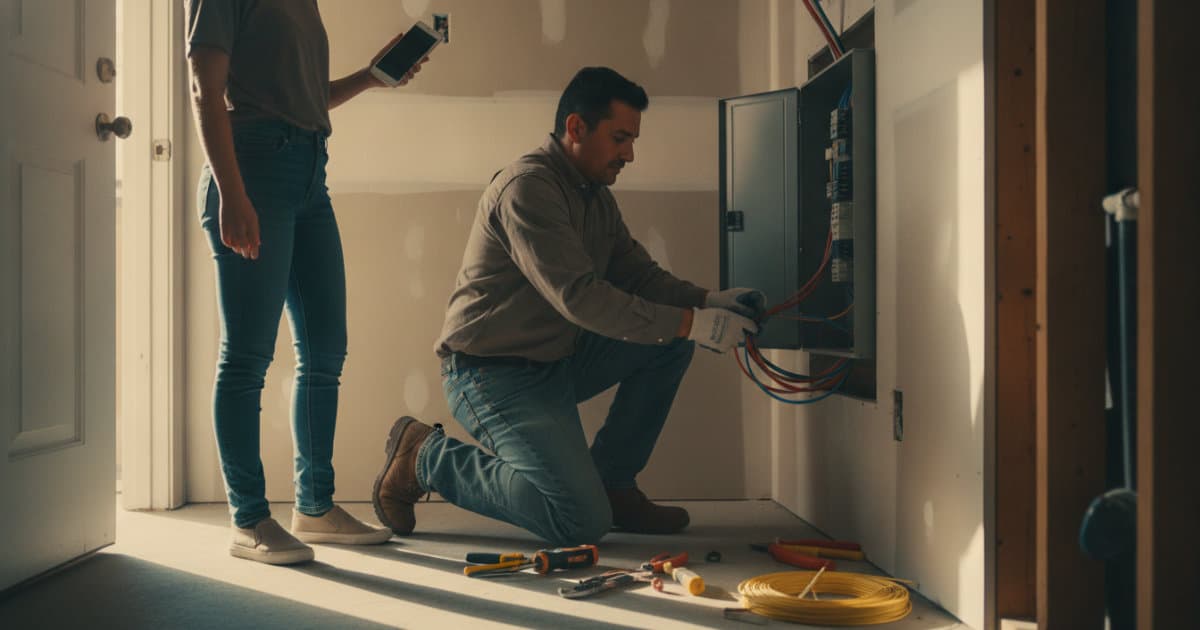
For a two-to-five person electrical crew, the best apps handle four things in one place: lead and customer tracking, estimating, invoicing, and dispatch. Generic field service platforms force electricians into plumbing and HVAC templates. AceWatt is an AI-powered CRM built specifically for electrical contractors, with plans from $49 to $199 per month, a 14-day trial, and tools like AI Job Walk and voice project updates designed around how service calls and panel changeouts actually run.
What Small Electrical Crews Actually Need From a Mobile App
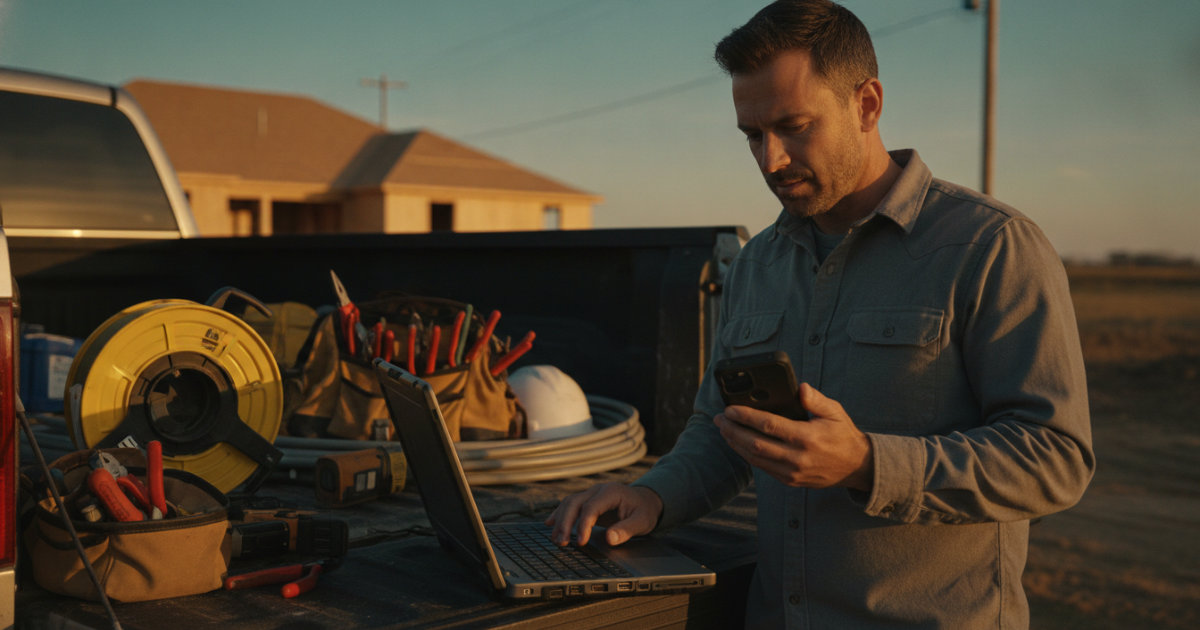
A small electrical crew does not need 40 modules. It needs the jobs-to-cash loop to work on a phone, in a crawlspace, with two bars of signal.
The practical requirements look like this:
- Quotes fast enough to send from the truck. A panel changeout quote sitting in a notebook for three days loses the job to whoever emailed first. Material prices have swung hard on copper and conduit over the past few years, so a stale quote is also an unprofitable one. Refresh your pricebook at least quarterly, and check feeder and branch circuit material costs against your supplier's current sheet before bidding anything over a few hundred feet of wire.
- Invoices that flow from accepted quotes. Retyping line items is where billing errors and delays start. One transposed ampacity or a missed permit fee erodes the margin on a small job.
- Dispatch that respects skill. An apprentice cannot solo a service upgrade, and a journeyman shouldn't be running speaker wire while a 200-amp swap waits. Most states license apprentices to work only under direct supervision of a journeyman or master electrician, so pair accordingly.
- Time tracking tied to the job site. Federal wage law puts the recordkeeping burden on the employer. Under the Fair Labor Standards Act, most electricians are nonexempt and entitled to overtime after 40 hours, and DOL recordkeeping rules require accurate hours records. A phone-based clock-in with GPS verification is the cheapest reliable way to keep them.
- Bookkeeping handoff. Most small shops run QuickBooks, so data needs to leave the field app in a format the bookkeeper can actually use.
Core Job Management Features: CRM, Estimating, Invoicing, and Dispatch
CRM and job tracking
Every electrical shop lives or dies on repeat and referral work. The practical test of a CRM is simple: when a caller says "you did my panel two years ago," is the answer a search away, or a scroll through old emails and texts? Shops juggling service calls, tenant fit-outs, and the occasional generator install need one pipeline that runs from lead to quote to job to invoice to paid, visible on a phone.
Practical advice regardless of tool: log every lead the day it comes in, even the tire-kickers. Roughly a third of residential service calls eventually convert on the second or third contact, and you cannot follow up on a note you never wrote down.
Estimating built on your pricebook
AceWatt's AI estimating drafts a quote for review from a job walk, photos, a typed description, or an uploaded PDF plan set, using your company's pricebook and assembly templates. The draft-for-review model is the right one: the estimator keeps control, the AI removes the blank-page problem. Note the boundary, though. Voice commands update projects; quotes are built in the app's quote builder.
This matters for electrical specifically. Assemblies (breaker, wire, box, devices, labor) are how most electricians actually estimate, and a tool that understands them beats one that just adds line items. For a deeper treatment, see this guide to AI estimating and invoicing apps for electricians.
Invoicing and payment tracking
The moment worth engineering is quote acceptance. In AceWatt, when a customer accepts a quote, a draft invoice is created with the quote's line items copied over, and AceWatt can create a deposit invoice and email it with a pay link. Nothing gets retyped.
Collections are where most small shops bleed. AceWatt emails automatic reminders for overdue invoices at 1, 7, 14, and 30 days past due, and marks unpaid invoices overdue with an aging report from 0 to 30 days through 120+ days. On milestone projects, it supports billing by percentage of completion, which fits residential remodels and small commercial builds. Solo operators can read more in this guide to getting paid as a solo electrician.
One habit worth adopting even without software: collect a deposit on any job requiring a panel, generator, or EV charger load calculation. The equipment cost is too high to float.
Dispatch and scheduling
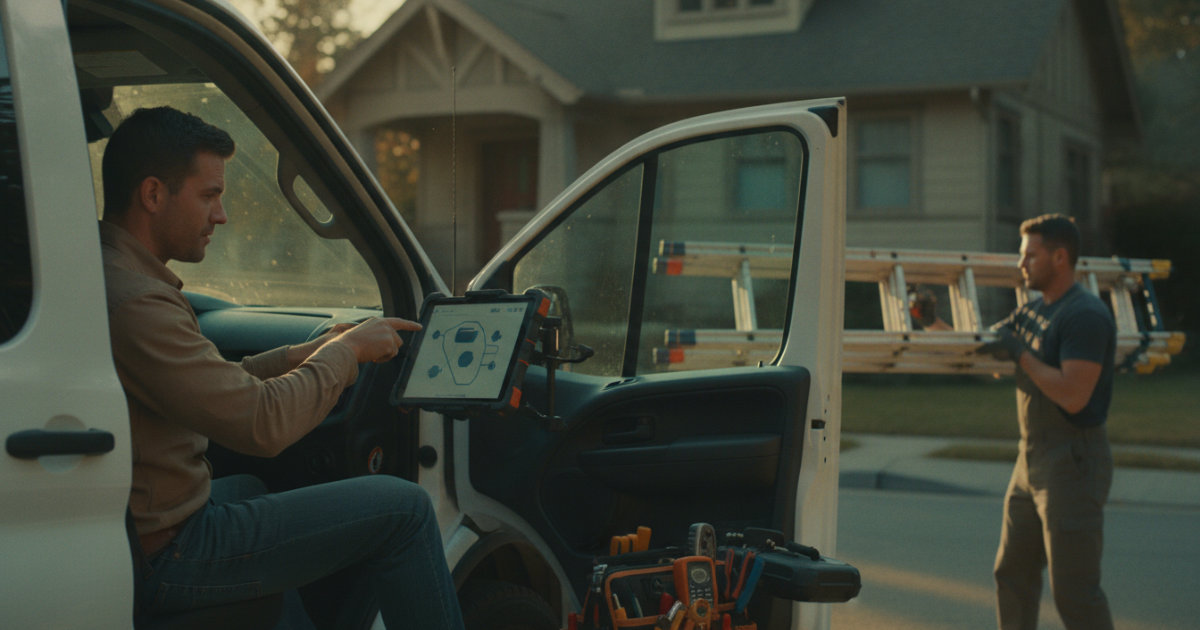
AceWatt's dispatch board is drag-and-drop with skill-based scheduling suggestions, and techs clock in and out from their phones while AceWatt records location and flags whether the tech was at the job site. For crews mixing apprentices and journeymen, assignment strategy matters as much as software. This breakdown of dispatching electricians versus apprentices covers how to pair skill levels so jobs don't stall.
A dispatch rule that earns its keep on most weeks: group jobs by electrical service type, not just geography. Putting a troubleshooting call next to a panel upgrade lets the tech carry the right meters and PPE. OSHA's electrical standards require arc-flash and shock protection appropriate to the incident energy at the panel, so the truck needs the right kit for the day's work.
AI Tools That Cut Real Time On Electrical Jobs
AI Job Walk
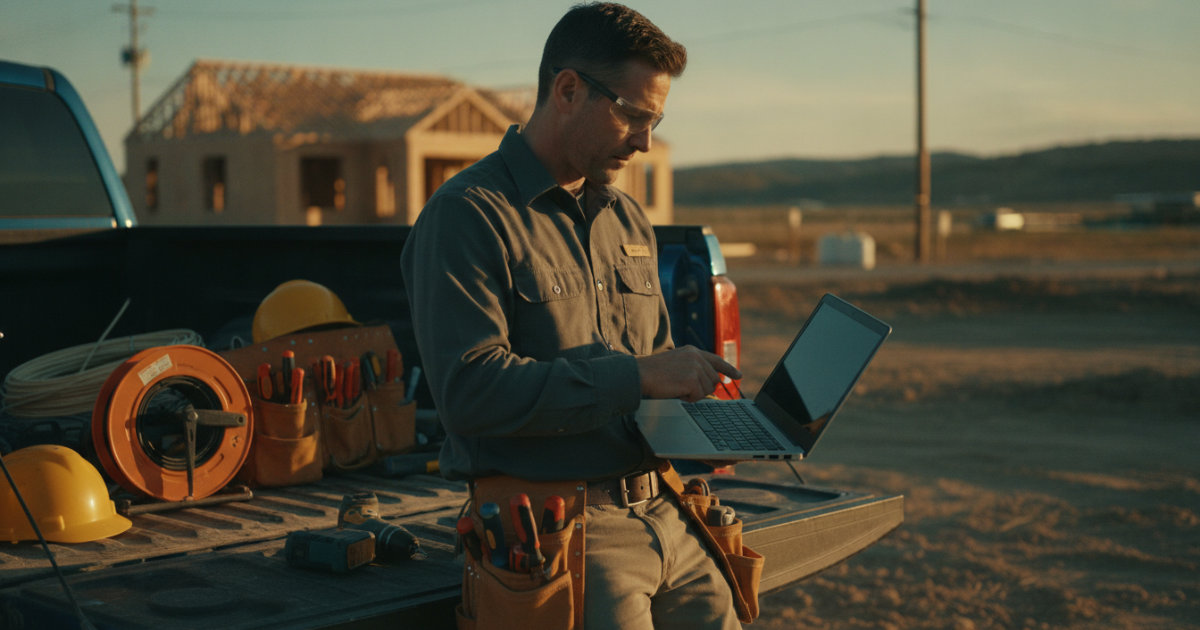
AceWatt's AI Job Walk (Growth plan and up) lets a tech walk a site with their phone, dictating notes and snapping photos, and generates a report with material suggestions. On a troubleshooting call or a pre-bid walk-through, this replaces the end-of-day scramble to reconstruct what you saw. It also protects you on change-order conversations, because the documented condition is timestamped and photographed.
AI Copilot and Voice
Hands-busy, eyes-busy is the default state of electrical work. With AI Copilot & Voice, you can search your CRM data, get financial summaries, pull your schedule, and update projects by voice. For a solo electrician on a ladder with wire in one hand, saying "add a note to the Henderson job" is faster and safer than typing.
How AceWatt Stacks Up Against Generic Field Service Apps
Most field service platforms on the market started in HVAC or plumbing. Electrical contractors using them end up with unused modules, dropdowns full of irrelevant equipment types, and estimate templates built around refrigerant charges instead of feeder sizing.
AceWatt's differences are concrete. The workflows are electrical-native: assemblies, pricebook-driven estimating, and job types that match service calls, panel changeouts, and small commercial work. The AI sits inside the quote-to-invoice path rather than in a separate chat window. And the bookkeeping scope is stated honestly: QuickBooks-ready exports (an invoice-list spreadsheet and a payroll-hours CSV in QuickBooks layout) today, with full sync in development rather than oversold.
A direct feature-by-feature comparison lives in this AceWatt versus FieldCamp review. If missed calls are your bottleneck before dispatch even starts, this overview of AI answering services for electricians covers the intake side.
A Real Day In The Field: One Electrician, One Crew Lead, Five Jobs
6:40 AM. The crew lead opens the dispatch board, drags a panel replacement to himself, and pairs the apprentice with a receptacle-add call off a skill-based suggestion.
7:15 AM. First stop is a troubleshooting call. The tech runs a Job Walk, dictating findings and photographing the panel while the homeowner points at the problem breaker.
9:00 AM. Between jobs, the lead asks Copilot by voice for today's schedule and a financial summary, then dictates a project note about a needed permit.
11:30 AM. At the panel job, the tech clocks in from his phone. The logged location confirms he was on site, which is what you want if hours ever get disputed.
2:00 PM. A customer accepts a quote by emailed link from her office. The draft invoice appears with the accepted line items, plus a deposit invoice and pay link. She pays by card before the crew finishes lunch.
4:30 PM. Basement job, no signal. The app queues the clock-out and field notes and sends them when the tech steps outside.
5:30 PM. Back at the shop, the lead checks the aging report, sees one invoice at 31 days (the 1-day and 7-day reminders already went out automatically), and makes one phone call instead of chasing five. He exports the payroll-hours CSV for the bookkeeper.
That loop is the whole argument: five jobs, no re-typing, no lost notes, and collections running without daily attention.
Pricing, Plans, And The 14-Day Free Trial
| Plan | Price | Users |
|---|---|---|
| Starter | $49/month | 1 |
| Growth | $99/month | Up to 5 |
| Scale | $199/month | Unlimited |
Starter covers the core quote-to-invoice loop with the AI quote builder for a one-truck operator. Growth fits a three-to-five person crew and adds the AI Job Walk, Copilot, and customer portal. Scale adds route optimization and is for shops adding trucks without per-seat math.
Facts worth knowing before signing up:
- 14-day free trial on any plan; there is no permanent free tier.
- 30-day money-back guarantee on the first subscription payment, so you can test a full job cycle with real risk protection.
- Annual billing saves roughly two months versus month-to-month, paid through Stripe Checkout (Visa, Mastercard, or American Express; ACH available on annual plans).
FAQ
Can AceWatt sync with QuickBooks automatically?
Not yet. Today AceWatt provides QuickBooks-ready exports: an invoice-list spreadsheet and a payroll-hours CSV in QuickBooks layout, so your bookkeeper can import clean data. Full QuickBooks sync is in development, but there is no live two-way connection at the moment.
Does AceWatt track where my techs clock in?
Yes. Techs clock in and out from their phones, and AceWatt records the location and flags whether the tech was at the job site. That gives you defensible hours records for wage compliance and job costing.
Does AceWatt follow up on quotes customers haven't answered?
Automatic follow-up currently runs on overdue invoices by email, at 1, 7, 14, and 30 days past due. Unanswered-quote follow-up is not automated, so a quick personal call on open quotes is still the winning move.
What happens if the app has no signal in a basement or crawlspace?
The app queues clock-ins and outs, new leads, field notes, expenses, and project notes while offline, then sends everything when the connection returns. Customer and job lists need a connection to load.
Is there a free plan?
No permanent free tier exists. AceWatt offers a 14-day trial on any plan and a 30-day money-back guarantee on the first subscription payment, which effectively lets you test a full month on a real job cycle.
Start your 14-day AceWatt trial and run your next five jobs through it. That is enough to know whether your quote-to-paid loop actually closes faster.
Related Reading
- Electrician scheduling software for job management
- Electrical contractor dispatch software for crews and service calls
- Free electrical invoice template
- Best electrical quote app for 2026: estimates and invoicing built for small crews.