
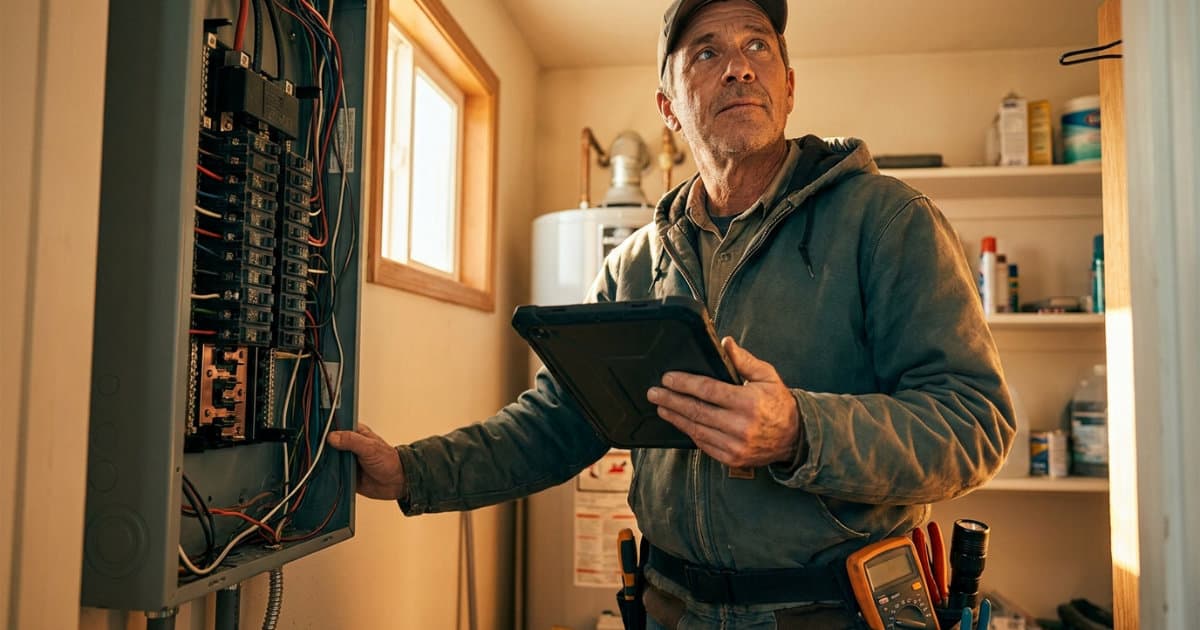
Panel Change Jobs: Quote Them Right, Cost Them Right, Get Paid on Time
A panel change is one of the most quotable jobs in residential electrical work, and also one of the easiest to lose money on. Labor hours, breaker compatibility, permit and inspection costs, and old-panel disposal all have to be priced before the crew rolls. An electrical invoice app with job costing like AceWatt ties the quote, the deposit invoice, field time tracking, and the final payment into one pipeline, so the number you quote is the number you can defend when the job closes.
1. 2026 Panel-Change Pricing Baseline: Labor, Materials, Permits, and Risk
A like-for-like 200A panel change in most US markets prices out across a few predictable buckets. Treat these as the line items any serious quote should separate:
- Labor: Typically a full day for two electricians, or one long day plus a helper for a straightforward swap in an accessible location. Add hours for a crowded panel location, a finished basement ceiling, or a meter main that has to be re-landed.
- Materials: The panel itself (a 200A 40-space main breaker panel runs roughly $200 to $500 depending on brand), breakers if the old ones do not transfer (modern panels often require new AFCI or AFCI/GFCI breakers at $40 to $60 each), conductors, grounding electrodes, and bonding hardware.
- Permit and inspection: Most jurisdictions require an electrical permit for a service or panel change, and the fee belongs on the quote, either as a pass-through line or baked into the price. Check your local authority having jurisdiction, since requirements vary by state and municipality. The NFPA 70 National Electrical Code, particularly Article 230 for services and Article 408 for panelboards, drives what the inspector will look for.
- Disposal: Old panels, especially those suspected of containing asbestos debris in pre-1980 homes, may need proper disposal. EPA guidance on asbestos in the home covers when suspect materials require testing rather than a dumpster run.
- Change conditions: Shared neutrals that turn into rewires, damaged service entrance cable, or a meter socket the utility rejects. These are change orders, and your quote should say so in writing.
If your quote is one flat number with none of this itemized, you have no basis for a change order when the job grows, and no cost breakdown to compare against afterward. For a deeper pricing breakdown, see our guide on 200 amp panel upgrade costs.
2. Why an Electrical Invoice App with Job Costing Beats Spreadsheet Guesswork

Most solo electricians and small shops run panel quotes out of a spreadsheet or a paper pricebook, then track costs... nowhere. Six weeks later nobody can say whether the Miller panel job made $900 or $200, because the hours went unbilled, the extra breakers came out of the truck stock, and the permit fee was paid on a personal card.
Job costing closes that gap by attaching three numbers to every job: the quoted price, the actual labor cost from time on site, and the material cost from logged expenses. The difference between the quoted price and the sum of those costs is your real margin, job by job.
A spreadsheet can hold the math but it cannot capture the inputs at the moment they happen. Techs will not file timesheets into a spreadsheet from a crawlspace. Field notes get typed at 9 p.m. if at all. This is exactly the failure pattern we break down in field job costing for electrical contractors, and it is why shops that move off spreadsheets consistently recover admin hours, a pattern we documented in how contractors cut 15+ admin hours a week.
3. Price the Panel Change in 3 Minutes with AceWatt AI Job Walk and AI Estimating
AceWatt shortens the front end of a panel quote to minutes:
- Walk the site with AI Job Walk. Open the AceWatt app on your phone, walk the existing panel, dictate your observations ("200 amp main breaker, bus rating unknown, two double-tapped neutrals, panel five feet from gas meter, three AFCI breakers present"), and snap photos of the panel interior, the label, and the service entrance conductor. AceWatt generates a job walk report with material suggestions for your review.
- Let AI estimating draft the quote. AceWatt drafts a quote from the job walk, the photos, a typed description, or an uploaded PDF plan set, using your own pricebook and assembly templates. You review and adjust. The quote comes out with labor, breakers, panel, permit, and disposal as separate lines, not one blob number.
- Attach the excluded conditions. Spell out what triggers a change order: damaged service cable, shared neutrals requiring repair, or a meter socket rejection by the utility. Customers can review and e-sign the quote from an emailed link in the AceWatt customer portal.
The estimate you send is now grounded in what you actually saw on site, which is also your defense if the job scope changes mid-stream. For the pricing side of markup and permit fees in more depth, read how to bill an electrical job.
4. Turn the Accepted Quote into a Deposit Invoice Without Retyping
Here is where most small shops bleed time: the quote gets accepted, and then someone re-types the whole thing into an invoice template.
In AceWatt, when a customer accepts a quote, a draft invoice is created with the quote's line items copied over. Nothing is re-typed, and nothing gets lost between the estimate and the bill. AceWatt can also create a deposit invoice at acceptance and email it with a pay link, so the customer can pay the deposit online by card from their phone while the job is fresh. On service and panel work, collecting a deposit before ordering the panel and breakers protects your material float, especially on jobs with $500 or more in parts.
5. Track Job Costs While the Crew Is on Site
Job costing only works if the data gets captured during the job, not reconstructed from memory.
- Clock in and out from the phone. Techs clock in on arrival and out on departure. AceWatt records the location and flags whether the tech was at the job site, so the labor hours on the panel change are the real hours, not a guess.
- Log material costs at cost. Materials get logged at cost as they are used, so actual spend is visible before the invoice goes out. Note that markup applies at the quote stage in AceWatt, so material margin is built into the estimate, and the logged costs feed your job cost comparison.
- Field notes and expenses queue offline. Basements and mechanical rooms eat signal. When the app is offline, AceWatt queues clock-ins, field notes, expenses, new leads, and project notes, then sends them when the connection returns.
- Dispatch keeps the schedule honest. The drag-and-drop dispatch board with skill-based scheduling suggestions puts the right tech on the panel job, and while the app is open, tech locations update every few minutes on the live dispatch map.
For larger projects billed in stages, AceWatt also supports milestone billing by percentage of completion, which fits commercial panel or distribution work where you invoice as phases complete.
6. Close the Job: Invoice Aging, Overdue Reminders, and QuickBooks-Ready Exports
The final invoice should go out the same day the inspection sticker goes on the panel. In AceWatt:
- The financial pipeline runs from quote to job to invoice to paid, in one view.
- Customers can open and pay their invoice from an emailed link in the customer portal, by card online, or by ACH if your Stripe account has bank payments enabled.
- Overdue invoices are marked automatically, and AceWatt emails reminders at 1, 7, 14, and 30 days past due. You stop chasing balances manually.
- The invoice aging report breaks receivables from 0 to 30 days through 120+ days, so you can see which customers are slow pays before quoting them again.
- On the Growth plan, QuickBooks-ready exports give you an invoice-list spreadsheet and a payroll-hours CSV in QuickBooks layout for your bookkeeper. Full QuickBooks sync is in development; today the workflow is export-and-import, not a live connection.
Plans start at $49/month for a solo operator on Starter, with Growth at $99/month for up to 5 users and Scale at $199/month for unlimited users. Annual billing saves roughly two months versus monthly, and every plan starts with a 14-day trial backed by a 30-day money-back guarantee on your first payment.
To compare job costing options side by side, see our breakdown of electrical contractor accounting software with job costing and our 2026 electrical job costing software guide.
FAQ
Does AceWatt sync invoices directly into QuickBooks?
Not yet. Growth and above include QuickBooks-ready exports: an invoice-list spreadsheet and a payroll-hours CSV laid out for QuickBooks import. A full native QuickBooks sync is in development, but there is no live two-way connection today.
Can I collect a deposit before the panel job starts?
Yes. When a customer accepts a quote, AceWatt can create a deposit invoice and email it with a pay link. Customers pay online by card, or by ACH bank payment if your connected Stripe account has that enabled.
How does AceWatt know how many labor hours my techs actually spent on a job?
Techs clock in and out from their phones. AceWatt records the location at each clock event and flags whether the tech was at the job site, so the labor hours feeding your job cost report reflect real site time.
What happens if the tech loses signal in a basement during the job?
The AceWatt app queues clock in and out, new leads, field notes, expenses, and project notes while offline, and sends them automatically when the connection returns. Customer and job lists do require a connection.
Does AceWatt handle retainage or AIA pay applications on commercial panel work?
No. AceWatt supports milestone billing by percentage of completion, which covers staged invoicing on projects. It does not track retainage or generate AIA G702/G703 pay applications.
Start your 14-day AceWatt trial and run your next panel change from job walk to paid invoice in one place.