
AI Electrical Estimating Software for Commercial Electricians: How AceWatt Handles It in 2026
AI electrical estimating software for commercial electricians drafts quotes for your review from a job walk, photos, a typed description, or an uploaded PDF plan set. AceWatt builds those drafts using your own pricebook and assembly templates, then carries the accepted quote straight through to deposit invoices, milestone billing, and paid status. This guide covers the estimating workflow itself plus the practical habits that make commercial estimates accurate.
What AI Electrical Estimating Software Does for Commercial Electricians in 2026
Commercial estimating has always been a time tax. A single tenant improvement can mean counting 277V fixtures across three floors, pricing branch circuits against current wire costs, and reconciling labor hours against your crew rate. A 40-hour estimate on a job you might not win is a real cost, and it is the reason many small shops bid fewer jobs than they should.
Software with AI drafting changes the input side of that equation. Instead of manually building every line, you feed the system source material (a plan set, a set of photos, a dictated job walk, or a typed scope) and it drafts the quote against your pricing data. You still review and adjust, but the drafting hours collapse.
The commercial side is where this matters most. Residential work runs on repeatable packages. Commercial work runs on plan sets, assemblies, and negotiated scopes, which is exactly the input mix AI estimating handles well. For a wider comparison of tools in this category, our rundown of the best AI estimating software for electrical contractors covers the field.
One caution for 2026: material pricing has been volatile enough that copper and conduit costs can move between bid date and award. The Bureau of Labor Statistics Producer Price Index tracks electrical equipment and wire price movement monthly, and it is worth checking before you commit to a number with a 60-day validity window. AI drafting speeds up the quote; your pricing data still has to be current.
How AceWatt's AI Estimating Turns Job Walks, Photos, and PDF Plan Sets into Draft Quotes
AceWatt's AI estimating accepts four input types, and choosing the right one depends on the job:
- A job walk. Walk the space, describe what you see, and the system extracts the scope.
- Photos of the site or existing equipment. Panel schedules, nameplates, and conduit runs become context for the estimate.
- A typed description. Paste the scope from an email or RFP and let the system structure it.
- An uploaded PDF plan set. For commercial work, this is often the fastest path from bid documents to a line-item draft.
The detail that decides whether the draft is useful is what the AI prices against. AceWatt drafts using your company's pricebook and assembly templates, so the output reflects your material costs and your labor approach rather than a generic national average you have to correct line by line. You review the draft, adjust quantities where the job demands it, and send.
A practical review pass matters here regardless of the tool. Before any commercial quote leaves your office, check the items AI commonly undercounts: shared neutrals on multiwire branch circuits, AFCI and GFCI protection where the current National Electrical Code requires it ( NEC 210.8 covers GFCI locations, and the 2023 edition expanded coverage to more commercial receptacles), and conduit fill derating when a run picks up more circuits than the drawings show. Ten minutes of scrutiny catches the errors that turn a winning bid into a losing job. For more on how these systems work under the hood, see our guide to the AI quote builder for electricians.
Using AI Job Walk and AI Copilot to Capture Commercial Field Details Faster
Accurate estimates start with accurate field capture, and commercial sites are hostile to note-taking. You are often on a ladder, in a mechanical room, or walking a partially energized space where stopping to type is impractical.
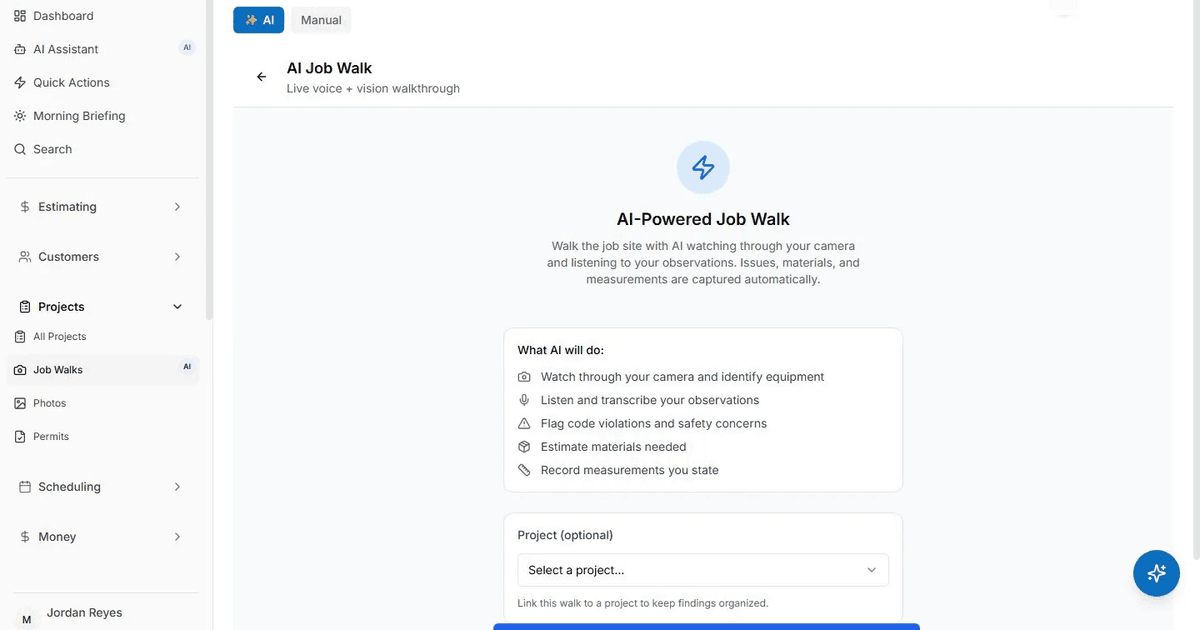
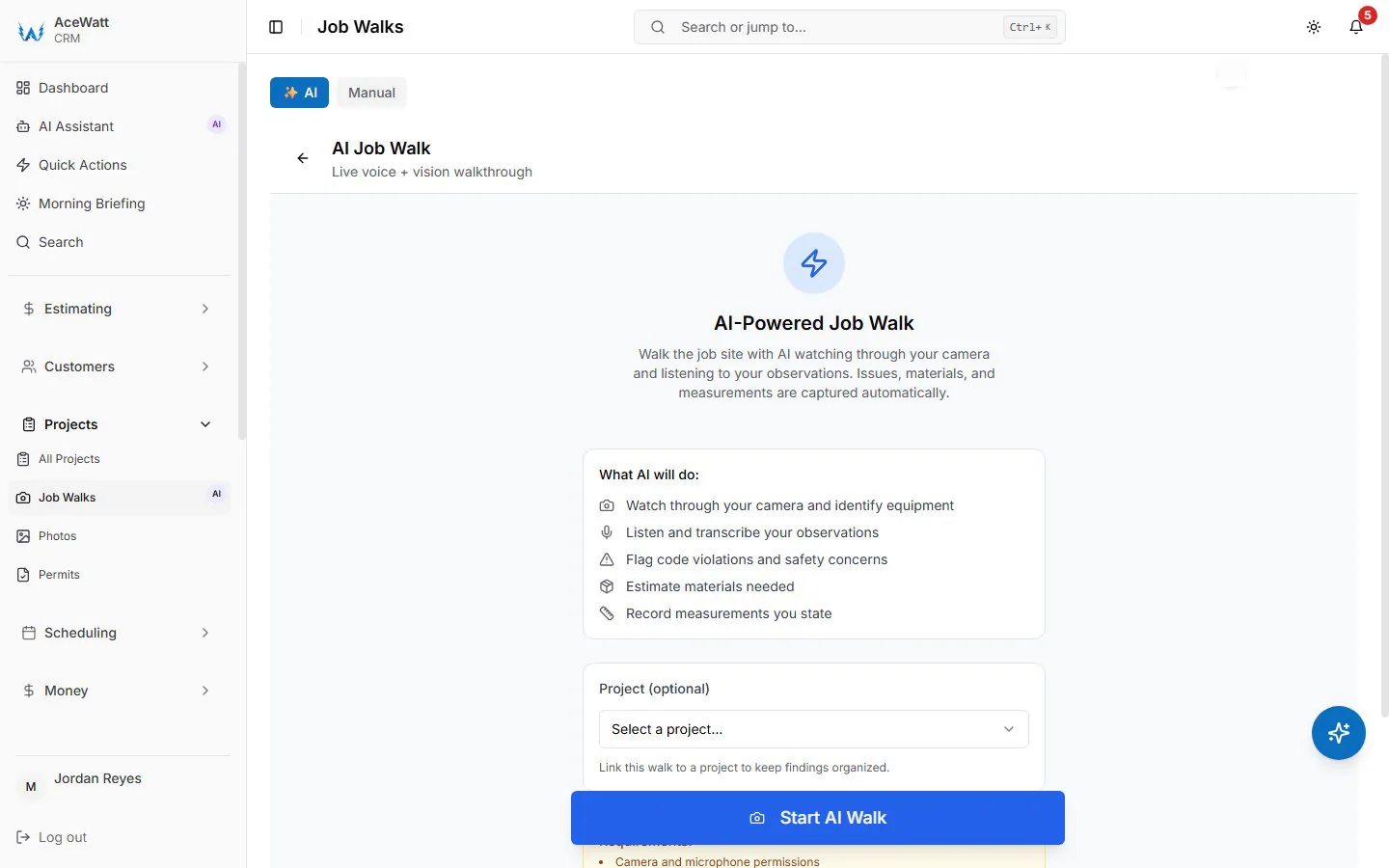
AceWatt's AI Job Walk, included on the Growth plan, lets you walk a site with your phone, dictating observations and snapping photos as you go. The output is a structured report with material suggestions, which feeds directly into the estimating workflow above. On a 20,000 sq ft tilt-up, that means your walk-through notes and photo record become the estimate's foundation instead of a stack of voice memos you transcribe at 9 p.m.
AI Copilot & Voice handles the questions that come up mid-project: ask for a financial summary, pull up your schedule, search CRM data, or update a project status, all by voice while your hands are elsewhere. Quotes themselves are built in the app, not by voice. But for "what is the outstanding balance on the Riverside Plaza job" while driving between sites, it replaces the parking-lot-and-scroll routine. For more on this category, read our piece on AI tools that auto-update CRM notes for electricians.
A field habit worth building on every commercial job walk: photograph every panel schedule, every nameplate on equipment you will touch, and the service entry. Half the surprises in commercial work come from undocumented existing conditions, and a timestamped photo record is your best defense when the scope changes.
Connecting Estimates to Quotes, Deposit Invoices, Milestone Billing, and Paid Status
A drafted estimate is only worth what happens after the customer says yes. In AceWatt, that handoff is automatic:
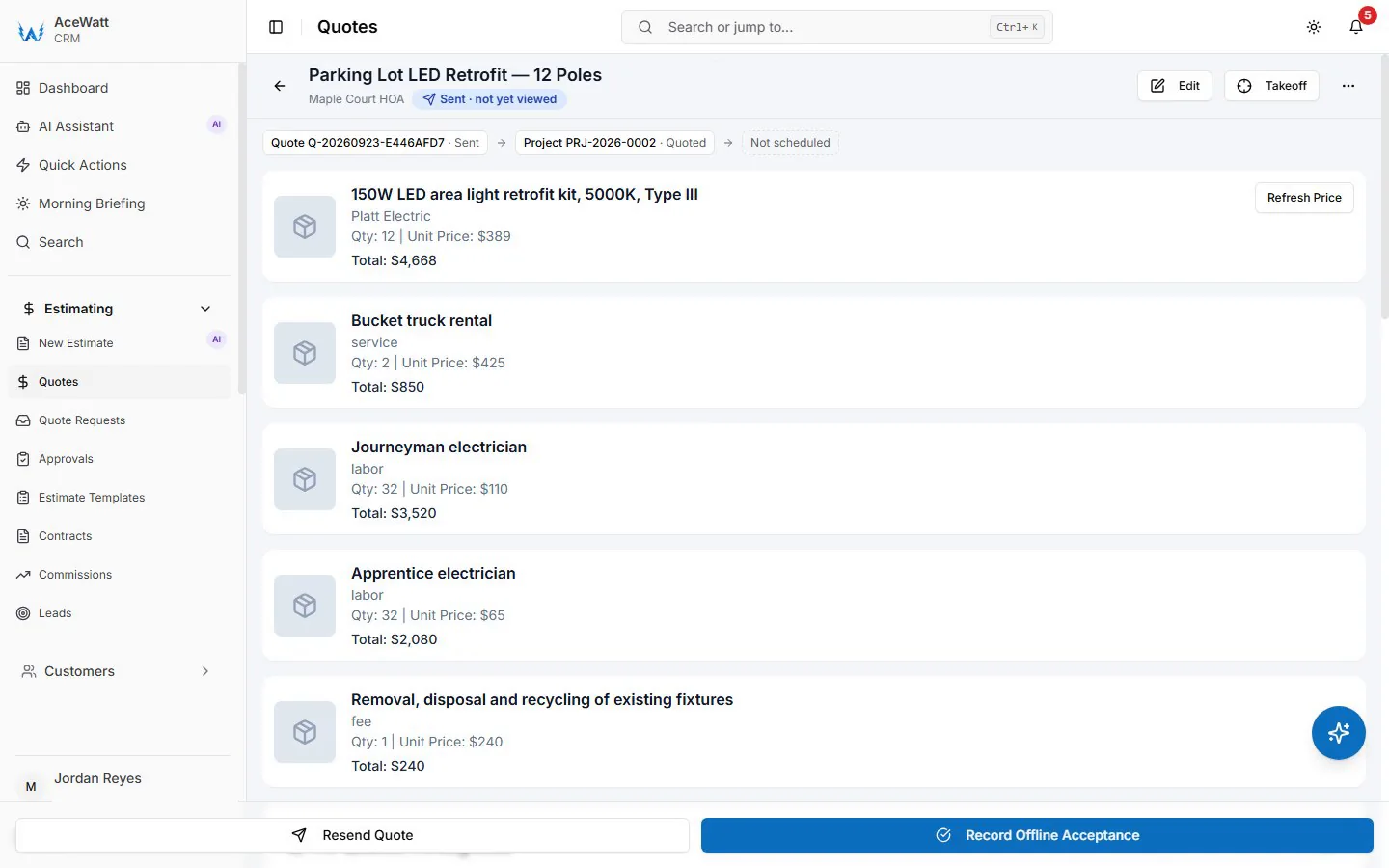
- Acceptance creates a draft invoice. When a customer accepts a quote, AceWatt creates a draft invoice with the quote's line items copied over, so nothing is re-typed. That single handoff eliminates the transcription errors that show up on commercial change orders.
- Deposit invoices with pay links. AceWatt can create a deposit invoice on acceptance and email it with a pay link. Customers pay online by card, and ACH bank payment is available when your Stripe account has it enabled. On a $60,000 commercial fit-out, collecting 30 percent up front covers your material purchases before you order.
- Milestone billing by percentage. Commercial projects rarely invoice in one shot. AceWatt invoices a project by percentage of completion, so you can bill 25 percent at rough-in, 40 percent at trim, and the balance at closeout.
- Automatic overdue reminders. AceWatt emails reminders at 1, 7, 14, and 30 days past due, marks unpaid invoices as overdue, and keeps an invoice aging report from 0 to 30 days through 120+ days.
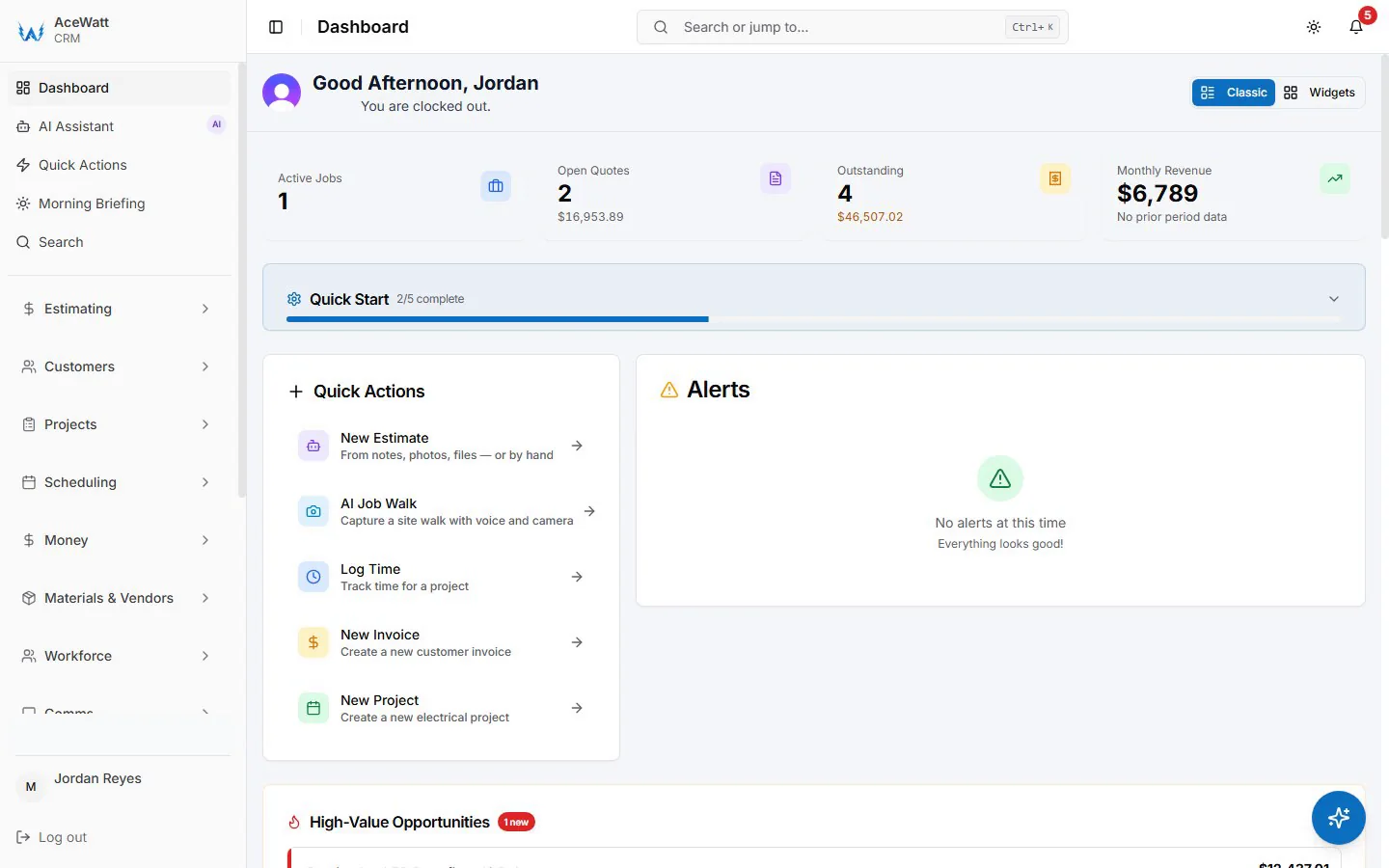
- Pipeline visibility. AceWatt tracks the financial pipeline from quote to job to invoice to paid, so you always know where each project stands financially.
Two payment-terms habits protect commercial margins. First, put your deposit percentage and milestone schedule in the quote itself, not in a follow-up email, so acceptance covers the payment terms too. Second, set milestone triggers around inspections rather than calendar dates: "40 percent at passed rough-in inspection" is verifiable, while "40 percent in week six" invites disputes when the GC's schedule slips.
If invoicing is your current bottleneck, our review of the best electrical invoice app for commercial electricians goes deeper on the payment side.
Dispatch, Job Tracking, and Financial Pipeline for Growing Electrical Shops
Estimating and billing sit inside a larger operation. A three-truck commercial shop running service calls alongside fit-outs needs dispatch and time tracking in the same system as the money.
AceWatt provides a drag-and-drop dispatch board with skill-based scheduling suggestions, and techs clock in and out from their phones. The app records location and flags whether the tech was at the job site, which settles the clock-in disputes that eat supervisory time. On sites with poor signal, the app queues field actions (clock in and out, new leads, field notes, expenses, and project notes) and sends them when the connection returns. Customer and job lists still need a connection, so plan around dead zones in basements and electrical rooms. For a fuller treatment, see our AI dispatch software guide for electrical contractors.
QuickBooks-Ready Exports and Accounting Workflows for Electrical Contractors
Most electrical contractors of any size run QuickBooks, and field-service-to-accounting sync is where many products overpromise. AceWatt's position is specific: Growth and Scale plans include QuickBooks-ready exports, meaning an invoice-list spreadsheet and a payroll-hours CSV in QuickBooks layout that import cleanly. Full QuickBooks sync is in development, but there is no live two-way connection today.
For a shop with an outside bookkeeper, the workflow is straightforward: close out the month in AceWatt, export the invoice list and payroll hours, and hand both files over in a format QuickBooks accepts. Reconcile the aging report against what actually landed in the bank before you remit sales commissions on collected revenue, not on booked quotes.
Choosing the Right AceWatt Plan: Starter, Growth, and Scale
| Plan | Price | Users | Best fit |
|---|---|---|---|
| Starter | $49/month | 1 | Solo electrician: core CRM (jobs, quotes, invoices, scheduling) and the AI quote builder |
| Growth | $99/month | Up to 5 | Small shop: adds AI Job Walk, AI Copilot & Voice, commission tracking, customer portal, QuickBooks-ready exports |
| Scale | $199/month | Unlimited | Multi-truck shops: adds route optimization and a dedicated support contact |
All plans include promo AI credits monthly (5,000 on Starter, 10,000 on Growth, 25,000 on Scale) until November 19, 2026, with pay-as-you-go top-ups at $5 for 25 requests, $15 for 100, or $40 for 300 that never expire.
Every plan starts with a 14-day trial, and the first subscription payment carries a 30-day money-back guarantee. Annual billing saves roughly two months versus monthly. For a solo electrician weighing the entry point, our comparison of the best electrical invoice app for solo electricians covers the Starter use case in detail.
FAQ
Does AceWatt estimate from PDF plan sets?
Yes. AceWatt's AI estimating drafts a quote for review from an uploaded PDF plan set, and also from a job walk, photos, or a typed description. Drafts use your company's pricebook and assembly templates, so pricing reflects your costs rather than a generic average.
Can customers pay commercial deposit invoices online?
Yes. When a customer accepts a quote, AceWatt can create a deposit invoice and email it with a pay link. Customers pay by card online, and ACH bank payment is available when the contractor's Stripe account has it enabled.
Does AceWatt sync with QuickBooks?
Growth and Scale include QuickBooks-ready exports: an invoice-list spreadsheet and a payroll-hours CSV in QuickBooks layout. Full QuickBooks sync is in development; there is no live automatic connection today.
How does milestone billing work for commercial projects?
AceWatt invoices a project by percentage of completion, so you can bill a fit-out in stages as work progresses. The invoice aging report tracks outstanding balances from 0 to 30 days through 120+ days, and overdue reminders go out automatically by email at 1, 7, 14, and 30 days past due.
What happens to my data if I decide not to subscribe after the trial?
If a trial user decides not to subscribe, AceWatt retains the account data for 30 days. The first subscription payment is covered by a 30-day money-back guarantee, and subscription management happens through the Stripe billing portal from your account settings.
Start a 14-day trial and run your next commercial estimate through AceWatt's AI quote builder, from job walk to deposit invoice, before you decide.