

Change Order Automation: How a CRM for Electrical Contractors Turns Scope Creep Into Billed Revenue
Most electrical contractors do not lose money on the work they quoted. They lose it on the work they never quoted. The extra circuits added after the drywall came down, the service upgrade that grew out of a panel replacement, the fixture swaps requested while your tech was already on site. These are the changes priced in a tailgate conversation, remembered differently by both parties at invoice time, and often absorbed just to close out the job. Change order automation inside a CRM for electrical contractors exists to close exactly that gap, from the moment a scope change is discovered to the moment the balance clears your bank.
1. Why Unpaid and Undocumented Change Orders Are the Biggest Profit Leak in Electrical Contracting
Picture a common Tuesday. You quoted a 200A panel replacement at $2,900, and on demo day the numbers turn against you. The load calculation under NEC 220.83 shows the existing service entrance conductors will not carry the new service, the mast is cracked, and the meter socket is rated below what the utility requires. The homeowner, standing in the driveway, says "just take care of it." You agree verbally and scribble a note on the back of the material receipt.
That delta is real money. A riser replacement, new service entrance conductors, a meter socket swap, grounding electrode work to meet NEC 250.53, utility coordination, and a permit revision fee (commonly $50 to $150 at most jurisdictions) adds up to $1,800 to $3,200 of work on top of the original contract.
The leak compounds quietly. Five dropped or discounted extras a month at a $600 average is $36,000 a year in revenue that never reaches an invoice. Worse, an undocumented extra is the first item challenged at final billing, and that dispute can freeze the entire balance, including the contracted work you already performed. You do not just lose the change. You lose your cash flow on the whole job.
2. What Change Order Automation Looks Like in an AI-Powered CRM Built for Electricians
A purpose-built job management platform for electricians treats every scope change as a structured record that moves through five stages: captured, priced, approved, billed, and exported. The job record is the spine. A change order discovered on a ladder becomes a voice note on that record, then a priced quote pulled from your labor units and material pricing, then an internal approval, then an invoice, then a line on the invoice-list export for your bookkeeper. Scheduling adjusts automatically at each step.
Generic CRM tools built for sales teams cannot do this because they do not understand what a change order is. A platform built around electrical workflows does, and that difference shows up in your margin at the end of every month.
3. Capturing Scope Changes in the Field: AI Voice and Job Walk Documentation
The documentation failure usually happens on the ladder. You open a kitchen wall for a remodel and find knob and tube wiring running through the cavity, the kind of discovery that falls under NEC Article 394 and almost always means replacement rather than splicing. The homeowner asks what it costs to pull it out. You give an answer, keep working, and the details evaporate by end of day.
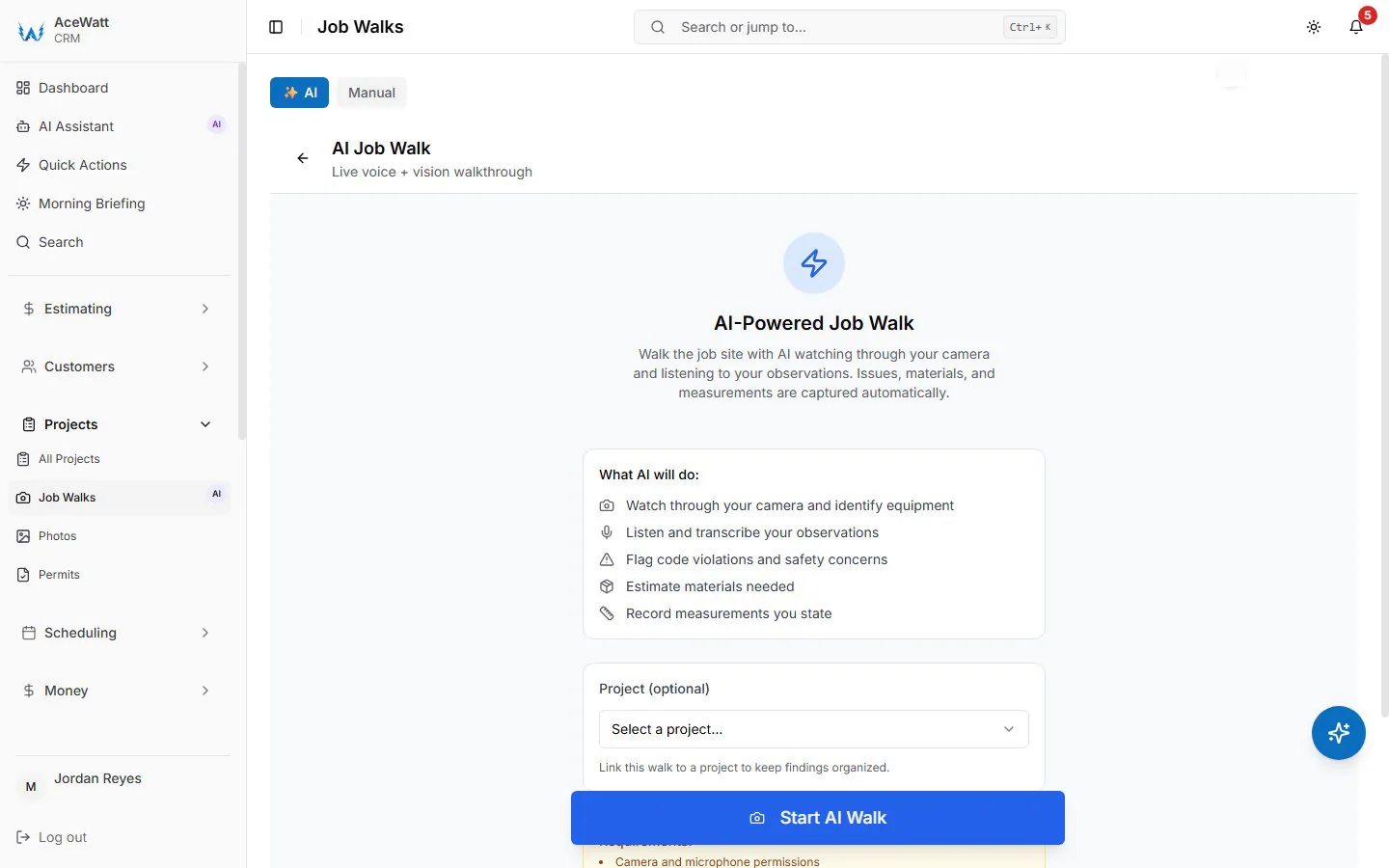
AI Voice and Job Walk Documentation changes the sequence. Standing in the attic or on the ladder, you speak a 30-second note: what you found, where you found it, and what the customer asked you to do about it. The AI transcribes it, timestamps it, and attaches it directly to the job record, alongside job walk photos of the wall cavity that establish the pre-existing condition. The paper slip in the truck door is replaced by evidence.
That timestamp matters later. If the customer disputes the extra, you are not arguing from memory. You are showing a transcribed, time-stamped note taken minutes after the discovery, with photos that back it up. In a collection dispute, documented extras get paid. Undocumented ones get negotiated away.
4. Pricing the Change Order in Minutes with AI Estimating and Electrical Labor Units
Once the change is captured, AI Estimating prices it against real electrical labor units rather than gut feel. Adding two 20A kitchen circuits means 12/2 NM-B in open framing at roughly 0.02 to 0.05 labor hours per foot depending on difficulty, device and box labor at 0.2 to 0.3 hours each, dual-function AFCI/GFCI breakers at $55 to $75 apiece, and the markup defined in your contract terms. That is exactly the kind of takeoff electrical estimating software is built to produce, and here it runs against your own labor tables so the numbers reflect how your crews actually perform.
For the panel upgrade that becomes a service upgrade, the system adds the service-side items automatically: the mast and riser, conductors, meter socket, grounding electrode conductor sized per NEC 250.66, utility coordination hours, and the permit revision fee. Instead of a ballpark number from the driveway and a formal quote three days later, a priced change order goes out the same day while the customer still remembers the conversation. Same-day pricing on extras is not a convenience. It is the difference between an approved change order and a favor you performed for free.
5. Approving the Change Order and Closing the Loop
A price given verbally is an opinion. A written, line-item record is evidence. Change orders are approved internally on the job record; when you need the customer's signature on the extra work, send it as its own quote, which the customer can e-sign from their phone before you pick up the next tool.
When the customer wants to think about it, the pending change order stays on the job record, but following up on it is your call: Automated Follow-Up emails reminders on overdue invoices, not on pending approvals. The operating rule stays simple: no written agreement, no work, and the "I never agreed to that" conversation gets much shorter at final billing.
6. Billing Approved Changes with Clear Invoice Details

Once the extra work is approved, prepare an invoice the customer can reconcile with the agreed scope. The example above shows material descriptions, quantities, prices, and quote/project references. For a time-and-material invoice, also itemize the work date, technician and recorded labor hours. Verify those details before sending the bill.
Invoicing and Payment Tracking then watches the balance. If a change order invoice issued at net 15 or net 30 goes unpaid past terms, the system flags it against the job, so the $1,400 extra from March does not sit quietly inside a job you mentally marked complete. For a solo electrician running everything from a phone, a capable electrical invoice app that ties invoices to change orders and job records is the difference between chasing balances and collecting them.
7. Keeping Job Costing and Revenue Accurate When Scope Changes, With QuickBooks-Ready Exports
Undocumented change orders corrupt your books in a specific way: the job costs go up and the revenue does not, so your job costing reports quietly lie to you. Change orders on the invoice are what close the loop. Every change order line lands on the invoice in AceWatt, so when a $2,100 service upgrade lands on top of a $2,900 panel replacement, your job costing shows a $5,000 job, not a $2,900 job that mysteriously ran over on material. AceWatt's QuickBooks handoff today is QuickBooks-ready exports (an invoice-list spreadsheet and a payroll-hours CSV), not a native two-way sync; full sync is in development.
Because every line is already priced and coded on the job record, nobody rebuilds the change order at month end. Job costing, work in process, and revenue reporting stay accurate as scope evolves, which is precisely what contractors should demand from accounting software for electrical contractors: numbers that reflect the job as it actually happened, not as it was originally estimated. When you quote the next panel upgrade, you are pricing it off real history instead of distorted averages.
8. Adjusting Crew Scheduling and Dispatching When a Change Order Extends the Job
A change order does not just add revenue. It adds trips, and a dispatch board that still shows the original duration will double-book your crews. The service upgrade needs a utility disconnect and reconnect window, a reinspection slot, and a material pickup for the new riser and conductors. The two added kitchen circuits mean a second rough-in trip and a second wall-covering deadline to beat.
When the change order is approved, Crew Scheduling and Dispatching extends the job block on the board and Job Tracking updates the stage, so the schedule reflects real job duration instead of the original estimate. The next customer's start date stays honest, material runs get planned instead of improvised, and any electrical dispatch software you adopt should be judged on exactly this: whether the board tells the truth about how long jobs actually take once scope changes.
9. Choosing a CRM for Electrical Contractors in 2026: A Change Order Automation Checklist
When you evaluate platforms this year, score them against the full change order lifecycle, not just the sales features. A change order management software checklist for electricians should include:
- Voice capture that attaches transcribed, timestamped notes directly to the job record
- AI estimating built on electrical labor units with current material pricing
- Digital change order sign-off from the customer's phone, with timestamped e-signature
- Automated Follow-Up on stalled approvals
- One-click conversion from approved change order to a T&M or fixed-price invoice
- Payment tracking that flags past-due change order balances by job
- Real-time QuickBooks sync that maps every line to the right customer and job
- A dispatch board that extends job duration the moment a change order is approved
- Mobile-first operation a solo electrician can run entirely from the truck
- Support for both T&M and flat rate pricing so extras match your billing model
The measure of the best CRM for electricians in 2026 is simple to state: a scope change discovered at 10 a.m. should be captured, priced, signed, invoiced, synced to QuickBooks, and reflected on the schedule before end of day. Every hour that discovery spends outside a documented workflow is revenue at risk, and in this trade, the margin is already thin enough without giving away the extras.