
Capture notes in the field
Record job context while details are fresh instead of reconstructing the visit later.
Voice documentation
AceWatt positions voice documentation as a practical way to preserve field context, job notes, and follow-up details while the crew keeps moving.
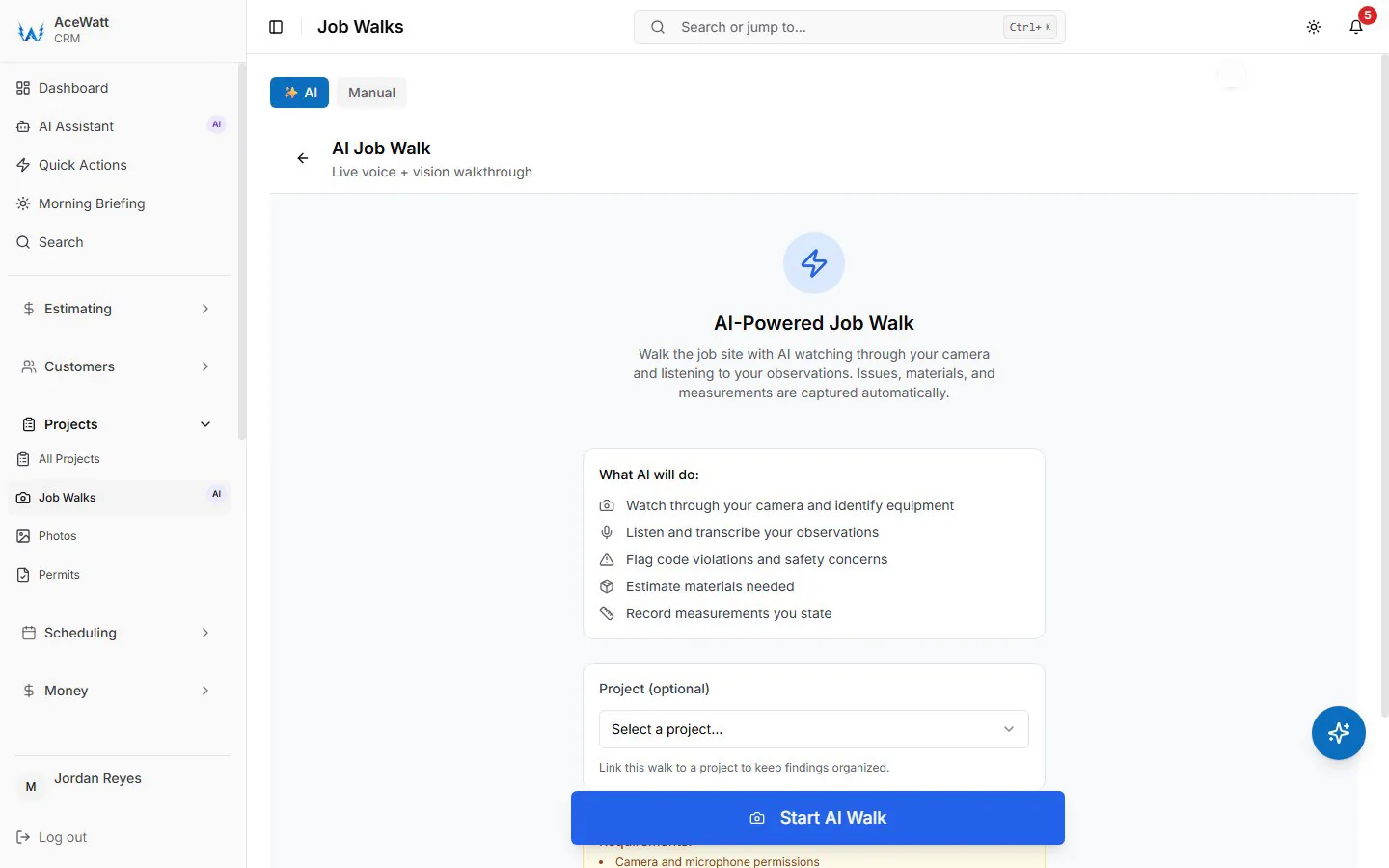
Screens from a demo company with sample data.
Record job context while details are fresh instead of reconstructing the visit later.
Turn raw field context into usable customer and job records for quoting and follow-up.
Keep notes attached to the CRM workflow so the office does not copy the same information across tools.
Keep exploring
Pages on the work that connects to this one.
FAQ
Voice notes reduce lost field context when electricians are moving between jobs and cannot type full summaries.
They should attach to the lead, customer, estimate, or job record so quote and invoice context stays searchable.
Start with AceWatt Starter at $49/month, then grow into AI workflows and team visibility when the shop needs them.