

Best Software for Small Electrical Contractors in 2026: A Practical Buyer's Guide
A two truck electrical shop runs two businesses at once: same day residential service, and short cycle project work like panel upgrades, EV charger circuits, and small tenant improvements. Most software for small electrical contractors was built for one of those models at best, and a large share of it was built for plumbers and HVAC companies first. This guide covers what electrical work actually demands from software in 2026, how the market segments, which pricing structures to expect, and how to test any tool on your own jobs before you sign a contract.
1. Why Small Electrical Shops Need Different Software Than General Contractors in 2026

General contractor software is organized around long projects: submittals, RFIs, draw schedules, profitability by cost code. That model assumes one job running for months with a superintendent pushing paperwork from a trailer.
An electrical contractor's week looks different. Monday is a $185 diagnostic call, a ceiling fan swap, and two breaker replacements. Tuesday is a 100A to 200A service upgrade that needs a load calculation, a permit, and a final inspection. Thursday is a job walk on a 9,000 square foot tenant space where you count devices, photograph panel schedules, and document existing conditions before you can quote.
That mix creates requirements generalist platforms never anticipated:
- Permit and inspection cycles. Rough and final inspections are tracked per job, and jurisdictions enforce different NEC editions. The 2026 code cycle is arriving while some states and municipalities still enforce the 2017 or 2020 edition. Your records need to show which code cycle and permit number applied to each job, years later if a claim surfaces.
- Electrical estimating units. Electrical bids are built from fixture counts, device counts, branch circuit runs, and labor hours per unit, the same structure NECA labor units use. Material volatility matters too: a copper move between estimate and install date changes the cost of a 200A feeder job.
- Crew licensing rules. States enforce apprentice to journeyman ratios, and many jurisdictions require a master electrician's license number on the permit. Dispatching the wrong tech to a permitted job creates a compliance problem on top of a scheduling problem.
- Speed on quotes. A homeowner with a dead panel collects three bids by phone. The contractor who responds first with a written estimate wins a disproportionate share of that work.
2. The Core Features That Matter for Electrical Contractors
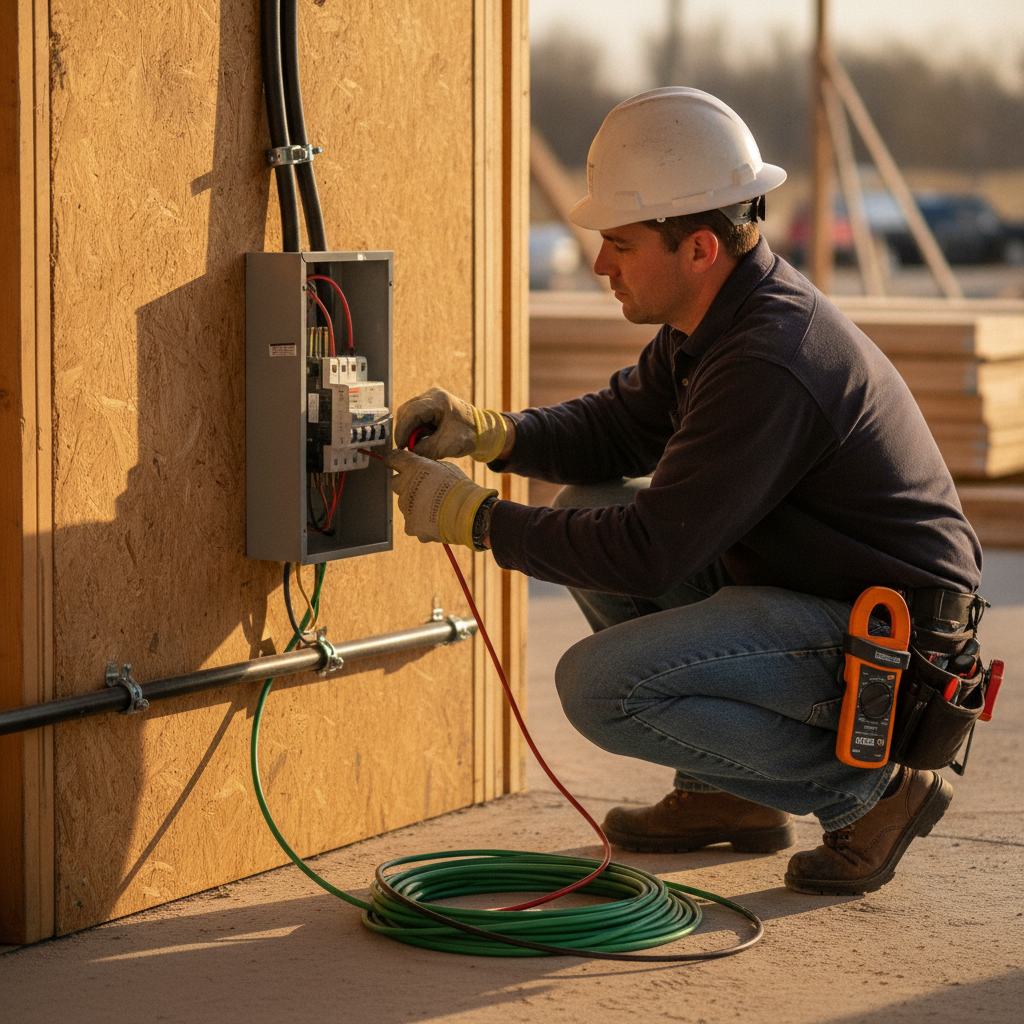
Whether a vendor labels its product electrical contractor software or field service management for electricians, judge every option against the same seven capabilities. These decide whether the tool runs your shop or just adds another login.
- Electrical estimating with real units. Serious electrical estimating software does quantity takeoffs by device and fixture, lets you adjust labor hours for job conditions, and prices the material list from your supplier's quotes. A generic quote builder that only handles line items and totals will slow down every bid you send.
- Scheduling with skill matching. Good electrician scheduling software tags each tech by license level and respects that tag on assignment. A job requiring a permit signature needs the master electrician on the schedule, not whoever happens to be free.
- Job walk documentation. Photos of panels, nameplates, and existing conditions, plus voice notes transcribed into structured text. On remodels and commercial work, this record settles existing conditions disputes before they become change order fights.
- Fast field invoicing. A proper electrician invoice app collects the deposit at booking, captures a signed time and materials ticket on site, and takes card payment before the tech leaves the driveway. Residential service economics depend on same day payment.
- Job tracking through inspection. Status should run lead, estimate, scheduled, rough inspection, final inspection, paid. Tools that stop at "work completed" drop the two stages where jobs actually stall.
- QuickBooks sync. Every invoice, payment, and customer record should flow to QuickBooks without re-entry. Double entry is the most common reason small shops abandon software within six months.
- Automated follow-up. Unanswered quotes should trigger scheduled emails or texts. Most residential quotes close on the third or fourth touch, and nobody has time to send those by hand between calls.
3. Top Software Picks for Small Electrical Contractors in 2026

A ranked list that ignores shop size does more harm than good. Here is how the market actually segments, and where each category fits.
- Generalist home service platforms: Jobber, Housecall Pro, Service Fusion, ServiceM8. Strong scheduling, CRM, and invoicing for one to five tech operations. The gap is electrical depth: quoting is line item based rather than built on fixture counts and labor units, so serious estimating means a second tool and a second data set. The plumbing and HVAC heritage shows in the templates and flat rate books.
- Enterprise field service platforms: ServiceTitan, FieldEdge. Deep call booking, reporting, and multi department dispatch for large residential and commercial contractors. Pricing is quote based with seat minimums, annual agreements, and implementation fees. That structure makes sense at 20 trucks and is hard to justify at two.
- Standalone estimating systems: McCormick Systems, Trimble Accubid. Industry standards for commercial takeoff, assemblies, and labor units. Excellent at the estimate, but the output stops at the PDF. You still need separate scheduling, invoicing, and accounting systems, plus someone to move data between them.
- Electrical specific platforms: Red Rhino, Electric Ease. Built for the trade, with flat rate books and QuickBooks integration. The trade focus is real, though AI capability and job walk tooling vary widely between vendors, so test those features directly rather than trusting the feature checklist.
- AceWatt. The one option here that combines AI estimating, voice documentation, dispatch, job tracking, invoicing, and QuickBooks-ready exports in a platform designed for electrical contractors from day one. Covered in detail below.
4. AceWatt: Built Specifically for Electrical Contractors
AceWatt covers the full job lifecycle with eight connected modules, and the connection is the point: data captured at the job walk becomes the estimate, the schedule, and the invoice without anyone retyping it.
- AI powered CRM. Every customer record carries equipment history: existing 100A panel brand, meter can age, prior service calls. When the customer calls back in two years, the context is already there.
- AI voice and job walk documentation. The tech photographs the panel and meter location and records a six minute voice note on existing conditions, service cable type, and grounding. It is transcribed and attached to the job.
- AI Estimating. The estimate pulls from job walk data and load calculation inputs, applies your labor hours and material pricing, and produces a customer ready document with your margin. You review and adjust before it goes out, so the final numbers are always yours.
- Automated Follow-Up. When an invoice goes unpaid, automatic email reminders go out at 1, 7, 14 and 30 days late, so collections do not depend on evening phone sessions.
- Crew Scheduling and Dispatching. Jobs land on the drag-and-drop dispatch board with skill-based suggestions, the permit number attached, and the material list visible to the crew.
- Job Tracking. Status moves through permit pulled, rough inspection, final inspection, closed out. Nothing gets marked done until the inspector signs off.
- Invoicing and Payment Tracking. Deposits collected at booking, balances charged the day of final, progress billing on longer commercial jobs. The billing module and the schedule read from one job record, so nothing gets billed twice or missed.
- QuickBooks-Ready Exports. Your invoice list exports as a spreadsheet and payroll hours as a QuickBooks-format CSV for your bookkeeper; full sync is in development.
For a solo electrician, this replaces the spreadsheet, the truck notebook, and the Sunday night invoicing session. For a three crew shop, it gives the office one system instead of four.
5. How Electrical-Specific AI Tools Reduce Admin Time
Run the math on a shop handling 15 to 20 quote requests a week.
- Speed to lead. Responding within five minutes instead of three hours changes close rates on emergency work, because the customer with a dead service panel is calling the next contractor while your voicemail ages. Automated responses and follow up sequences handle this without you touching the phone between jobs.
- Job walks. A seven minute voice note, transcribed and structured, replaces 30 minutes of typing notes at the truck. Across four walks a week that is two hours back, and the documentation is better because it is captured while you are still looking at the conditions.
- Estimates. AI drafting the first pass from job walk data and your price book cuts per estimate prep roughly in half. You still set labor hours and margins. The software assembles, you decide.
- Follow up and collections. Automated quote follow up and payment reminders close the two gaps where small shops quietly lose money: quotes that go cold and invoices that pass 30 days unpaid.
Add it up: two hours saved on walks, half the prep time on ten estimates, follow up that used to consume evenings. For most owners that totals a full workday per week, without hiring office help.
6. Pricing Comparison: What Small Shops Should Expect to Pay
List prices in this category change frequently, so confirm current rates directly with each vendor before budgeting. What stays stable is the pricing structure, and structure is what determines your real cost.
- Published flat tiers (generalists). Entry plans for a single user typically run under $100 per month, with team tiers commonly landing between roughly $150 and $450 per month depending on user count and add-ons.
- Per user budget apps. Some field apps charge a small per user monthly rate with a cap. Cheap for micro shops doing time and materials work, thin on estimating capability.
- Quote based enterprise platforms. Annual agreements, seat minimums, and implementation fees mean effective costs commonly work out to a few hundred dollars per technician per month once onboarding is included. Rational at scale, punishing for a two truck shop.
- Estimating seat licenses. Commercial takeoff systems commonly run four figures per seat for the first year, with lower renewals after that.
Three pricing traps catch small shops repeatedly:
- Per user fees that count the office. Some platforms charge for every login, including the owner estimating at night and the office manager answering phones. A $70 per user plan is a very different number at three logins versus seven.
- Feature gating on the essentials. QuickBooks sync and real estimating tools sit in upper tiers on several generalist platforms. Price the tier you will actually need, then compare that number.
- Processing lock-in. Some vendors require their in house payment processor to unlock features like financing or same day deposits. Run the math: a half point difference on $80,000 of monthly card volume is $4,800 a year, more than most subscriptions on this list.
AceWatt prices differently: published flat monthly plans for solo electricians and for team shops, no per user meter running on office logins, and no tier that gates AI estimating or follow up automation. Current plan rates are listed on the pricing page, and the number to check alongside them is your total cost after card processing fees, compared against your real monthly volume.
7. How to Choose the Right Software for Your Electrical Business
Start by matching the tool to your shop's stage:
- Solo electrician. You need one app that runs from your phone: estimate, invoice, get paid, sync to QuickBooks. An all in one platform beats a stack of disconnected small electrical contractor tools that each solve one problem and none of them talk to each other.
- Two to five techs. Dispatch and follow up automation become the difference makers. Evaluate the scheduling board and the automated follow up first, because those two features determine whether quotes stop dying in your inbox.
- Six or more crews. Job costing, progress billing, and crew level reporting matter now, and this is where mid market or enterprise pricing starts to earn its keep.
Before signing any annual agreement, run a 14 day pilot on live work:
- Bring a real job walk. Take photos and a voice note on an actual panel upgrade or tenant build out and see what comes out the other side.
- Build a real estimate. Price a 200A service upgrade with your material costs and your labor hours. If the tool cannot express the job the way you bid it, stop there.
- Test the QuickBooks sync in a sandbox. Enter an invoice, void a payment, issue a credit. Mistakes are where sync quality shows.
- Check offline behavior. Basements and mechanical rooms kill cell signal. Confirm that photos and notes queue locally and upload when signal returns.
Also get data ownership confirmed in writing: you should be able to export customers, job history, and invoices if you ever leave.
8. Frequently Asked Questions About Electrical Contractor Software
What is the best software for a solo electrician? For a one person shop doing mostly residential service, a single platform that runs estimate to payment from the phone beats a stack of separate tools. AceWatt's solo plan covers that loop: AI estimate from a job walk, same day invoicing, and payment capture, with QuickBooks-ready exports from the Growth plan. Jobber and Housecall Pro also work if your quoting stays light, but expect friction once you price panel upgrades and load calculations.
How much does electrical contractor software cost in 2026? Entry generalist plans generally run under $100 per month, dedicated estimating systems run per seat licenses into four figures for year one, and enterprise platforms commonly work out to several hundred dollars per technician per month once implementation is included. Most one to five user electrical shops land somewhere between $80 and $400 per month in total, with payment processing fees on top. Verify current list prices with each vendor.
Can I keep using QuickBooks and spreadsheets? QuickBooks handles the accounting side well and stays in the stack either way. The problem is everything it does not do: job walks, dispatch, quote follow up, permit tracking, and same day payment capture. Most shops that grow past a few hundred thousand dollars in annual revenue hit a wall where missed follow ups and slow quotes cost more than the software would.
Do I need electrical estimating software if most of my work is service calls? If you run time and materials or flat rate books, the quote builder inside your service platform is enough. If you bid panel upgrades, EV charger circuits, or tenant work by the fixture and device, you need takeoff style estimating, because those bids are won and lost on labor hours per unit.
Does the software track permits and inspections? Good electrical business software tracks job status through permit pulled, rough inspection, and final inspection, and stores the permit number, inspection dates, and job photos on the customer record. That history is what you need if a jurisdiction question or warranty claim surfaces two years later.
How long does it take to switch? Plan on two to four weeks for a typical small shop: one week to migrate customers and price book items, one week running the new system alongside the old, with QuickBooks-ready exports from the first invoice. Vendors that import your customer list and item catalog for you cut that timeline roughly in half.
Next Step: Test on Real Work
Pull your last three estimates and your busiest week from last quarter. Book a 20 minute AceWatt walkthrough and bring the material list from your most recent panel upgrade, then rebuild that estimate inside the platform during the call. One real bid tells you more than a month of feature comparisons.