
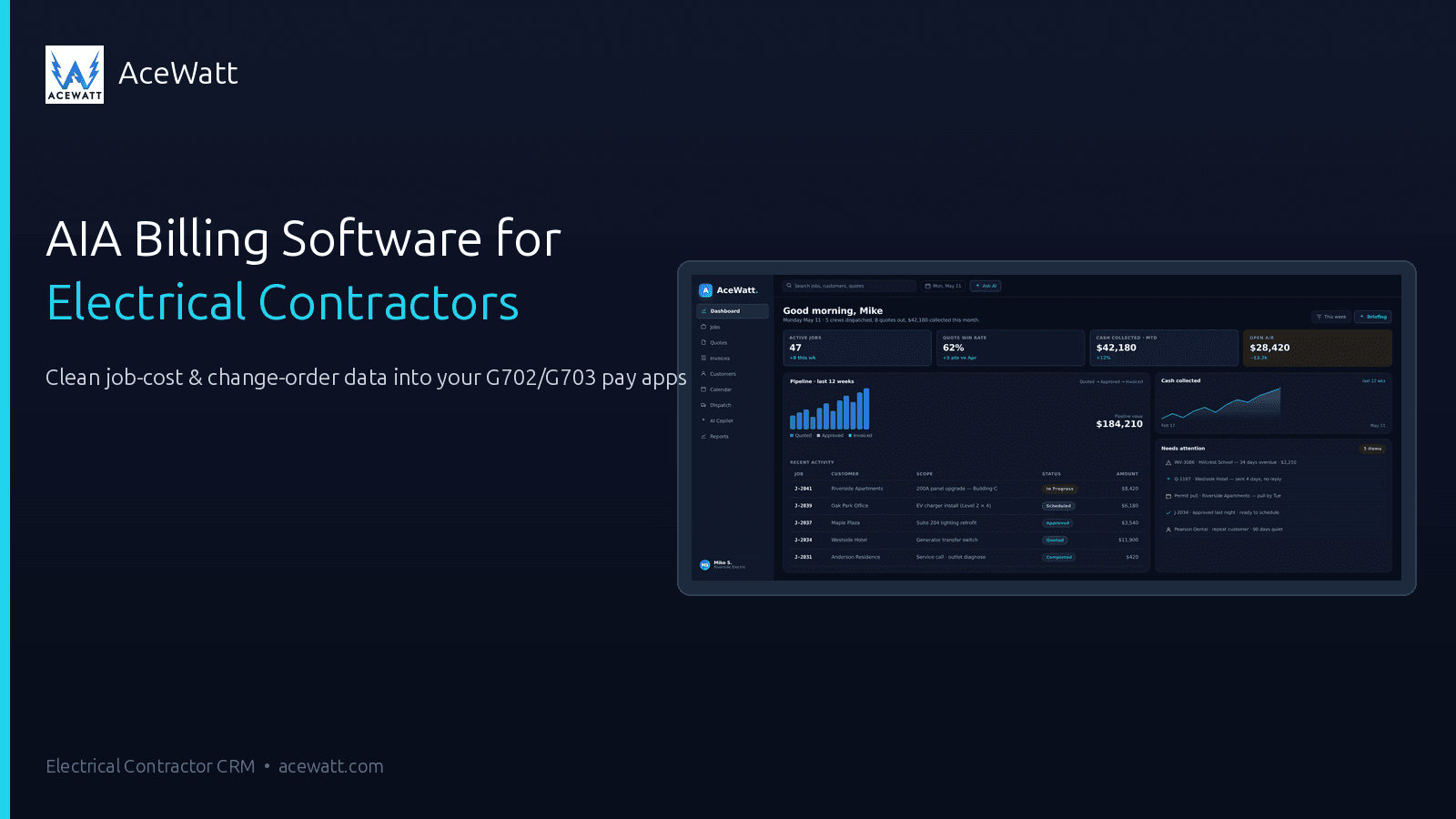
AIA Billing Software for Electrical Contractors: G702/G703 Pay Apps Explained (2026)
BLUF: AIA billing software is progress billing software for electricians and other construction subcontractors that turns a live schedule of values into G702/G703 pay applications. In practical terms, it automates AIA G702/G703 generation, retainage, stored materials, and approved change-order roll-forward so the GC receives a clean, cumulative billing package. For electrical contractors, the win is fewer rejected pay apps, tighter job-cost visibility, and less retainage getting lost between the field, project manager, and bookkeeper.
What Is AIA Billing: and Why Electricians Can't Escape It
AIA billing is a standardized progress-payment format used on commercial construction projects. Instead of sending a normal invoice for “electrical rough-in,” you submit a pay application that shows contract value, work completed this period, work completed to date, stored materials, retainage, prior payments, and the current amount due.
Two documents matter most:
- G702: the application and certificate for payment. It summarizes the contract, change orders, retainage, previous payments, and current amount due.
- G703: the continuation sheet. It breaks the job into schedule-of-values line items, such as lighting rough-in, switchgear, feeders, fire alarm, low-voltage, and trim-out.
The schedule of values is the backbone. It converts your electrical scope into billable phases or cost codes so the GC, architect, owner, and accounting team can see exactly what percent complete you are claiming. On a multi-week tenant improvement, school, medical, industrial, or government job, that visibility is why GCs require AIA-style billing from electrical subs.
According to construction industry billing data published by ConstructionBids.ai, 78% of commercial projects use G702/G703-style pay applications, and billing mistakes can cost contractors about $14,000 per year in delayed payments, corrections, and missed retainage. That is why electrical subcontractor pay application software has moved from “nice to have” to a serious back-office decision.
Most electrical shops run three billing modes at the same time:
- Flat-rate service: one visit, one invoice, fast payment.
- Time and materials: open-ended service or troubleshooting billed from hours and materials used.
- Progress or AIA billing: commercial project billing based on percent complete against a schedule of values.
AceWatt is built around the field, quoting, job-cost, and change-order data behind those invoices. For a broader billing overview, read our guide to electrical contractor invoicing software.
The 5 Things AIA Billing Software Must Do for Electrical Subcontractors
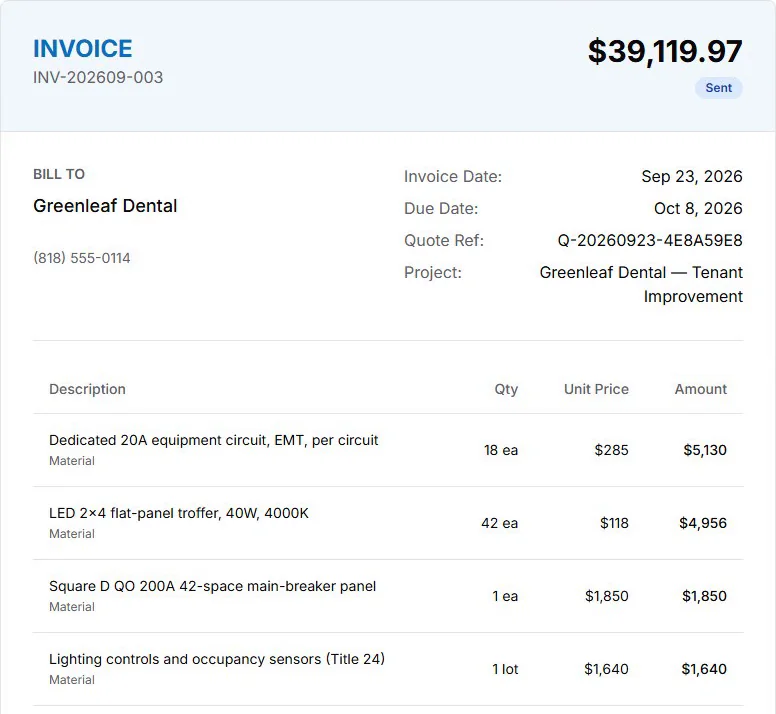
The best AIA workflow is not just a PDF export. It is a controlled monthly process that keeps field progress, contract value, accounting, and GC paperwork in sync.
1. Generate G702/G703 from a live schedule of values
Your software should store the original contract amount by phase, division, cost code, or SOV line. When the PM updates percent complete, the system should calculate work completed this period, work completed to date, balance to finish, and the amount currently billable. Rebuilding that math in Excel each month creates avoidable risk because every cell becomes a place to break cumulative totals.
2. Track retainage at the line-item or phase level
Retainage is the portion of earned revenue the owner or GC holds until a milestone, substantial completion, or final closeout. Electrical work often has uneven cash demands: switchgear deposits, long-lead fixtures, feeder pulls, trim, testing, and punch work do not hit at the same time. Strong retainage tracking electrical contractors can trust should show retainage withheld, retainage released, and remaining retainage by phase, not just one number buried in accounts receivable.
3. Roll approved change orders into the next pay app
A signed change order should update the contract sum and appear in the next billing cycle. If the change-order log is separated from the pay app, approved scope gets forgotten or the G702 contract total does not match the G703 continuation sheet. That mismatch is a common reason an architect or GC sends the application back. AceWatt's change-order workflow keeps the audit trail attached to the job; see our detailed electrical contractor change order guide for the process.
4. Handle stored materials separately
Electrical contractors routinely buy expensive materials before installation: panels, transformers, switchboards, generators, fixtures, gear, conduit, wire, and controls. AIA pay apps separate materials presently stored from work installed. Your system should support that distinction so the GC can review stored-materials billing without confusing it with labor progress. Your contract may require proof of purchase, storage photos, insurance documentation, or vendor invoices; confirm those requirements with the GC and your accounting advisor.
5. Sync to QuickBooks or Sage as posted AR
The pay app is a construction billing document, but your accounting system still needs the receivable. A good workflow posts the approved amount to QuickBooks Online, QuickBooks Desktop, Sage, or an ERP without re-keying customer names, job names, invoice totals, tax treatment, or payment status. If your shop is tightening books this year, our QuickBooks integration guide for electrical contractors explains what should sync and what should stay in operations software.
AIA Billing Software Comparison for Electrical Contractors (2026)
Here is an honest 2026 view of common options for AIA G702 G703 electrical contractors. Pricing can vary by plan, seat count, and implementation scope, so use the ranges below as evaluation guidance, not a quote.
| Tool | Native G702/G703 | Retainage | Change-Order Roll-Fwd | QBO Sync | Best For | Price |
|---|---|---|---|---|---|---|
| Knowify | ✅ | ✅ per phase | ✅ | ✅ deep | Commercial subs | ~$99/mo |
| Werx | ✅ AIA-style | ✅ | ✅ w/ e-sig | ✅ | Electrician-vertical | quote |
| ServiceTitan | Limited/add-on | ✅ | ✅ | ✅ | 20+ tech enterprise | $245+/tech/mo |
| BuildOps | ✅ | ✅ | ✅ | ✅ | Commercial-only | quote |
| Procore/Sage/Viewpoint | ✅ | ✅ | ✅ | ERP | Large GCs/subs | $500-2K+/mo |
| AceWatt | ❌ native G702/G703 roadmap; feeds clean job-cost + change-order data | n/a | ❌ change-order log only | ❌ invoice-list and payroll-hours exports | Field-time + quote layer | $49-99/mo |
The table matters because “AIA billing” can mean several things. Some tools generate the actual G702/G703 package. Others support progress invoices but leave the AIA form to Excel or accounting. AceWatt currently sits in the input layer: it helps electrical shops capture the field time, estimates, materials, job-cost context, approvals, and change-order history that make the pay app accurate.
For many mixed residential/commercial shops, that stack is more realistic than replacing the entire business system. Use AceWatt to run estimating, field updates, and customer/job records; then feed a dedicated AIA tool when a GC requires the form.
How AceWatt Fits the AIA Workflow (Without Generating the Form)
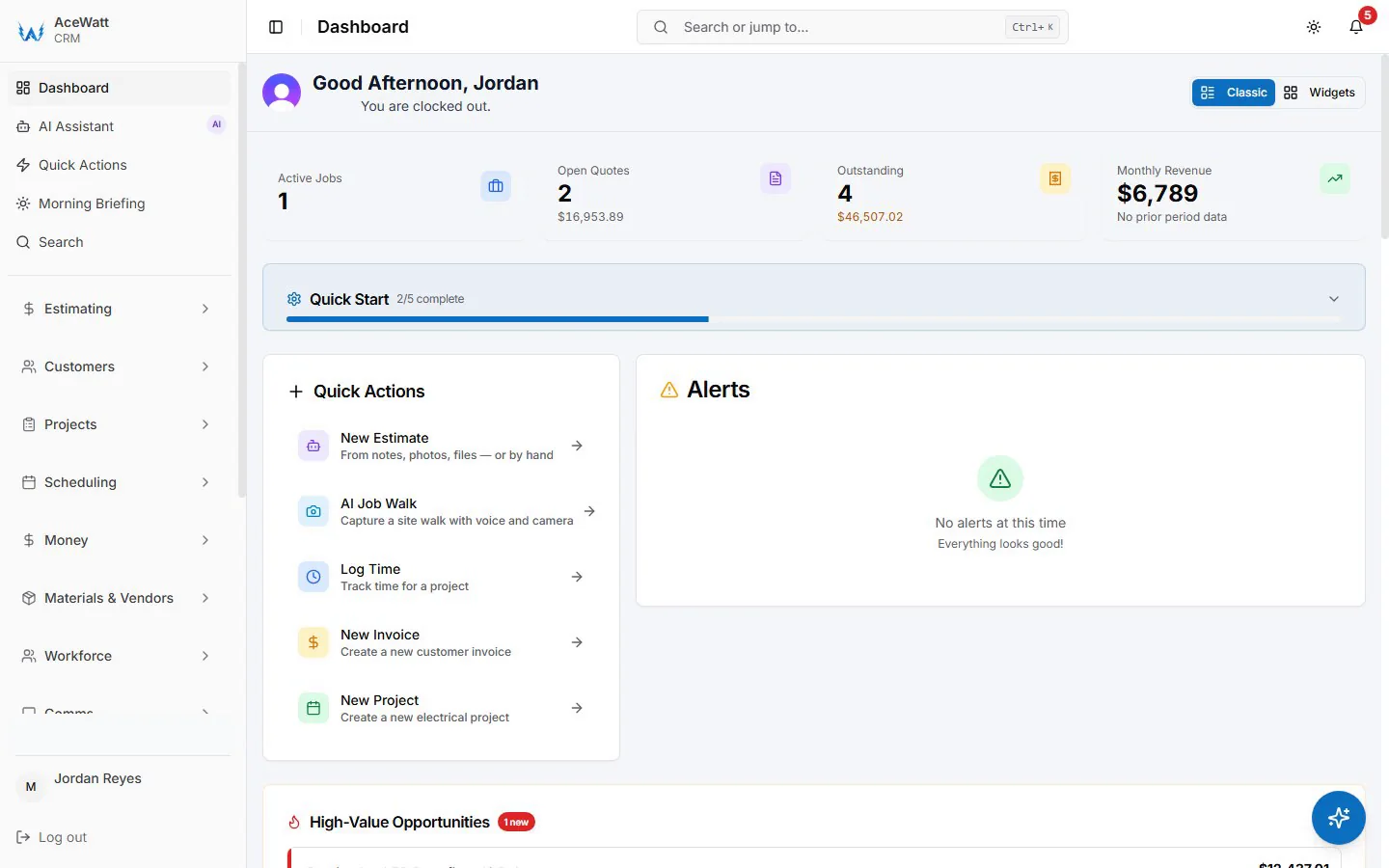
AceWatt does not natively generate AIA G702/G703 forms today. That distinction matters. If you need the official pay application package, use a dedicated tool such as Knowify, Werx, BuildOps, or an ERP module that creates the form.
Where AceWatt fits is the data that every G702/G703 needs before the form can be trusted:
- Field time capture to job cost: labor hours tied to the correct customer, job, phase, and work description.
- Approved change orders with an audit trail: scope, price, approval date, internal approver, and notes that explain why the contract sum changed.
- Materials pulled per job: parts and material notes connected to the project record so stored and installed materials are easier to reconcile.
- Percent-complete visibility: project updates that help the PM defend what is being billed this period.
A practical mixed-shop workflow looks like this:
AceWatt field, quote, and change-order data → job-cost and change-order figures from AceWatt → Knowify or Werx generates G702/G703 → QuickBooks Online syncs the posted receivable.
That workflow keeps your field team in software built for electricians while giving the GC the pay app format they expect. If you are improving the upstream process, AceWatt's automated estimating and invoicing workflows help keep scope, pricing, approvals, and billing data connected before the month-end pay app scramble begins.
Common AIA Billing Mistakes (and How Software Prevents Them)
AIA billing errors rarely come from a single bad number. They usually come from disconnected workflows: the foreman knows the work is done, the PM has a signed change order, accounting has the prior invoice, and nobody has all three in one place.
Forgetting to bill approved change orders
Electrical changes pile up quickly: fixture substitutions, added circuits, revised drawings, overtime acceleration, low-voltage changes, panel schedule revisions, and inspector-driven corrections. When approved changes live in email threads, the pay app misses revenue. Software helps by keeping the change log visible beside the job record and by flagging approved items that have not been billed.
Cumulative totals do not match
AIA pay applications are cumulative. The amount completed to date, previous applications, retainage, and current amount due must tie out across the G702 and G703. If the contract sum on the summary page does not match the continuation sheet after change orders, the GC or architect may reject it. Live calculations reduce spreadsheet drift.
Missing lien waivers or backup documents
Many GCs will not release payment until the pay app includes conditional lien waivers, stored-material backup, supplier invoices, insurance documents, or subcontractor affidavits. Software cannot replace legal review. It can, however, attach the required checklist to the job so the package is not submitted half complete. Have counsel licensed in your jurisdiction review lien-waiver language and have your CPA or bookkeeper review accounting treatment.
Wrong retainage release timing
Retainage may release at substantial completion, final completion, owner acceptance, punch-list completion, or another contract milestone. Electrical contractors often finish critical work early but wait months for building closeout. A retainage tracker helps your team see what is earned, what is withheld, and what is ready to request.
Stored materials are not separated
Billing stored materials as installed work invites questions. Billing installed work as stored materials understates progress. Separate fields for stored materials, installed work, prior materials, and current-period materials make the pay app easier to review.
How to Choose AIA Billing Software for Your Electrical Shop
Start with work mix, not features.
- Residential-service shop: You probably do not need AIA billing software. Focus on scheduling, quoting, payments, and service invoices through an electrical contractor software system that keeps techs moving.
- Mixed residential and commercial shop: Use AceWatt as the field, estimate, invoice, and change-order layer, then add Knowify or Werx for projects where the GC demands G702/G703.
- Commercial-heavy subcontractor: Evaluate Knowify, Werx, BuildOps, ServiceTitan commercial workflows, or ERP systems if AIA pay apps are a monthly operating rhythm.
Ask five questions during demos:
- Can the system build G702/G703 from a schedule of values without spreadsheet reconstruction?
- Can retainage be tracked by phase, line item, and release milestone?
- Do approved change orders automatically update contract value and the next pay app?
- Can stored materials be billed separately with backup documentation?
- Does the approved receivable sync cleanly to QuickBooks, Sage, or your accounting system?
Also ask who owns the field data. If your electricians still send labor notes by text and the PM rebuilds progress from memory, a form generator will not fix the source problem. Pair AIA billing with strong project controls, which is why many shops evaluate electrical contractor project management software and electrical contractor accounting software together.
Frequently Asked Questions
Do subcontractors need AIA billing software?
Subcontractors need AIA billing software when GCs, owners, or lenders require G702/G703 pay applications. Small service shops can usually skip it. Electrical contractors doing commercial, government, industrial, school, medical, or multi-phase projects should strongly consider it because pay apps are cumulative, retainage-heavy, and easy to reject when the math is off.
Can QuickBooks do AIA billing?
QuickBooks can record invoices, payments, customers, classes, jobs, and receivables, but it is not purpose-built to generate G702/G703 packages from a live schedule of values. Many contractors use QuickBooks for accounting and a construction billing tool for AIA forms. The clean workflow is to generate the pay app in the AIA-capable tool, then sync or post the approved AR to QuickBooks.
What's the difference between G702 and G703?
G702 is the summary application for payment. It shows contract sum, net change by change orders, retainage, total completed and stored to date, previous payments, and current payment due. G703 is the continuation sheet behind it. It lists schedule-of-values line items and shows how much work or stored material has been billed against each line.
How does retainage work on electrical pay apps?
Retainage is money held back from earned billings until a contract milestone is reached. A common structure is a percentage withheld from each pay app, then partially or fully released near substantial completion or final completion. The exact percentage, timing, and documentation requirements come from your contract and local rules, so confirm with the GC, your CPA or bookkeeper, and legal counsel when needed.
Does AceWatt generate AIA G702/G703?
No. AceWatt does not currently generate native AIA G702/G703 forms. AceWatt helps capture the field time, estimates, approvals, materials context, job-cost notes, and change-order audit trail that feed a dedicated AIA billing tool such as Knowify or Werx. That makes AceWatt a strong upstream system for mixed electrical shops that need clean pay-app data without moving every field workflow into an enterprise construction platform.
Start free: feed cleaner AIA pay apps from the field
If your pay application problems begin before the form, missing field notes, unapproved changes, scattered material records, or unclear percent complete, fix the input layer. AceWatt gives electrical contractors a clean place to manage jobs, estimates, invoices, change orders, and QuickBooks-ready exports.
Start free and see how AceWatt's job-costing plus change-order audit trail can feed your AIA pay apps with cleaner information, fewer month-end surprises, and a workflow your field team can actually use.
For the full picture of billing alongside every other module, see the AceWatt features overview.