
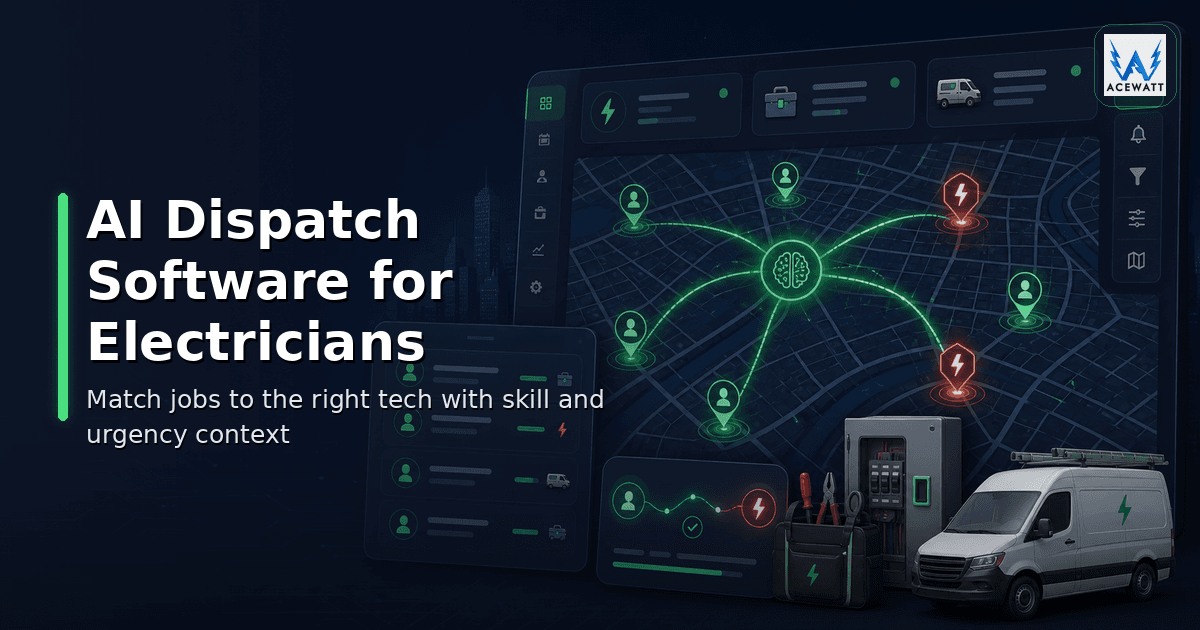
AI Dispatch Software for Electricians: 2026 Buying Guide
Your dispatcher is juggling six techs, two emergency calls, a panel upgrade waiting on a permit window, a commercial tenant who can only open the electrical room before 8 AM, and three customers asking for ETA updates. That is the daily reality behind AI dispatch software for electricians. One missed slot can mean an angry customer, a wasted truck roll, delayed invoice, or a high-value quote that sits untouched. The problem is not that your team needs another calendar. The problem is that electrical dispatch depends on job type, license fit, site notes, customer history, quote status, and urgency at the same time. Good AI should help the dispatcher see the best next move faster, not blindly override the person who understands the crew, the work, and the risk.
Quick answer: AI dispatch software for electricians is a dispatch tool that reads job context, skill fit, license records, location, urgency, and customer history, and recommends the best technician for each call. The dispatcher reviews and confirms every assignment; the software organizes the work but does not make electrical or safety decisions.
What is AI dispatch software for electricians?
AI dispatch software for electricians is software that uses job context, technician availability, skill fit, license records, location, urgency, and customer history to recommend which electrician or crew should handle a job. The dispatcher stays in control, confirms the assignment, updates the customer, and makes sure safety, scope, and code questions are reviewed by qualified people.
That definition matters because electrical work is not generic field service. A fixture swap, no-power call, EV charger estimate, service panel upgrade, commercial lighting repair, and failed inspection return visit should not be treated as interchangeable appointments. Each job carries a different risk profile, expected duration, customer expectation, and technician requirement.
The best electrical contractor dispatch software keeps the whole handoff visible: who called, what they need, what photos or voice notes were captured, whether a quote already exists, whether the customer has open invoices, and what follow-up is due after the visit. AI adds value when it turns that scattered context into a clear recommendation: “assign Jordan, because this is a troubleshooting call near his current area, he has the right service experience, and the customer has a same-day urgency flag.”
It should not say, “Jordan is assigned” without review. Dispatch software helps schedule. It does not verify code compliance, confirm a live electrical condition is safe, validate current license status beyond the records you maintain, or replace the judgment of a licensed electrician and the authority having jurisdiction.
For a broader background on manual dispatch problems, read AceWatt’s guide to electrical dispatch software.
Dispatch vs scheduling vs route optimization
These three terms often get mashed together during software demos, but they solve different problems.
| Function | What it answers | Electrical example | Why it matters |
|---|---|---|---|
| Scheduling | When should the appointment happen? | Book a panel upgrade job walk for Tuesday at 10 AM. | Prevents double-booking and missed customer windows. |
| Dispatch | Who should go, with what context? | Send the electrician with troubleshooting experience and the prior job notes. | Matches skill, license, urgency, and customer history. |
| Route optimization | How should travel be sequenced? | Group nearby service calls to reduce windshield time. | Can reduce drive time when the tool supports routing data. |
Scheduling is the calendar. Dispatch is the operational decision. Route optimization is the travel problem. Google’s OR-Tools documentation describes vehicle routing as finding efficient routes for vehicles visiting a set of locations while minimizing distance or cost, often with constraints such as time windows or capacity (Google OR-Tools). That is a useful concept, but not every dispatch platform has true routing algorithms.
For electricians, route optimization for electricians matters most when you run many short service calls across a wide territory. It matters less for a full-day panel upgrade crew, where license fit, materials, inspection timing, and customer readiness may outweigh raw drive distance. When you choose AI dispatch software for electricians, route quality is a bonus feature, not the core reason to buy.
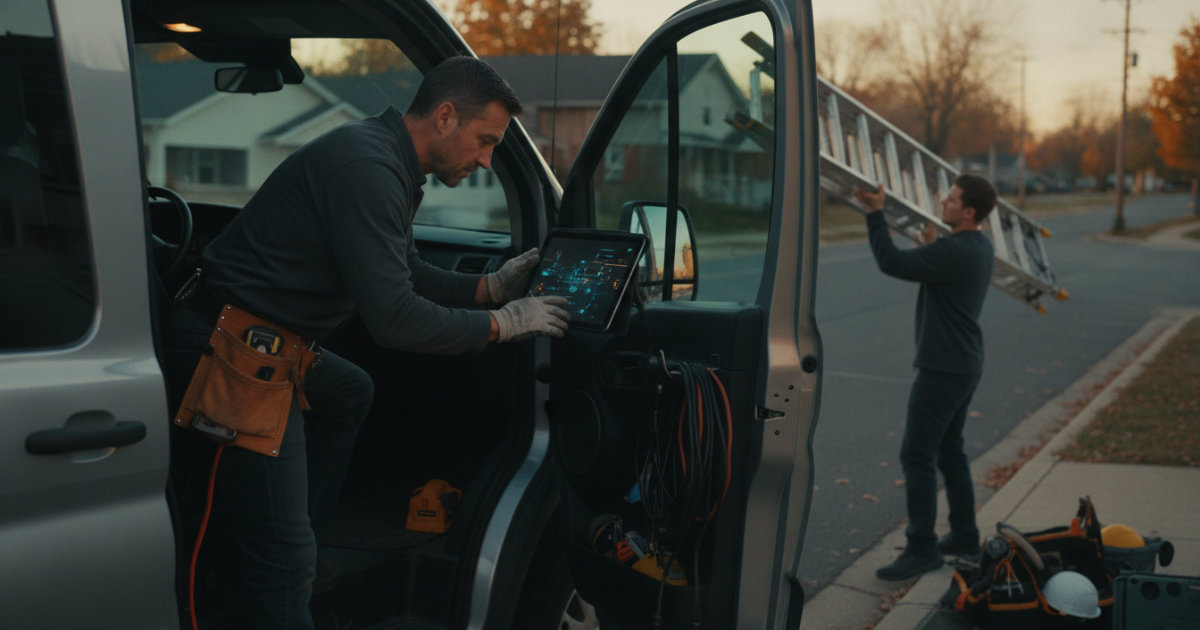
AceWatt should be evaluated as AI-assisted job context and scheduling/dispatch board software, not GPS fleet tracking software. If a vendor claims automatic route optimization, real-time traffic integration, or vehicle tracking, verify exactly how it works, which plan includes it, and whether your technicians need extra hardware, permissions, or mobile app behavior.
For scheduling-specific evaluation, compare this article with the guide to electrical contractor scheduling software.
Why electrical contractors outgrow basic calendars
A shared calendar works when every appointment is simple and one person remembers the whole business. Electrical contractors outgrow it when job context becomes too heavy for memory.
The U.S. Bureau of Labor Statistics projects electrician employment to grow 9% from 2024 to 2034, with about 81,000 openings each year on average. That demand is good news for contractors, but it also means more calls, more work orders, more apprentices, more handoffs, and more chances for the office to become the bottleneck.
Basic calendars break in predictable ways:
- The appointment says “service call,” but not whether the customer reported flickering lights, partial power loss, or a tripping breaker.
- A junior tech gets sent to a job that needed a licensed electrician or a more experienced troubleshooter.
- The dispatcher forgets that one customer already has an approved quote waiting for a crew slot.
- A panel upgrade gets scheduled without the permit, utility coordination, or materials note attached.
- A same-day emergency pushes the route sideways, but nobody updates the customer whose planned job moved.
AI scheduling software for field service can help, but the electrical trade needs more than open time slots. It needs job type, skill fit, license records, notes, photos, quote context, invoice status, and follow-up tasks in one view. That is why modern AI dispatch software for electricians should connect the dispatch board to the customer record and job history.
Best AI dispatch software for electrical contractors
The best choice depends on company size, trade focus, budget, and whether you want dispatch by itself or a broader operating system. If you are comparing AI dispatch software for electricians, look for context quality before automation promises. Pricing and packaging change often, so confirm details directly with each vendor before purchasing. The table below is a practical buying comparison, not a ranking claim.
| Software | Best fit | AI/dispatch angle | Pricing posture to verify | Watch-outs |
|---|---|---|---|---|
| AceWatt | Electrical contractors that want CRM, job context, estimating, scheduling, dispatch, and follow-up connected | Skill-based suggestions on the drag-and-drop dispatch board, with customer history and quote/invoice context on the job; dispatcher confirms | Starter $49/mo, Growth $99/mo, Scale $199/mo, 14-day free trial | Not positioned as GPS vehicle tracking, native mobile app, or automatic traffic-based routing software |
| ServiceTitan | Larger home-service or multi-trade companies with dedicated office teams | Strong dispatch board, skills scheduling, optimization modules, and broad FSM operations | Quote-based; public buyer guides commonly discuss $300+/mo and implementation costs, but verify with ServiceTitan | Powerful platform, heavier setup and cost profile for small shops |
| Housecall Pro | Residential service businesses that want scheduling, dispatch, invoicing, payments, and customer communication | Straightforward field-service scheduling and dispatch workflows with broad home-service fit | Public and third-party pricing commonly starts around $59-$79+/mo depending on plan and billing | Electrical-specific job context may require careful setup |
For a deeper look at where Housecall Pro fits electricians and where it falls short, see Housecall Pro Alternatives for Electricians: 2026 Guide.
| Jobber | Solo and small home-service teams that want simple scheduling, quoting, invoicing, and client communication | Easy scheduling and dispatch view for smaller crews | Public and third-party pricing often starts around $39-$49/mo for entry plans, with team plans higher | AI dispatch depth and electrical license/skill constraints should be verified |
|---|---|---|---|---|
| FieldCamp | Field-service teams evaluating AI-forward dispatch operations | Markets AI Dispatcher and field operations automation for teams that want more AI involvement | Public listings often show pricing around $249/mo; confirm current package | Understand how human approval, electrical trade depth, and autonomous dispatch settings work |
The important question is not “which demo looks smartest?” It is “which system will preserve electrical job context when the day changes?” For many shops, the right AI dispatch software for electricians is the one that helps the office make faster, safer, better-informed decisions without pretending the software is the electrician.
Key features electricians should compare
When you compare technician dispatch software, start with the workflows that create the most schedule chaos in your shop. The right AI dispatch software for electricians should make those workflows easier to see, not harder to manage. A ten-tech service company needs different controls than a two-person residential contractor, but the core checklist is similar.
Skill, license, and crew-fit recommendations
AI dispatch software for electricians should help you avoid assigning the wrong person. The system should let you record technician skills, license level, specialty, availability, zones, and job-type fit. It should surface a recommendation, then let the dispatcher confirm or override it.
Do not treat software as a licensing authority. The tool can store license records and help the office see them. It does not guarantee current compliance, verify jurisdiction-specific requirements, or replace your responsibility to assign qualified people.
Job context attached to the dispatch card
The dispatch card should not be a lonely address. It should include customer history, job notes, prior photos, voice summaries, estimate status, invoice context, access instructions, and safety notes. AceWatt’s AI Job Walk is built around this idea: capture field context once, then keep it available for estimating, scheduling, dispatch, and follow-up.
Voice notes and field documentation
Electricians rarely have time to type a polished report from the driveway. Voice documentation helps turn field observations into structured notes the office can use. AceWatt’s Voice AI documentation supports that handoff by keeping spoken job details tied to the record instead of buried in a text thread.
Dispatch board visibility
A dispatch board should show who is assigned, where the job stands, what is urgent, and what needs follow-up. It should support same-day changes without losing why the change happened. AceWatt’s scheduling feature is designed for that connected board view.
Customer updates and follow-up automation
Customers do not enjoy silence. If a technician is delayed by an emergency call, the office needs a clean way to update the next customer and protect trust. If an estimate is approved after the visit, the system should create the next scheduling or follow-up action instead of relying on memory.
Quote, invoice, and pipeline context
Dispatch should connect to revenue. A service call might create a quote. A quote might need a crew assignment. A completed job might need an invoice. A delayed invoice might affect whether you prioritize another job for the same customer. This is where AI dispatch software for electricians with a built-in CRM has an advantage over a disconnected calendar.
Example workflow: emergency service call
Imagine a homeowner calls at 7:42 AM and says half the house lost power after a storm. The dispatcher needs to act quickly, but quickly does not mean blindly.
A strong AI dispatch workflow looks like this:
- The office creates or updates the customer record.
- Intake captures location, urgency, symptoms, access notes, and whether there are visible hazards.
- AI summarizes the request and marks it as urgent for dispatcher review.
- The system recommends technicians based on availability, service troubleshooting experience, license records, proximity, and current job load.
- The dispatcher confirms the assignment or chooses a different tech based on real-world knowledge.
- The customer receives a reviewed ETA or scheduling update.
- The technician sees the call summary, history, notes, and any prior work before arrival.
- After the visit, field notes flow into follow-up, estimating, invoicing, or a return appointment.
The qualified electrician still confirms what is safe on site. The software should not tell the homeowner that a condition is safe, diagnose code compliance, or promise a repair before inspection. It should help the dispatcher capture the facts, recommend the best available tech, and keep the customer informed.
This is where AI dispatch software for electricians earns its keep. The value is not a flashy automated decision. The value is a calmer handoff when the phone rings and the calendar is already full.
Example workflow: panel upgrade crew assignment
A panel upgrade is a different dispatch problem. It is not just “who is free tomorrow?” It may involve a job walk, load-related discussion, estimate approval, permit status, utility coordination, materials, inspection timing, and a crew that can stay on site long enough to finish the planned scope.
A good dispatch workflow starts before the day of work:
- Job-walk photos and voice notes are captured.
- The estimate is drafted, reviewed, approved, and tied to the customer record.
- Permit, utility, inspection, and material notes are attached.
- The dispatch board shows the expected duration and crew requirement.
- AI recommends a crew based on license records, panel-upgrade experience, location, availability, and existing schedule commitments.
- The dispatcher confirms the crew, blocks the right time, and communicates the appointment details.
- The field team arrives with the approved scope, notes, and open questions visible.
- Any change order, return visit, or invoice step is captured after completion.
The big difference from a basic calendar is context. A calendar can hold “panel upgrade, Wednesday.” Electrical contractor dispatch software should hold the operational reality around that appointment. If inspection timing changes or the permit is not ready, the dispatcher needs that information before assigning the crew.
For broader AI workflows around field operations, see AceWatt’s guide to AI field service software for electricians.
AI dispatch risks: wrong technician, bad ETA, missing job context
AI can reduce dispatch friction, but it can also make bad assumptions faster if the inputs are weak. Electrical contractors should review three risks before trusting any system.
Wrong technician
If technician profiles are incomplete, the software may recommend someone who is available but not appropriate. Availability is not qualification. Keep skill profiles, license records, specialty tags, and supervisor review processes current.
Bad ETA
A clean-looking schedule can still be unrealistic. Jobs run long. Traffic changes. A commercial site may require security check-in. A customer may not answer the door. If a vendor claims real-time ETA logic, ask what data feeds it uses and what the customer actually sees. If your system does not have live routing, do not overpromise route optimization for electricians in customer messages.
Missing job context
This is the most common failure. AI can recommend a nearby tech, but if it cannot see the quote, prior photos, warranty history, customer notes, access instructions, or material needs, the recommendation may be shallow. Strong dispatch depends on clean job context.
The safety boundary is also non-negotiable. The NFPA overview of the National Electrical Code explains that the NEC is a benchmark for safe electrical design, installation, and inspection and that local jurisdictions may enforce different editions. Dispatch software can organize work around those realities. It cannot decide compliance, replace your AHJ process, or remove qualified human review.
How AceWatt fits: AI job context + scheduling + follow-up
AceWatt is an AI-first CRM for electrical contractors. Its dispatch angle is practical: help the office see the best-fit technician recommendation based on job context, then let the dispatcher confirm.
That context can include:
- Job type and urgency
- Technician skills, behind the skill-based suggestions on the drag-and-drop dispatch board
- Location and current schedule
- Customer history and prior work
- Job-walk photos and voice notes
- Quote, invoice, and financial pipeline status
- Follow-up tasks and next steps
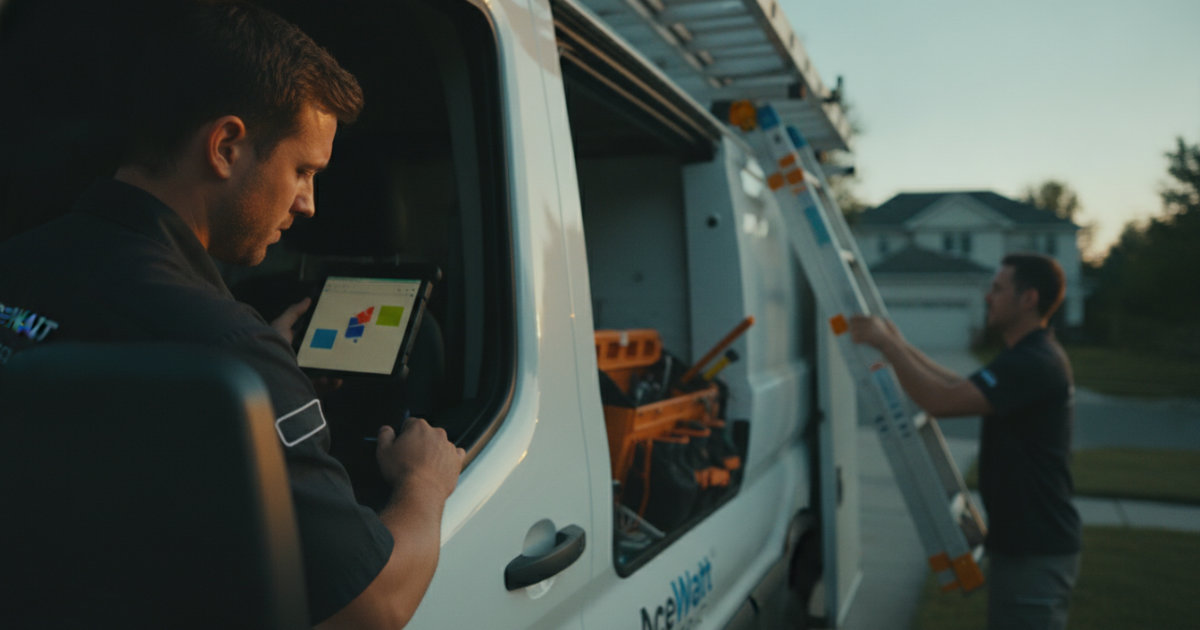
AceWatt is designed around the full electrical workflow: AI Job Walk, Voice AI documentation, AI estimating, scheduling and dispatch board, customer and job records with history, financial pipeline, and the AI Assistant for plain-English business questions, plus automatic email reminders on overdue invoices (1, 7, 14 and 30 days late). That makes it useful when dispatch is not isolated from estimating or customer follow-up.
The human review boundary stays clear. AceWatt can recommend. The dispatcher, owner, or qualified reviewer decides. A licensed electrician confirms scope, safety, code-related considerations, and site conditions. The system supports better decisions; it does not perform electrical judgment.
For pricing, AceWatt starts with Starter at $49/month, Growth at $99/month, and Scale at $199/month, with a 14-day free trial. If you are comparing AI dispatch software for electricians, the key question is whether the platform connects dispatch to estimating, follow-up, and customer records, or treats dispatch as an isolated calendar. Contractors can also learn more from the electrical contractors page.
AI dispatch checklist for electrical contractors
Use this checklist when evaluating AI dispatch software for electricians or any electrical contractor dispatch software demo.
- Can the system store technician skills, license records, specialties, zones, and availability?
- Does the dispatch recommendation explain why a technician or crew is suggested?
- Can the dispatcher approve, reject, or override every AI recommendation?
- Does the dispatch card include job type, urgency, photos, voice notes, customer history, quote status, and invoice context?
- Does the tool connect scheduling, dispatch, estimating, follow-up, and customer records?
- Does it support field-friendly documentation from mobile web or PWA workflows?
- Does it avoid unsupported claims about code compliance, safety, or autonomous electrical decisions?
- If route optimization is advertised, does it truly use routing data, time windows, traffic, or GPS tracking?
- Can customer updates be reviewed before sending?
- Will the pricing still make sense when you add dispatchers, technicians, and required features?
A simple rule: if the software can only show open slots, it is scheduling software. If it can help match the right person to the right electrical job with the right context, it is much closer to true AI dispatch software for electricians.
Frequently Asked Questions
What is the best AI dispatch software for electricians?
The best AI dispatch software for electricians depends on your shop size, budget, and workflow. Small electrical contractors often need scheduling, job context, estimates, and follow-up in one simple system. Larger operations may need deeper fleet, call center, and reporting modules. AceWatt is a strong fit for electrical contractors that want AI-assisted job context and dispatcher-confirmed recommendations without paying for a heavy enterprise platform.
Can AI dispatch replace my dispatcher?
No. AI should assist your dispatcher, not replace them. Dispatchers understand technician habits, customer expectations, job urgency, weather, inspection timing, and the messy details that do not always fit a rule. AI can summarize context and recommend best-fit options, but a human should confirm assignments and customer promises.
Does AceWatt provide route optimization or GPS tracking?
AceWatt offers straight-line route optimization on the Scale plan, with no drive-time or traffic-aware routing, and it is not GPS vehicle tracking software. AceWatt focuses on AI-assisted job context, scheduling, dispatch board visibility, customer records, estimating, follow-up, and financial pipeline. If route optimization for electricians is your top need, verify dedicated routing tools or vendor routing modules directly.
What information does AI need to recommend the right electrician?
AI needs clean inputs: job type, urgency, customer location, technician availability, skill and license records, job notes, photos, voice summaries, customer history, quote status, invoice status, and follow-up tasks. Without that context, AI dispatch software for electricians may only guess based on open calendar slots.
Is AI dispatch safe for licensed electrical work?
AI dispatch can help organize scheduling and assignment decisions, but it does not make electrical work safe by itself. A licensed electrician or qualified reviewer still confirms scope, site conditions, safety, code-related requirements, pricing, and customer-facing promises. Local AHJ requirements still apply.
How much should electrical contractors budget for dispatch software?
Budget depends on team size and platform depth. Entry-level field-service tools may start around $39-$79 per month, AI-forward platforms can run a few hundred dollars per month, and enterprise systems are often quote-based with higher implementation costs. When budgeting for AI dispatch software for electricians, include the cost of dispatcher seats, technician access, onboarding, and any routing or automation add-ons. AceWatt pricing is straightforward: Starter at $49/month, Growth at $99/month, Scale at $199/month, and a 14-day free trial.
Related reading: AI Dispatch Software for Electricians | Ace Watt.
Related Reading
- Overview of every electrical contractor software feature AceWatt ships.
- Electrical Contractor Software: Change Orders, Dispatch Scheduling & QuickBooks Sync (2026)
- Dispatch vs. scheduling for electrical contractors
- dispatching electricians vs. apprentices on crew-based teams
- Change Order Management and Dispatch Scheduling for Electrical Shops
- Dispatch software that auto-schedules by electrician certifications and truck stock: 2026 buyer's guide
- Best work order apps for electricians with mobile syncing
- Electrical document management software