
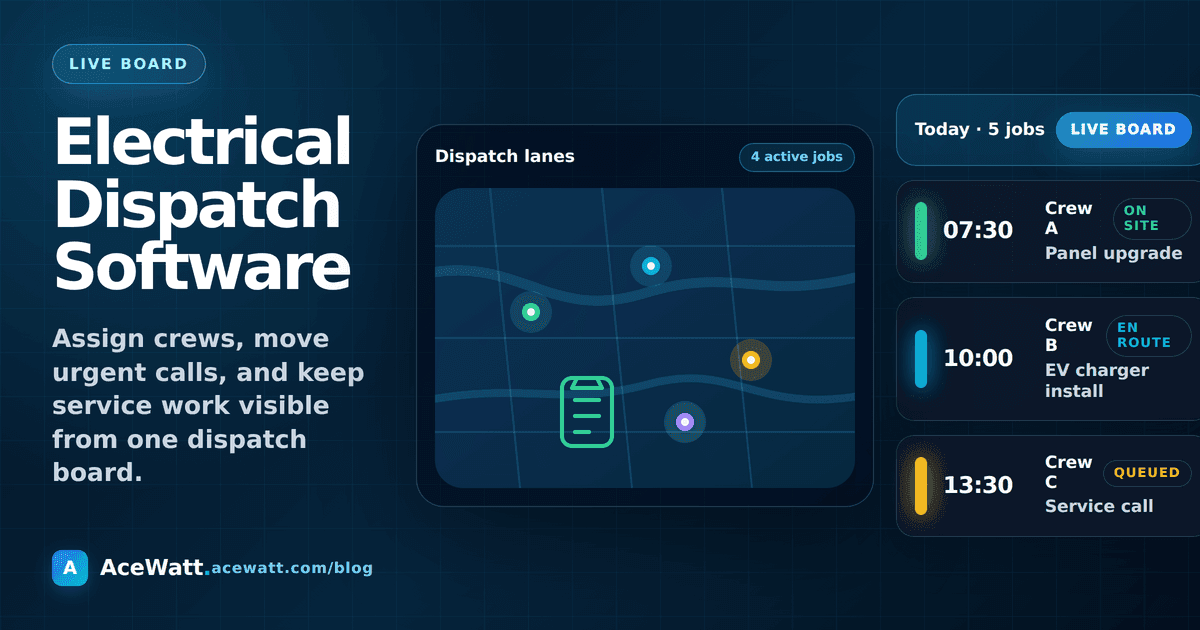
If your electrical shop still dispatches from a whiteboard, shared calendar, or group text, you already know the failure points. A customer calls with an urgent breaker issue while a panel upgrade is still open. A technician heads to an EV charger install without the photos from the job walk. Someone promises a follow-up visit, but the reminder lives in a notebook. Dispatch is where those small gaps become missed appointments, slow invoices, and callbacks.
Electrical dispatch software helps electrical contractors turn incoming calls and approved work into assigned jobs with the right customer context attached. The goal is not to replace the dispatcher or the electrician. The goal is to keep the office, field team, customer record, estimate, job notes, and follow-up workflow moving in the same direction.
Quick answer: electrical dispatch software is a system for assigning electrical jobs to technicians, organizing job priority, attaching site notes and customer history, updating customers, and handing completed work back to estimating or invoicing. It is more than a calendar because it keeps job context with the appointment.
For a broader platform view, see AceWatt's electrical contractor software overview, the guide to field service software for electricians, and CRM for electricians.
What Is Electrical Dispatch Software?
Electrical dispatch software gives an electrical contractor a single place to see upcoming work, assign technicians, and track the status of jobs throughout the day. A good system connects each scheduled visit to the customer record, site notes, estimate, job type, priority, and next action.
In plain terms, dispatch answers five questions:
- Who is going to the job?
- When are they expected to arrive?
- What problem are they solving?
- What context should they know before arriving?
- What happens after the work is complete?
For electricians, that context matters. A fixture swap, generator service visit, commercial maintenance callback, and emergency troubleshooting call all require different skills, materials, and customer expectations. Generic appointment software can hold a time slot. Electrical dispatch software should hold the operational context around that slot.
Dispatch vs. Scheduling vs. Job Management
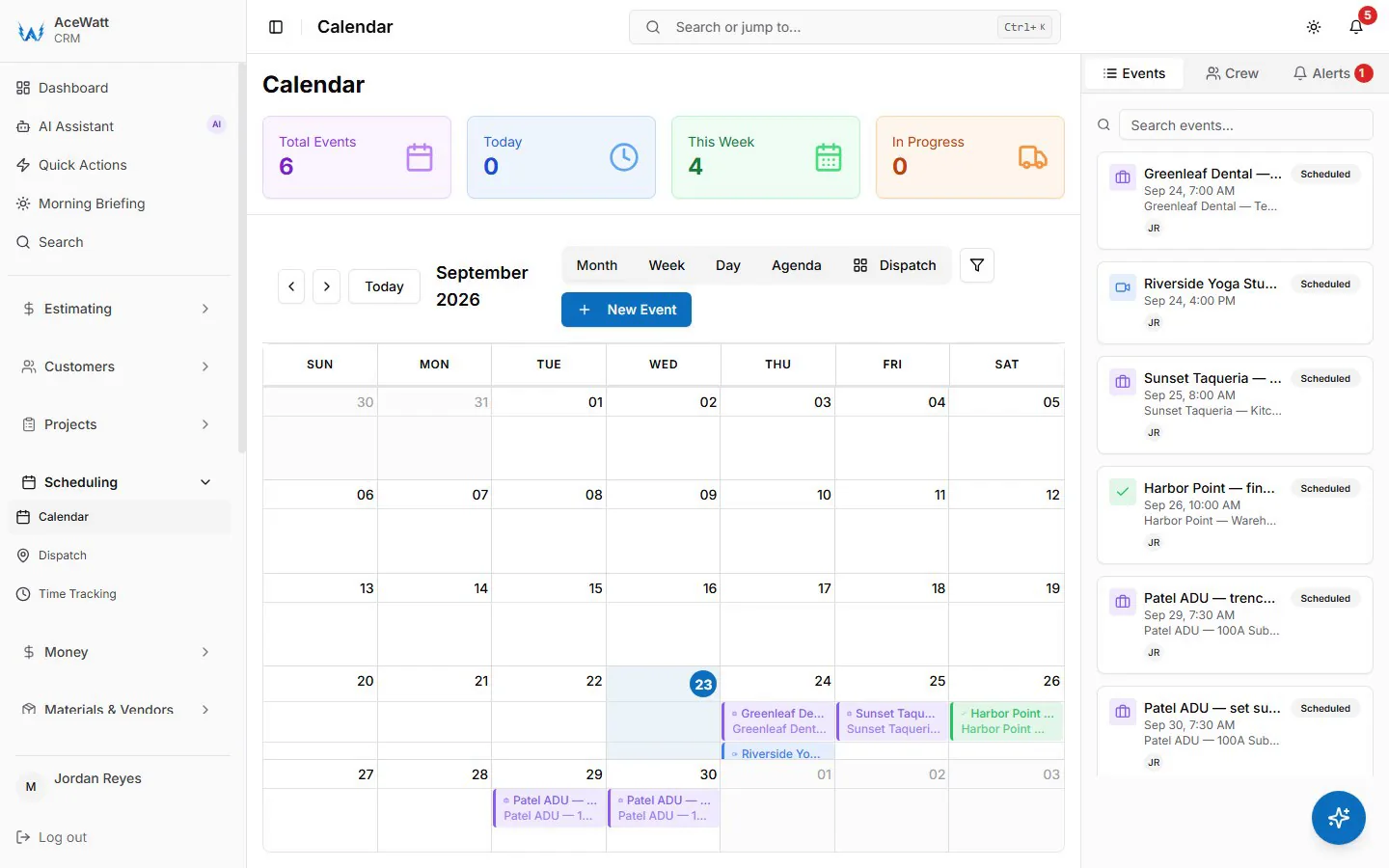
Scheduling is the calendar view: dates, times, and assigned people. Dispatch is the live operational handoff: sending the right technician with the right notes, job priority, customer expectations, and status updates. Job management is the larger workflow that tracks what happened before, during, and after the appointment.
Most contractors need all three. If you only schedule, the field team may not have enough information. If you only dispatch by text, the office loses visibility. If job management is disconnected, the estimate and invoice still require manual cleanup. That is why dispatch should connect to an electrician job management software workflow rather than sit alone.
The Basic Workflow: Call to Job to Assignment to Update to Invoice
A simple electrical dispatch workflow looks like this:
- A lead or customer call comes in.
- The office creates or updates the customer record.
- The job type, urgency, location, and site notes are captured.
- A technician or crew is assigned based on availability and skill fit.
- The customer receives a confirmation or update.
- The field team completes the work and adds notes, photos, or materials.
- The office follows up, sends a quote revision, or moves the completed work toward invoicing.
The software does not make electrical decisions by itself. A licensed electrician or qualified reviewer still verifies scope, safety, code and compliance considerations, pricing inputs, permits, and site conditions. Dispatch software simply prevents the information from scattering across notebooks, texts, and memory.
Why Electrical Shops Outgrow Whiteboards and Shared Calendars
Whiteboards work when one person knows every job and every customer. They break when the business grows, emergencies interrupt the day, or the owner is no longer the only person making decisions.
Emergency Calls Interrupt Planned Work
Electrical work is not always predictable. A planned service panel evaluation can be delayed by a no-power call. A commercial customer may need a maintenance issue handled before opening. A shared calendar can show that the team is busy, but it does not make it easy to reprioritize jobs, preserve notes, notify customers, and record why the schedule changed.
Dispatch software gives the office a clearer way to mark urgency, move appointments, and keep the job history intact. The goal is controlled adjustment, not chaos by text message.
Tech Skills and License Level Matter
Not every technician should be assigned to every job. Some work requires a licensed electrician, a specific experience level, or a crew with the right equipment. A small residential repair, a panel upgrade, a generator service visit, and commercial troubleshooting can all land on the same calendar, but they should not be assigned blindly.
Electrical dispatch software should help the office see technician availability and the job type at the same time. The final assignment still belongs to the contractor, but the tool makes the information easier to review.
Materials, Job Notes, and Customer Context Get Lost
A dispatch entry that only says “Smith residence, 2 PM” is not enough. The field team needs to know what the customer asked for, what was observed during the prior visit, what photos were captured, what estimate was sent, and whether there are open questions.
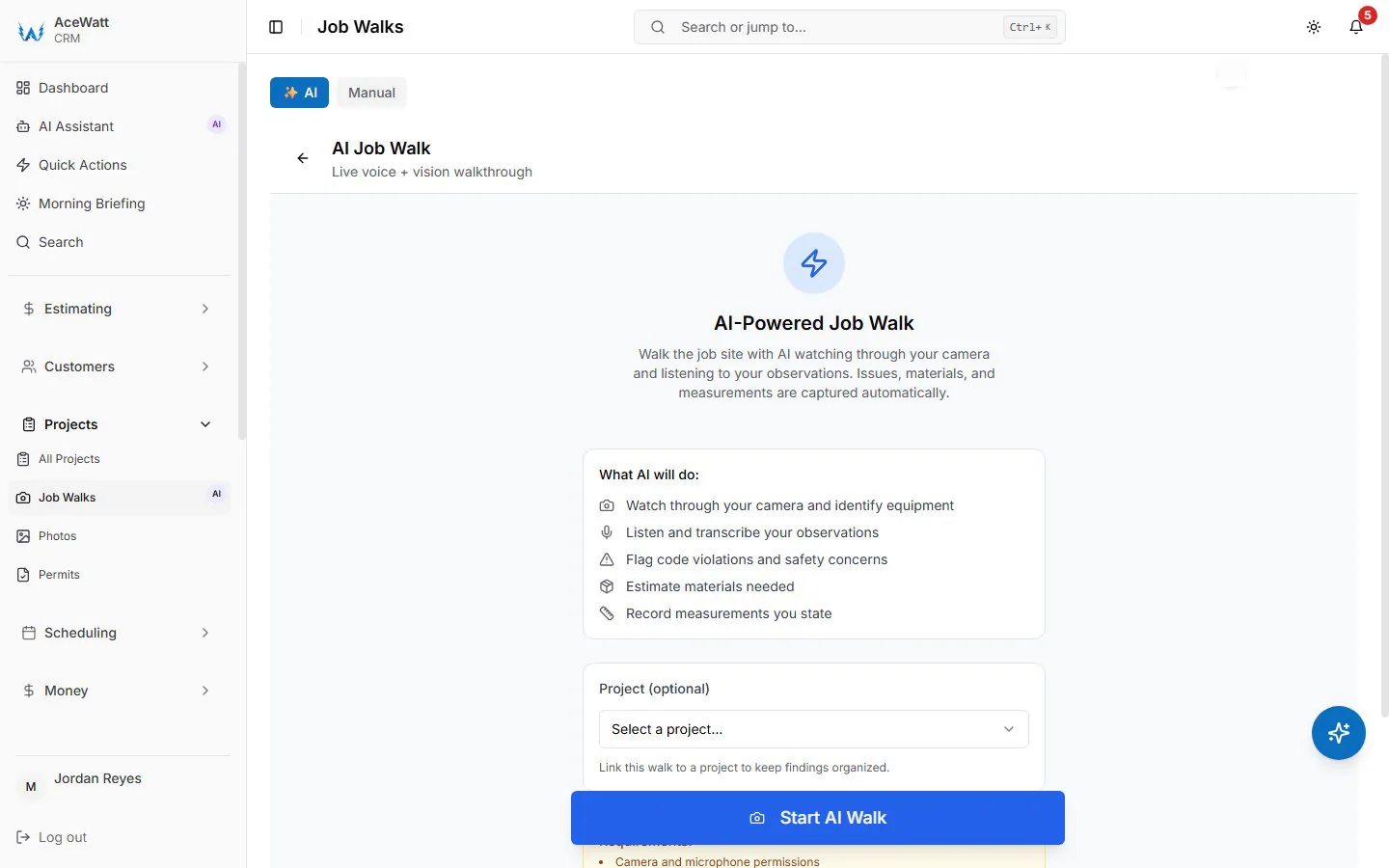
That is why dispatch should connect with job-walk documentation. AceWatt's AI job walk feature is designed around capturing field context so the next step does not start from a blank page.
Core Features Electrical Dispatch Software Should Include
The best dispatch setup for an electrical contractor is practical, not bloated. It should give the office enough control to keep the day organized without forcing the field team into a complicated system they will not use.
| Feature | Why it matters for electrical contractors |
|---|---|
| Technician availability | Helps the office assign work without double-booking or guessing who is free. |
| Job priority and type | Separates urgent service work from planned installs, inspections, and callbacks. |
| Customer and site history | Keeps prior notes, estimates, and communication attached to the job. |
| Mobile field notes | Lets the technician record what happened while details are fresh. |
| Estimate and invoice handoff | Can reduce retyping after an approved quote or completed visit. |
| Follow-up reminders | Keeps unsent quotes, open questions, and customer updates from going stale. |
Technician Availability and Job Assignment
Availability is more than open calendar space. The office needs to know who is already committed, which jobs may run long, who has the right experience, and what commitments have already been made to customers. Software should make the assignment visible and easy to update.
Job Priority, Job Type, and Location Context
Dispatchers need to see whether a job is emergency troubleshooting, quoted work, maintenance, warranty, or a sales call. They also need location context, but electrical contractors should be careful with unsupported location-tracking claims from vendors. If a tool advertises live vehicle tracking or fleet routing, verify the current feature set directly before buying. AceWatt is not positioned as fleet routing software here.
Customer Notifications and Follow-Up Reminders
Customers mostly want clarity. They want to know when someone is coming, what to expect, and what the next step is after the visit. Dispatch software should support reminders and follow-up tasks so the office does not rely on memory. For shops that handle high call volume, an AI answering service for electricians can help capture intake before dispatch even begins.
Mobile Field Notes and Photo Documentation
A technician should be able to leave a useful record for the office: what was found, what work was completed, what materials were used, what needs a quote, and what should be reviewed by a licensed electrician or qualified reviewer before the customer receives a final estimate.
Estimate, Change Order, and Invoice Handoff
Dispatch does not end when the truck leaves the driveway. If the visit creates a new quote, change order, or invoice, the field notes should flow into the estimating workflow. AceWatt's automated estimating page explains how AI-assisted quote drafts can support that next step while still requiring human review.
Electrical Dispatch Software for Small Contractors
A one-tech shop, a three-tech shop, and a ten-tech shop do not need the same operating system. The right dispatch tool depends on the complexity of the day.
1 to 3 Tech Shops
Small shops need simplicity. The owner may still answer calls, estimate work, schedule visits, and perform jobs. The best dispatch system keeps customer records, job notes, estimates, and follow-up in one place without forcing enterprise setup. If a tool takes longer to maintain than the whiteboard it replaces, adoption will fail.
4 to 10 Tech Growth Stage
This is where dispatch pain becomes obvious. More people touch each job. The estimator may not be the technician. The office may need to reschedule work while the owner is in the field. A connected CRM, job notes, and estimating workflow become more valuable because no single person can hold the whole day in their head.
Multi-Crew Residential and Commercial Mix
Larger mixed shops need visibility by crew, job type, and status. They may eventually need advanced dispatch boards, accounting integrations, inventory systems, or route optimization. Those needs should be evaluated carefully. Do not buy an enterprise-heavy system if your real bottleneck is job notes, estimate follow-up, and consistent customer communication.
AI Dispatch for Electricians: Useful vs. Hype
AI can be useful in dispatch, but only when it supports human decisions. It can help summarize calls, organize job-walk notes, draft follow-up messages, and turn field context into estimate-ready scope. It should not independently decide code compliance, license requirements, safety conditions, final pricing, or whether work is permitted.
Good AI dispatch support sounds like this: “Here is the customer history, prior estimate, open questions, and likely next step.” Risky AI dispatch hype sounds like this: “The system can automatically assign and approve every electrical job.” Electrical contractors should choose tools that make review easier, not tools that hide judgment behind automation.
How to Evaluate Electrical Dispatch Tools
Use real jobs during evaluation. Bring a panel upgrade, an EV charger inquiry, a troubleshooting call, and a commercial maintenance visit into the demo. Watch how the tool handles notes, assignment, customer updates, quote follow-up, and invoice handoff.
Ask these questions before buying:
- Can the office see technician availability and job status quickly?
- Can job notes, photos, customer history, and estimate context stay attached to the appointment?
- Can a field note become a reviewed quote draft or follow-up task?
- Can the team use it on a phone without extra admin work?
- Does the tool fit your shop size, or is it built for a much larger operation?
- What data can you export if you change systems later?
- Which features are included today, and which require separate plans or integrations?
If a vendor promises guaranteed outcomes, autonomous compliance, or fully automated electrical decisions, slow down and verify the claim.
Where AceWatt Fits
AceWatt is designed for electrical contractors who want CRM, job notes, estimates, follow-up, and quote workflow in one connected system. It may be especially relevant when the real dispatch problem is not only “who goes where,” but “does the technician have the customer context, and does the office know what to do next?”
AceWatt can support a dispatch-adjacent workflow by keeping the customer record, job-walk notes, estimate context, follow-up reminders, and AI-assisted quote drafts organized. Contractors can use it alongside existing calendars, accounting tools, or scheduling processes where needed. For shops comparing broader options, the electrical contractor scheduling software guide is a useful companion, and the best field service software for electricians guide can help with broader platform evaluation. For job tracking specifically, review electrician job management software. If you want to see how AI specifically supports field service workflows, from job-walk summaries to invoice prep, see our AI field service software for electricians guide.
AceWatt should not be described as live vehicle tracking, fleet routing, tax advice, legal advice, or autonomous code-compliance software. It supports the workflow around electrical work. Licensed electricians and qualified reviewers still own the final decisions.
If you want to see how AceWatt connects customer records, job notes, estimates, and follow-up, review pricing or book a demo from the site.
FAQs About Electrical Dispatch Software
What is electrical dispatch software?
Electrical dispatch software helps contractors assign jobs to technicians, organize job priority, attach customer and site notes, update customers, and track job status from call to completion.
Do small electrical contractors need dispatch software?
Small shops may not need a complex dispatch board, but they often need a better way to keep customer records, job notes, estimates, and follow-up connected. If jobs are getting missed or notes are scattered, dispatch software or a connected job-management workflow can help.
What is the difference between scheduling and dispatch?
Scheduling decides when work happens. Dispatch decides who goes, what context they receive, how the job status changes, and what the office does next. The two workflows overlap, but dispatch carries more operational detail.
Can dispatch software connect to invoices?
Yes, many systems connect scheduled work to estimates, work orders, and invoices. Electrical contractors should verify exactly how that handoff works, especially if they use separate accounting or payment tools.
Is AI dispatch safe for electrical contractors?
AI can assist with summaries, reminders, and draft workflows, but it should not replace licensed judgment. Scope, safety, code and compliance considerations, pricing, permits, and site conditions should be verified by a licensed electrician or qualified reviewer before final decisions are made.
Related Reading
- Overview of every electrical contractor software feature AceWatt ships.
- 10 electrical contractor tools compared for 2026
- Dispatch with real-time crew GPS tracking
- AI Dispatch Software for Electricians | Ace Watt
- How to Sync Electrical Dispatch Software with QuickBooks: Field-to-Finance Workflow Guide
Related reading: Emergency Service Dispatch Software for Electrical Contractors: Cut Response Times & Boost After-Hours Revenue in 2026. Related reading: Electrical Dispatch Software + CRM in 2026: Unified Scheduling, Dispatch & Customer History for Field Techs.
- Best electrical dispatch software for emergency service calls: GPS routing, after-hours call intake, and real-time crew tracking for night work.
Related Reading
- how AI dispatch software handles that trade-off
- Electrical dispatch software with GPS tracking vs manual dispatch
- Electrical service call software for 2026 buyers
- Electrician scheduling software for job management
- Emergency electrical dispatch routing and crew tracking
- Dispatch scheduling and QuickBooks handoff
- How dispatch software speeds emergency electrical response
- Real-time electrical dispatch with mobile-first workflows
- Crew scheduling and dispatch management guide
- Best electrical scheduling and dispatch software for 2026
- Manual dispatch pain point email nurture sequence