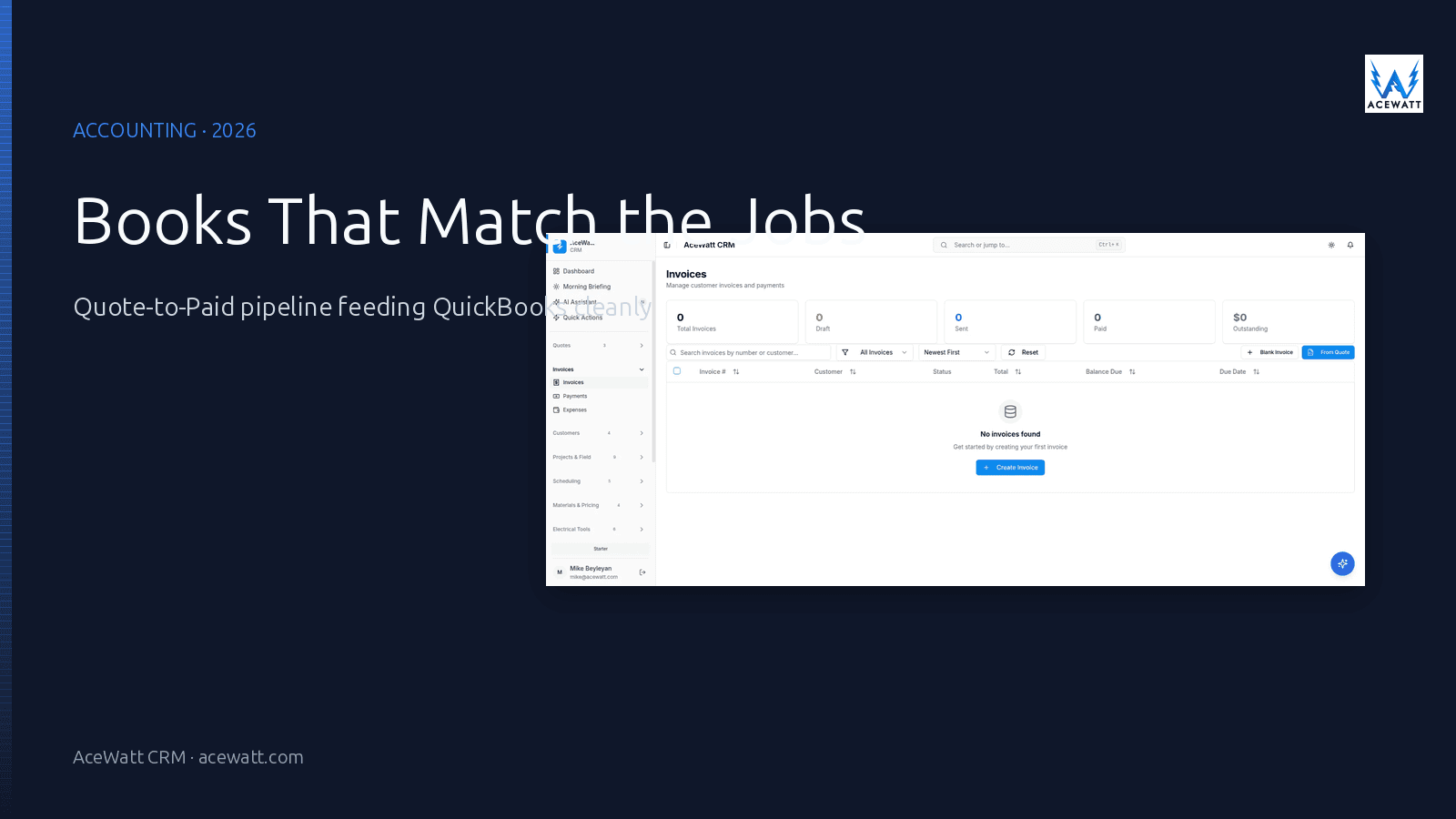
Direct answer: Accounting software for electrical contractors combines the books of record (general ledger, AP/AR, tax filing) with the operational record of a job (estimate, time, materials, change orders, invoice, paid). Most electrical shops in 2026 run QuickBooks Online as the system of record for the books and pair it with a field-service platform like AceWatt that owns the Quote-to-Paid pipeline and exports clean journal entries. A small number of shops use a single construction-specific platform (FOUNDATION, Knowify) that bundles both; the trade-off is integration depth against operational complexity.
Important disclaimer: The pricing examples, journal-entry patterns, and category names below are illustrative. Tax treatment, chart-of-accounts design, and 1099 reporting depend on your entity type, your state, and your CPA's preferences. Confirm with your accountant before relying on any specific approach.
What "accounting software" actually means for an electrical contractor
A residential service electrician who sends 80 invoices a month and pays one subcontractor has a different "accounting" problem than a 20-tech commercial shop running AIA progress billing on three concurrent projects. Both call it accounting, but the system that fits one breaks the other.
For most electrical contractors, accounting software has to do four things well:
- Capture the money in. Send invoices, collect payment, record partial payments and retainage, and reconcile deposits.
- Capture the money out. Pay suppliers, subcontractors, and payroll; record receipts; match to jobs.
- Roll up to the books of record. Chart of accounts, general ledger, P&L, balance sheet, sales tax.
- Feed the job-costing loop. Labor, materials, and overhead attached to each job so margin is visible at the end of the month, not at the end of the year.
The first three are the "accounting" part. The fourth is the part that turns accounting from a reporting chore into a margin tool.
Job costing vs accounting
The line that trips up most electrical contractors is the difference between accounting and job costing. For shops still under $500K, we break down the phase-code and retainage mechanics in accounting software for small electrical contractors. Accounting answers the question: did the business make money? Job costing answers the question: which jobs made money, and which ones quietly didn't?
A clean P&L with a positive net income can sit on top of a job-costing report that shows three profitable jobs covering the losses on five unprofitable ones. The shop feels busy and growing, but the cash tells a different story. Good accounting software for an electrical contractor surfaces both, the P&L for the lender and the CPA, the job-costing report for the owner.
The Quote-to-Paid pipeline
The operational record of an electrical job runs through a pipeline:
- Estimate, what you intend to charge, what you intend to do, and the materials and labor to do it.
- Job, what you actually did, what materials you actually used, what hours were spent, and any change orders.
- Invoice, what you billed, including approved change orders, taxes, and retainage.
- Paid, what the customer actually paid, when, and how it ties back to the bank deposit.
Each step carries data the next step depends on. The estimate carries the line items that show up on the invoice; the invoice carries the work that hit the job; the paid record carries the cash that lands in the bank. When those four records are connected, the books of record and the operational record agree. When they are not, the books of record get reconciled by hand at the end of every month, and the job-costing loop never closes.
Why electrical contractor accounting is its own category
Generic small-business accounting software is built for retail and professional-services businesses. It works well for both. The moment you ask it to do an electrical job, the seams start to show.
Job-coded revenue and cost
For a retailer, "revenue" is what the cash register captured, and "cost" is what the inventory module cost-averaged. For an electrical contractor, "revenue" is the invoice against a specific job for a specific customer, and "cost" is the labor, materials, subcontractors, and overhead tied to that job. The chart of accounts that works for retail is the wrong shape for an electrical contractor.
Materials at job-level cost (not average cost)
When an electrician pulls 14 feet of 12-2 Romex, 1 GFCI breaker, and 4 hours of labor for a kitchen circuit, the cost has to land on that job at the price the supplier actually charged for those items that morning, not at a quarterly-average cost that smooths across fifty jobs. Generic accounting software that does not carry job-level cost forces you to use a separate job-costing tool and reconcile the two.
Labor and labor burden
The labor cost on a job is the wage plus payroll taxes plus workers' comp plus benefits plus paid time off, what the industry calls "loaded labor rate" or "labor burden." For a residential service shop, labor burden can run 25, 35% on top of base wage; for a commercial or union shop, it can run 35, 50%. The accounting system has to record labor cost at the loaded rate, not the base wage, or every job-costing report understates true cost by 25, 50%.
Subcontractor 1099 and lien-waiver tracking
Subcontractor payment is a category of its own: you cut a check, you collect a lien waiver, you issue a 1099-NEC at year end if the cumulative payments crossed the threshold, and you track the document so the GC's pay-when-paid clause does not break. Generic accounting software does not track lien waivers as a first-class object, and the 1099 process is a once-a-year scramble against an Excel sheet of who got paid what.
Sales tax by jurisdiction
Electrical contractors charge sales tax in most states, but the rate depends on the customer's address, the type of work (new construction vs repair vs retrofit), and whether the customer is a tax-exempt entity. For shops that work across counties or across state lines, the sales-tax table is non-trivial, and getting it wrong triggers a state audit.
Change orders and progress billing
A commercial electrical job rarely bills in one shot. AIA G702/G703 progress billing, retainage held back until punchlist, change orders that adjust both the scope and the contract, these all have to live in the same record. Generic small-business accounting software does not carry change orders as a first-class object, and progress billing becomes a spreadsheet sitting next to the invoice.
What to look for in electrical contractor accounting software
The decision tree is dominated by what your job mix looks like and how much finance work you do in-house.
1. QuickBooks Online integration (or whatever you already use as your books)
Most electrical shops already run QuickBooks Online (or Desktop, increasingly rarely) as the system of record for the P&L, balance sheet, and tax filing. The field-service platform that feeds QuickBooks clean journal entries is a much smaller lift than rebuilding the chart of accounts inside a new system. If you are evaluating anything other than QuickBooks, do it because the integration story is genuinely better, not because the marketing says so.
2. Job costing at the line-item level
Every line on every estimate should carry a cost code that ties back to the chart of accounts. Every timecard should land on a job. Every material receipt should hit a job. The system that owns the operational record of the job (the estimate, the time, the materials, the change order) is the system that has to produce the job-costing report. The accounting system reads that report; it does not usually produce it.
3. Subcontractor payment with 1099-NEC + lien waiver
If you pay subs, the system needs to track the W-9, the cumulative payments per sub per year, the 1099-NEC generation at year end, and the lien-waiver collection as a workflow. This is the part of accounting that most field-service platforms do not handle well, and the part that is most painful to do by hand.
4. AIA progress billing and retainage
For commercial and public-works shops, AIA G702/G703 progress billing is non-negotiable. The system that owns the contract value, the scheduled value, the work completed this period, retainage withheld, and the prior billings is the system that produces the pay application. If your current workflow involves typing the same numbers into both a spreadsheet and an invoice, you have a candidate.
5. Multi-entity and multi-location
For shops that operate more than one legal entity (a service entity and a construction entity, for example) or more than one location, the accounting system needs to handle inter-entity transactions, location-level P&L, and consolidated reporting. Most small-business accounting products handle one entity well; the moment you have two, the design choice starts to matter.
6. Sales tax automation
A sales-tax table that updates monthly per jurisdiction, applied automatically based on the customer's address and the type of work, with a sales-tax liability report at the end of the month, that is the bar. Anything less, and you are doing the tax math by hand.
7. Mobile invoice approval and expense capture
Owners who are in the field need to approve invoices and snap photos of receipts on their phone. The accounting system that requires logging into a desktop browser at 9pm to cut a check is the system that accumulates work until month-end.
Accounting software options for electrical contractors in 2026
The market splits into four working categories. The right answer depends on whether you want a single integrated platform or a clean handoff between two systems.
| Category | Examples | Job costing | Subcontractor mgmt | AIA billing | QuickBooks integration | Best fit |
|---|---|---|---|---|---|---|
| Books of record (lean toward retail/professional) | QuickBooks Online, Xero, Wave | Limited / via add-on | Limited | No | N/A (this is the book) | Small residential shops with simple jobs |
| Construction-specific accounting | FOUNDATION, Deltek ComputerEase, Sage 100 Contractor | Yes | Yes | Yes | Limited export | Commercial and public-works shops, 15+ techs |
| Field-service platforms with built-in accounting light | ServiceTitan, Knowify, Housecall Pro | Yes | Limited | Limited | Yes (sync) | Mixed shops that want one vendor |
| Field-service platforms that hand off to a books system | AceWatt CRM + QuickBooks, Jobber + QuickBooks | Yes (AceWatt) | Limited | No | Yes (direct) | Shops that want best-of-breed: operational software + proven books |
| All-in-one (general contractor focused) | Buildertrend, CoConstruct, Procore | Yes | Yes | Yes | Yes | Larger residential remodel / GC shops; less electrical-specific |
The pattern most working electrical shops settle on: QuickBooks Online as the books of record + a field-service platform that exports clean journal entries and feeds the operational record. That pattern wins on integration depth, on cost, and on the fact that the shop's CPA already knows QuickBooks.
What most electrical accounting setups get wrong
Even when the system is "right" on paper, the same operational failures repeat. These are the patterns that cost electrical contractors money and time every month.
Books of record that do not talk to the operational record
The most common failure: QuickBooks has the bank deposits, the AP/AR, and the chart of accounts. The CRM or field tool has the estimates, jobs, time, and invoices. The two do not talk. Every month, someone copies the invoice total from the CRM into QuickBooks as a journal entry, and the job-costing report is built in a separate spreadsheet that does not match the books. The fix is a direct integration, not a monthly copy-paste.
Job costing at the wrong level of detail
A job-costing report that says "Job A: $4,200 in labor" is not a job-costing report. A job-costing report that says "Job A: 14 hours of journeyman labor at $85, 6 hours of apprentice labor at $45, $1,800 in materials, $300 in subs, $400 in permit fees" is a job-costing report. The accounting system that records labor as a single line per job is forcing you to do the second report by hand.
Sales tax handled at month-end
If the sales-tax calculation is a once-a-month spreadsheet task, you are overpaying or underpaying the state, and you do not know which. The right pattern is sales tax computed per invoice, posted to a sales-tax liability account, and reconciled against the state remittance when it is due.
Subcontractor 1099s assembled at year end
If you have not been tracking cumulative payments per sub all year, January is the worst time to find out that a sub you paid $4,500 is $500 short of the 1099 threshold. The accounting system should track cumulative 1099 payments per sub in real time and flag the threshold as it approaches.
Reconciling bank statements at the end of the month
A bank feed that posts cleared transactions to the books daily is the difference between a 15-minute monthly reconciliation and a four-hour one. If your accounting system is not pulling a daily bank feed, you are leaving hours on the table every month.
No chart of accounts designed for electrical work
The chart of accounts that comes with the software is generic. For an electrical contractor, the revenue lines should split residential service, commercial service, and public works; the cost lines should split materials, subcontracted labor, direct labor, and job-specific overhead. A chart of accounts designed for the work is the cheapest margin improvement available.
How accounting connects to the rest of the electrical business
Accounting is a downstream consumer of four things:
- Estimates that produce the invoice line items.
- Time and materials that produce the cost side of the job.
- Invoices that produce the revenue side of the job.
- Payments that produce the cash in the bank.
A connected accounting workflow looks like this:
- The estimate goes to the customer; the line items live in the CRM.
- The accepted estimate becomes a job; time and materials post to that job.
- The job closes, the invoice is generated from the same line items, and the invoice posts to QuickBooks as a receivable.
- The customer pays; the payment posts to QuickBooks, reconciles against the bank feed, and the job's margin report updates.
- At month-end, the P&L is built from the same data, the job-costing report shows margin by customer and by job type, and the sales-tax liability is what the state expects.
That is the value a field-service platform like AceWatt adds to a QuickBooks setup: it is the operational system of record for the job, the estimate, the time, the materials, and the invoice. QuickBooks is the books of record. The two are complementary, not competing.
How AceWatt fits alongside accounting software
AceWatt is not a replacement for your books of record, and we want to be honest about that boundary. What AceWatt owns is the operational record of the job: the estimate, the time, the materials, the change order, the invoice, the paid record. We hand that operational record to QuickBooks (or your accounting tool) as clean journal entries.
What that looks like in practice:
- Estimate-to-invoice alignment. The line items on the estimate become the line items on the invoice. No re-keying. No drift between what you quoted and what you billed.
- Job-coded time and materials. Every timecard and every material line lands on the right job. Job-costing reports roll up from the same data that produced the invoice.
- QuickBooks Online sync. Invoices post to QuickBooks as receivables. Payments post as cash. Chart-of-accounts mapping lives in the integration, so your CPA sees the categories she already uses.
- Subcontractor payment tracking. Each sub carries a W-9, cumulative payments per year, and a 1099-NEC generation path at year end.
- Customer and job record alignment. Every customer and every job in AceWatt maps to a customer and a job class in QuickBooks, so the books of record stay connected to the operational record.
If you already have QuickBooks Online, which most electrical shops do, the right move is to keep it and to add AceWatt for the operational record. If you are evaluating construction-specific accounting software (FOUNDATION, Deltek ComputerEase), that is a different conversation about whether the operational record and the books of record should live in the same system. For most electrical shops, the two-system pattern wins on integration depth, on cost, and on the fact that the CPA already knows QuickBooks.
How to choose: by shop size and job type
A simple decision framework, matched to the most common shop profiles.
Solo / 1, 3 tech residential service
For this size, QuickBooks Online (Simple Start or Essentials) plus a field-service platform that exports clean journal entries is the most common working answer. The books are not the painful part; the operational record is. Focus on the field platform first, then make sure the QuickBooks integration is clean.
4, 15 tech mixed service/project
This is the threshold where job costing, change orders, and subcontractor payment start to dominate the finance workload. QuickBooks Online Plus (with classes and locations) plus a field-service platform that supports job classes, change orders, and sub payment tracking is the right answer. If you are doing commercial work, the AIA billing question becomes the differentiator.
15+ tech commercial / public works
At this size, the question is whether the operational record and the books of record should live in the same system. Construction-specific accounting (FOUNDATION, Deltek ComputerEase) bundles the books with the job costing, the AIA billing, the change orders, and the subcontractor payment. The trade-off is integration depth (everything is in one place) against flexibility (you are betting on one vendor). Evaluate this size of shop on whether the single-vendor benefit outweighs the integration cost.
Accounting setup and migration checklist
If you are switching or upgrading accounting systems, the sequence matters.
- Chart of accounts first. Design the chart of accounts for an electrical contractor, not for a generic small business. Revenue lines split by job type (residential service, commercial service, public works). Cost lines split by labor, materials, subs, overhead, permits.
- Bank and credit card feeds connected day one. A daily bank feed is the foundation of every other automation. Connect it before you connect anything else.
- Map the operational record to the chart of accounts. The field-service platform's job, customer, and item records need to map to QuickBooks customers, classes, and items. Do the mapping in a worksheet before you turn on the integration.
- Run a parallel month before cutover. Run the new system for a full month alongside the old one. Reconcile the bank statement, the AR, the AP, and the P&L between the two before you turn the old one off.
- Reconcile with your CPA at the end of the first quarter. Quarter-end is the integration test for sales tax, payroll liabilities, and the chart of accounts. Reconcile the new system with the CPA's expectations before relying on the new numbers for tax decisions.
FAQ
What is the best accounting software for electrical contractors?
For most electrical contractors, the right answer is QuickBooks Online as the books of record plus a field-service platform like AceWatt that owns the operational record and exports clean journal entries. For commercial and public-works shops at 15+ techs, a construction-specific accounting system (FOUNDATION, Deltek ComputerEase) becomes a candidate because it bundles the books, the job costing, and the AIA billing in one place. The "best" answer is the one that matches your job mix and the finance workload you do in-house.
Do electrical contractors need job costing software?
Yes, and most do not realize they need it until they look at a job-costing report for the first time and discover that two of their busiest customers have been losing money for a year. Job costing is the part of accounting that answers "which jobs make money?" instead of just "did the business make money?" Without it, a positive P&L can sit on top of unprofitable jobs you keep quoting because you do not have the data to see them.
Can I use QuickBooks for electrical contractor accounting?
Yes, and most electrical shops already do. QuickBooks Online handles the books of record, the bank feeds, the sales tax, the 1099 generation, and the integration with your CPA. It does not, on its own, carry job-level cost, AIA progress billing, or subcontractor lien-waiver tracking. For shops that need those features, pair QuickBooks with a field-service platform that produces the job-costing data and exports clean journal entries.
How do AIA progress billings work in electrical contractor accounting?
AIA (American Institute of Architects) G702/G703 progress billing is the standard format for pay applications on commercial and public-works construction. The G703 is the schedule of values: each line item on the contract carries a scheduled value, work-completed-this-period, retainage withheld, and total completed-to-date. The G702 is the cover page: contract sum, total completed, retainage, total earned, prior payments certified, current payment due. The accounting system needs to carry the contract value, the schedule of values, the work completed each period, and the retainage, and produce a pay application that the GC and the owner can sign.
Does AceWatt do accounting?
No, and we are clear about that. AceWatt owns the operational record of the job: the estimate, the time, the materials, the change order, the invoice, the paid record. We hand that operational record to QuickBooks Online (or your books of record) as clean journal entries. The books of record stay where your CPA already works; the operational record gets the field-aware design it needs.
Internal links
- AceWatt CRM for electricians
- Features overview
- Pricing plans
- Electrical job costing software
- Electrician invoice software
- Electrical estimating software
- Electrical contractor QuickBooks integration
- How to manage an electrical contracting business
- Best CRM for electrical contractors
- AI CRM for contractors
- Free electrical contractor tools
Disclaimer
This article describes operational patterns for electrical contractor accounting as of 2026. It is not tax, legal, or financial advice. Tax treatment, chart-of-accounts design, and 1099 reporting depend on your entity type, your state, and your CPA's preferences. Confirm with your accountant before relying on any specific approach.
Related Reading
- accounting and estimating combo for small electrical shops
- Best Accounting Software for Electrical Contractors in 2026: QuickBooks vs. Sage vs. Specialized Trade Platforms
- 2026 accounting software showdown: QuickBooks vs. Sage vs. electrical platforms
- turning service calls into maintenance contracts
- turning service calls into recurring revenue
- job costing vs. GL accounting
- How Electrical Contractors Cut 15+ Admin Hours/Week with Job Costing